
SketchUp for Interior Design Courses
Create 3D models, floor plans, elevations and cabinetry drawings your clients and trades can actually use. Trusted by 15,000+ design professionals.
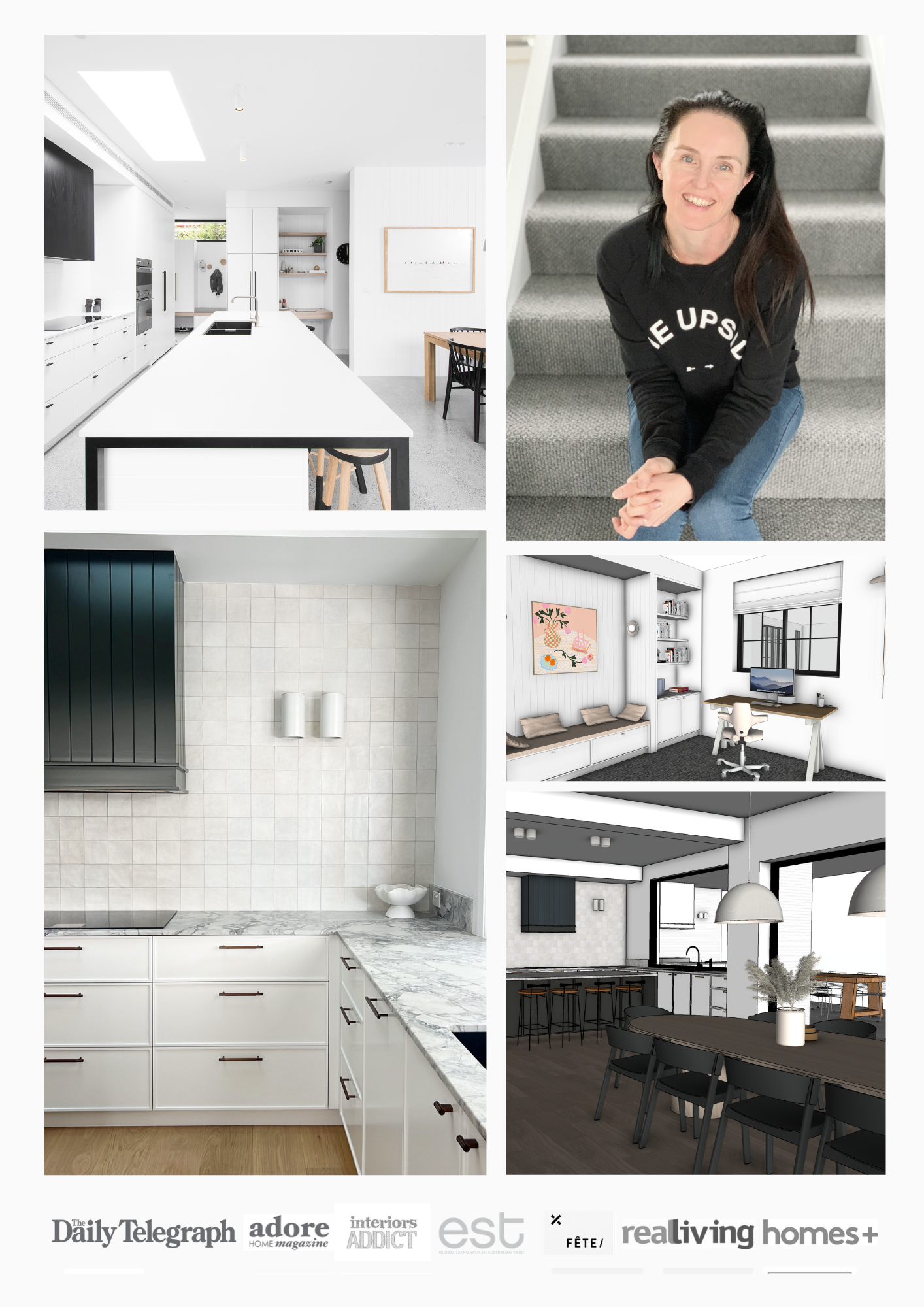
Hi, I'm Dr Clare Le Roy
I'm the founder of The Little Design Corner. I have a PhD in business and worked in the corporate sector before starting my residential interior design studio in 2013. I worked 1:1 with clients for 6 years before starting to teach SketchUp and business skills to the industry.
Since 2019 more than 15,000 design professionals from all over the world have learned SketchUp through my courses and I've watched so many of them build successful businesses using the exact workflow I teach.
My teaching style is very practical and fun. I explain the "why" behind every click so you actually understand what you're doing, not just follow along. By the end you'll feel confident opening SketchUp for any client project and knowing exactly how to bring their brief to life.
Two courses. One complete workflow.
The proven workflow you can use for every client project.
SketchUp Beginners for designing in 3D
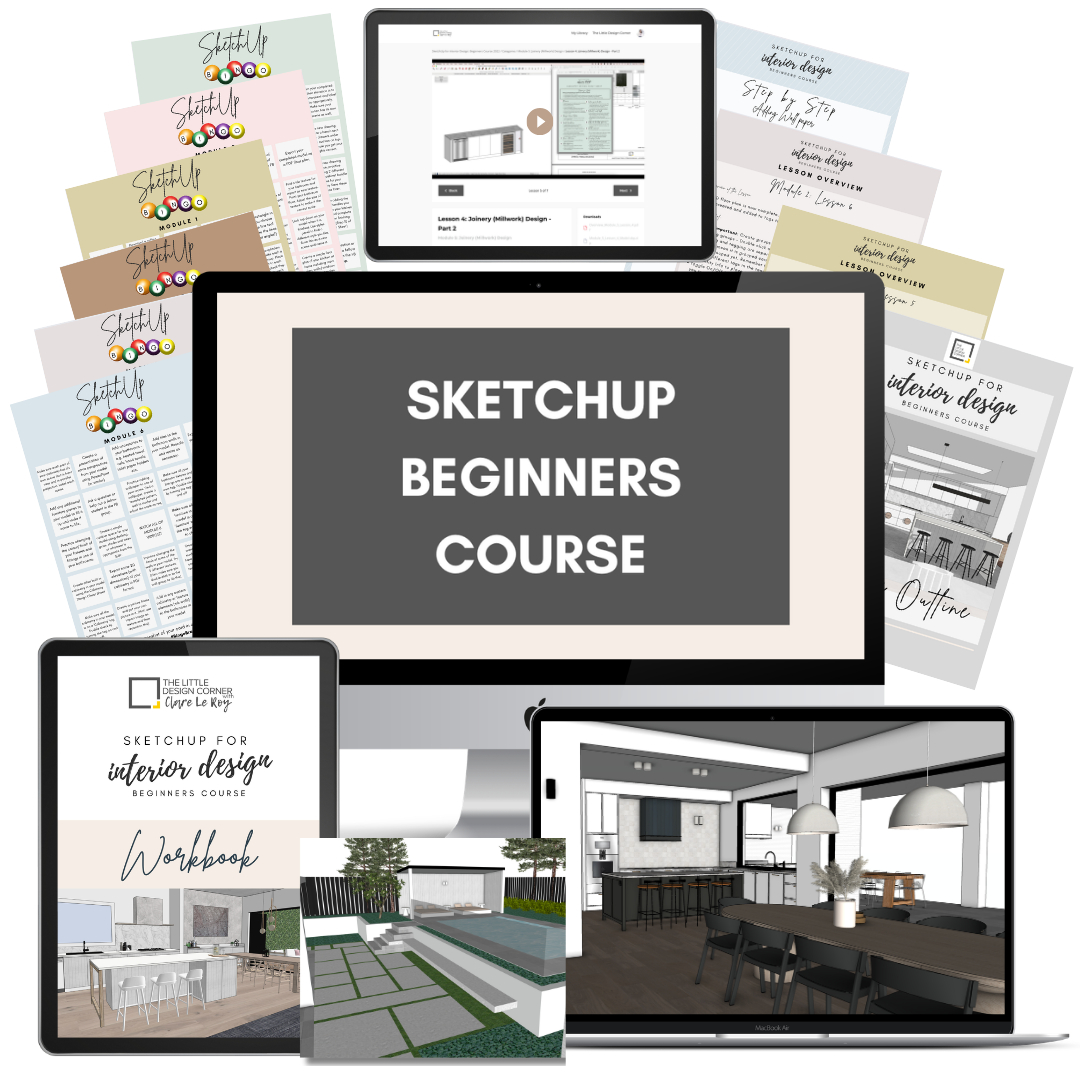
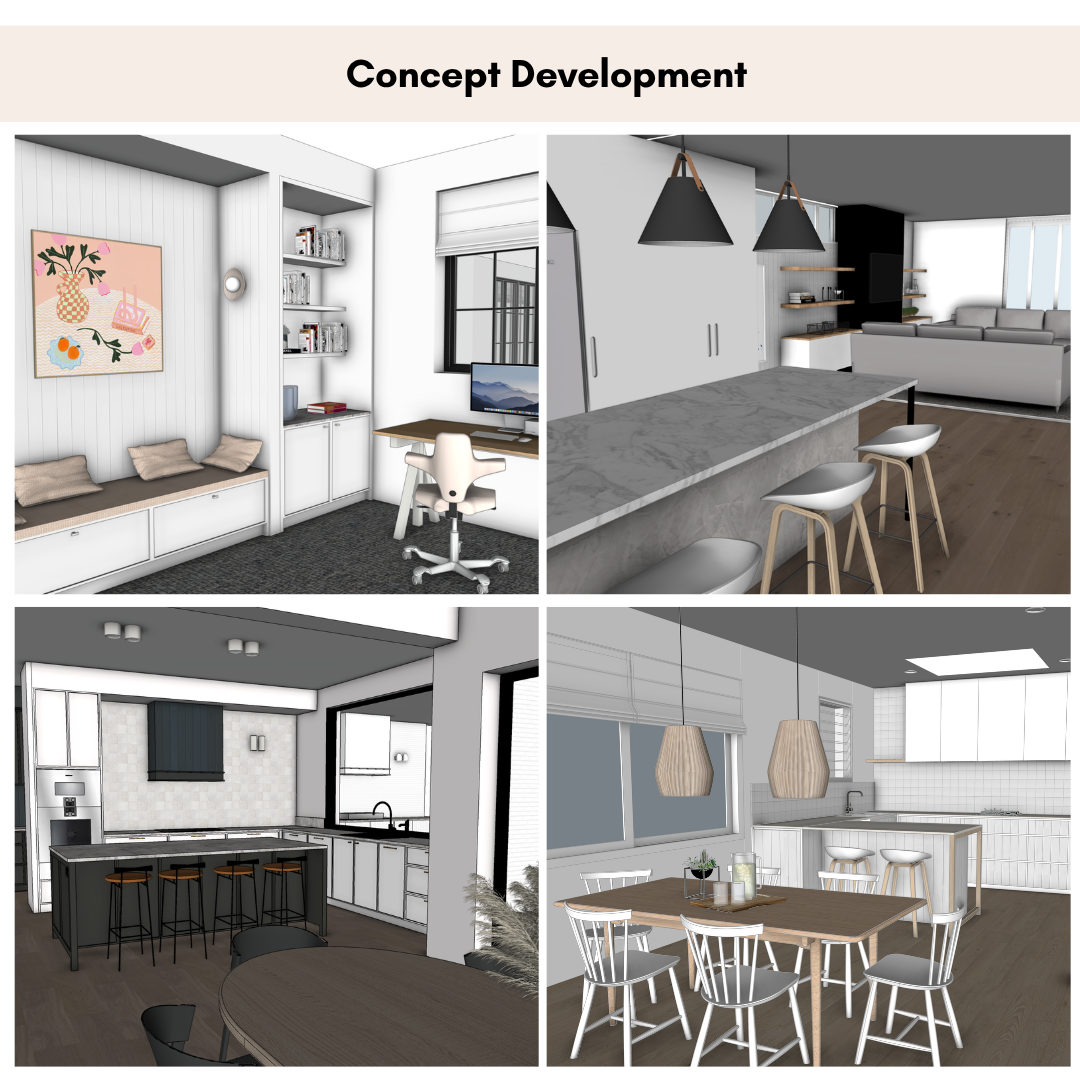
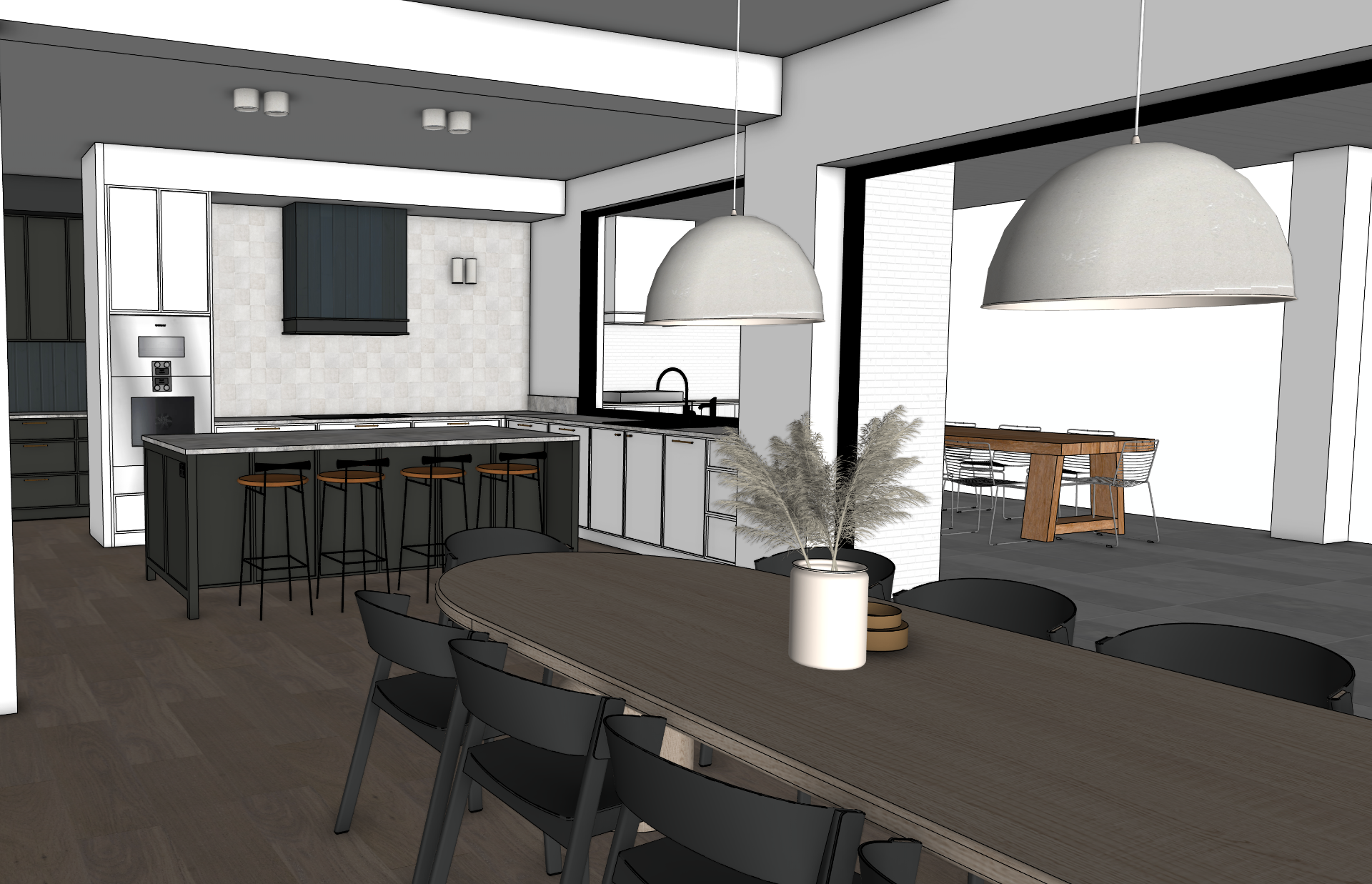
Start from a blank screen and finish with a complete 3D model of a real residential project. No prior experience needed, I'll walk you through every click.
- Set your SketchUp file up the professional way from day one
- Model walls, doors, windows, ceilings and floor levels
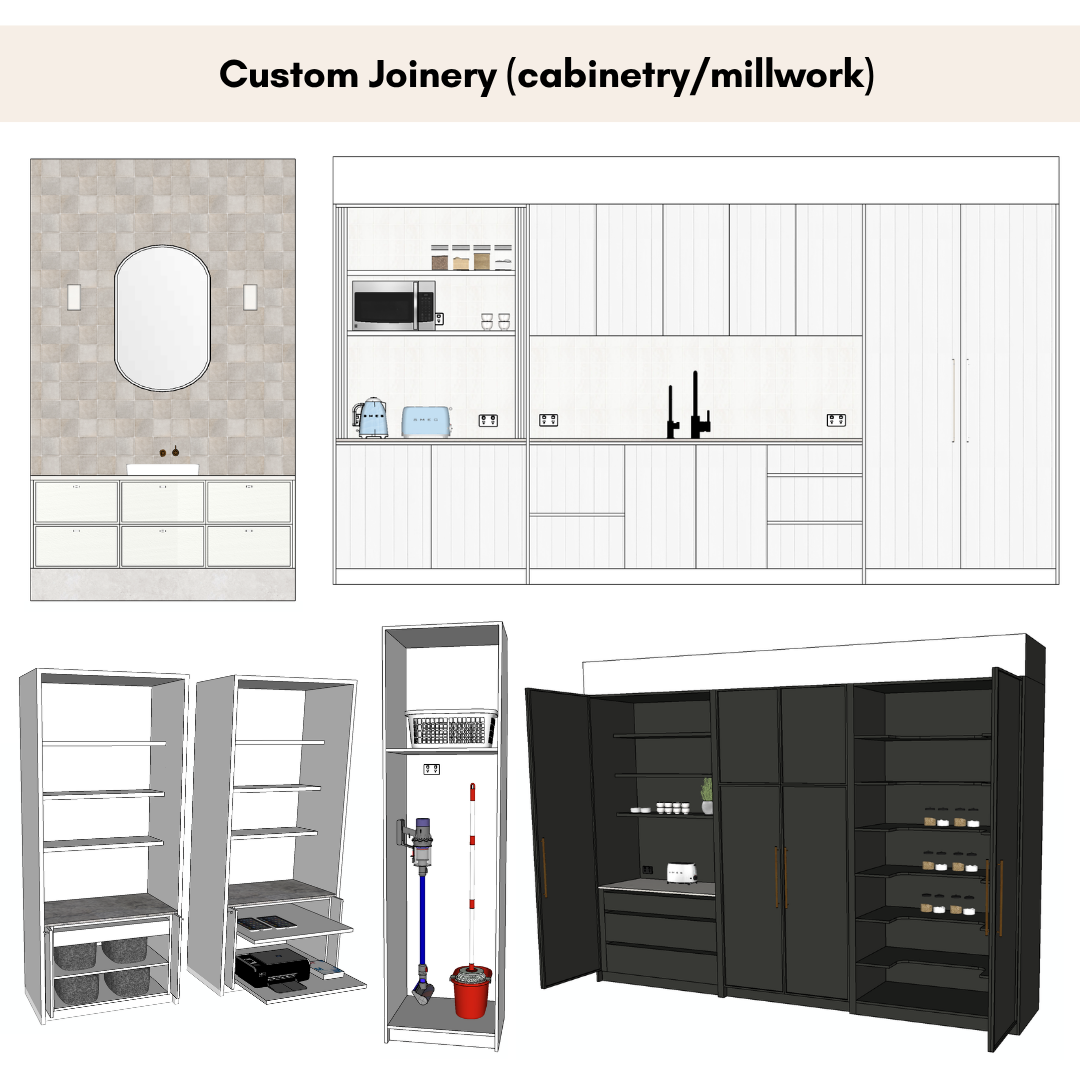
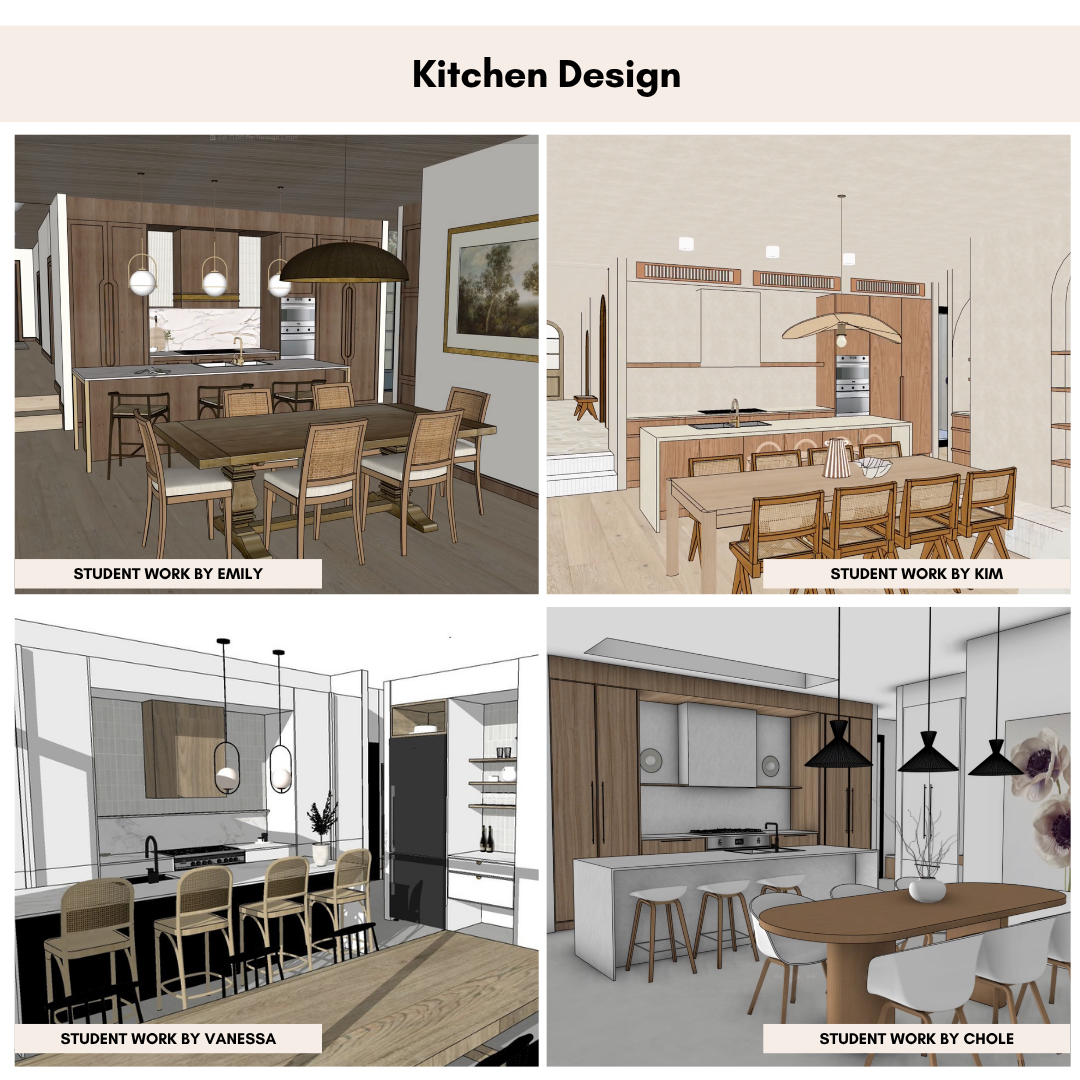
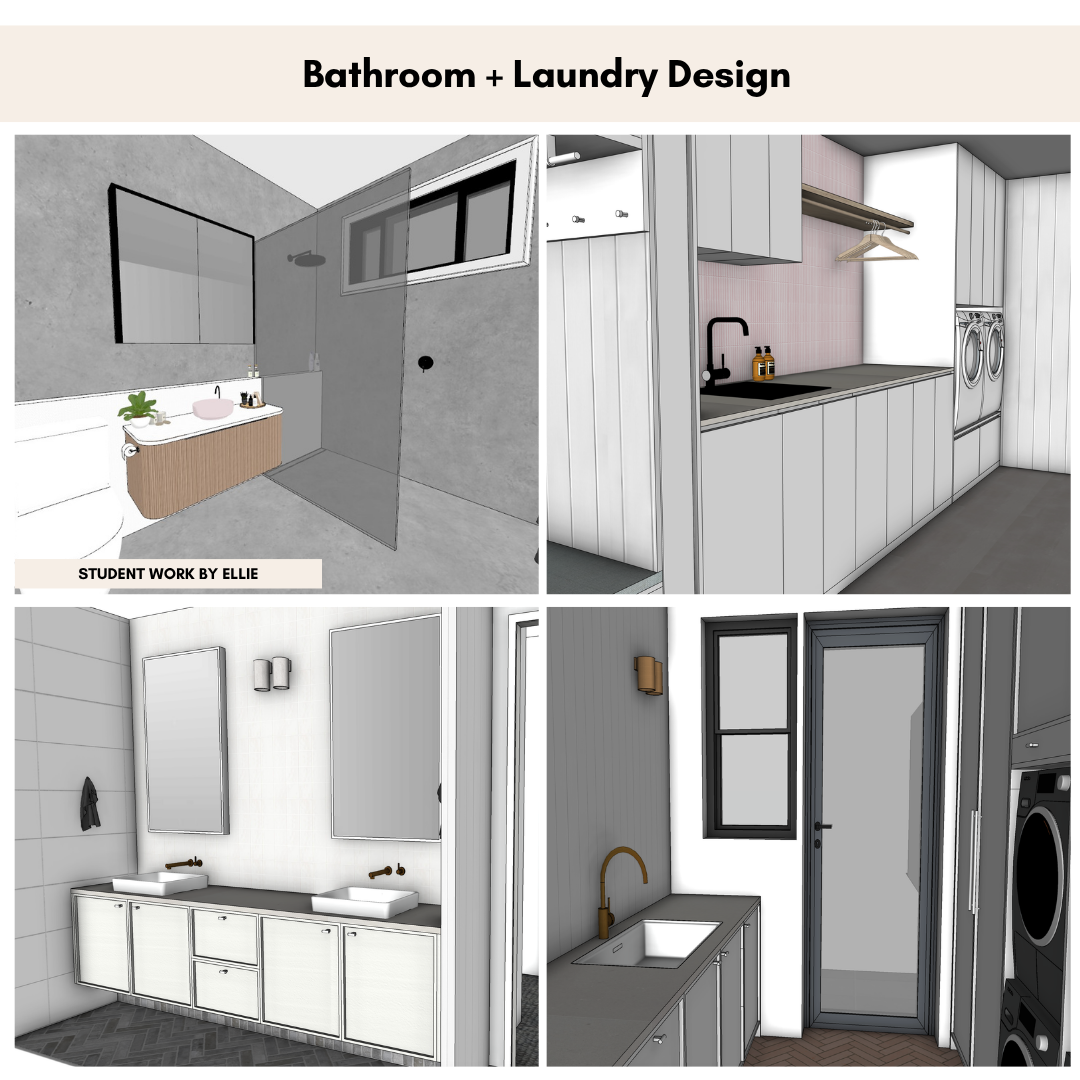
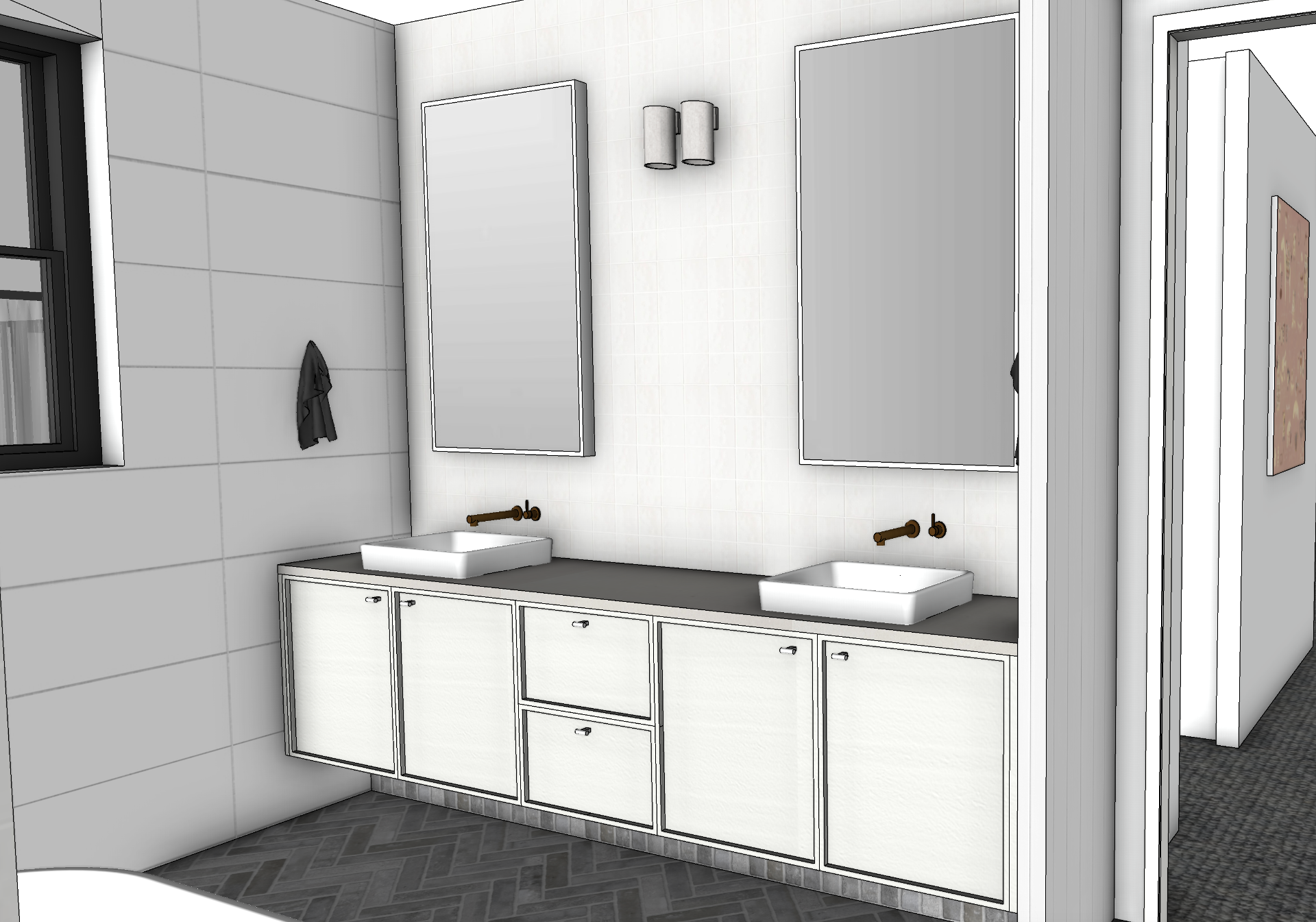
- Build kitchens, bathrooms and custom joinery / millwork / cabinetry
- Import furniture, fixtures and 3D models
- Apply materials (e.g. paint or wallpaper or flooring) and lighting / shadows to your scene
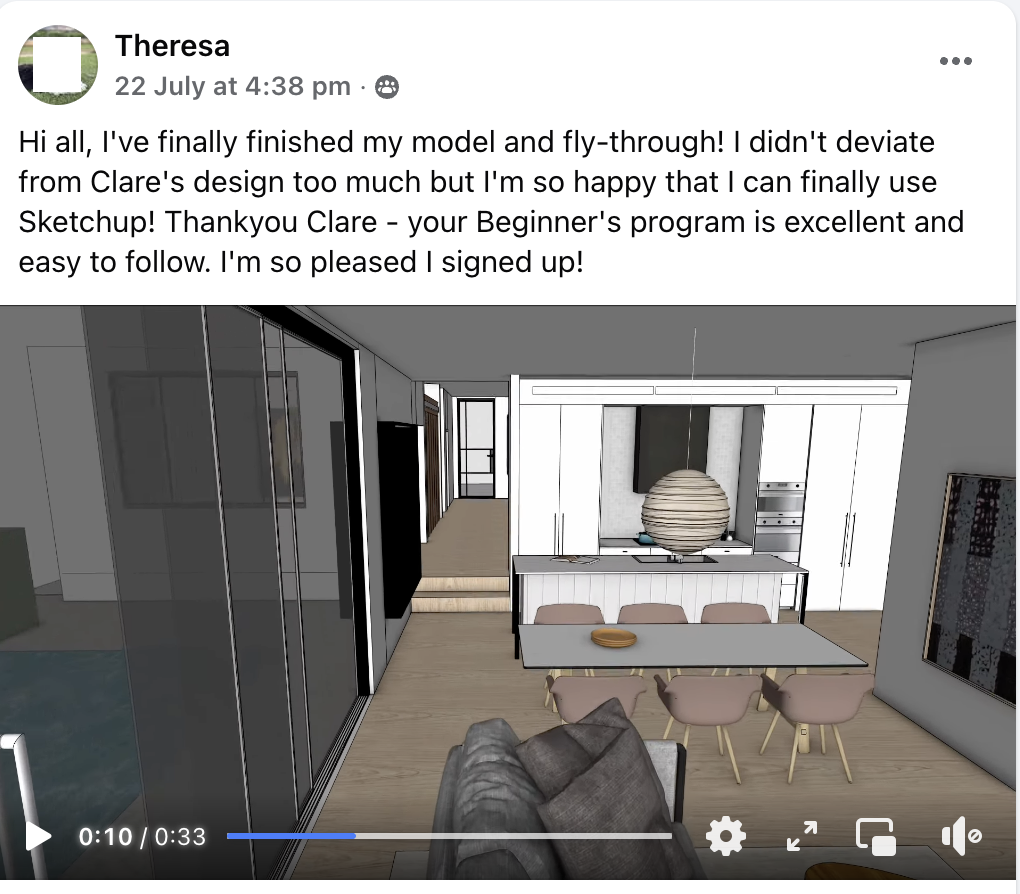
- Present 3D video walkthroughs your clients will actually get excited about
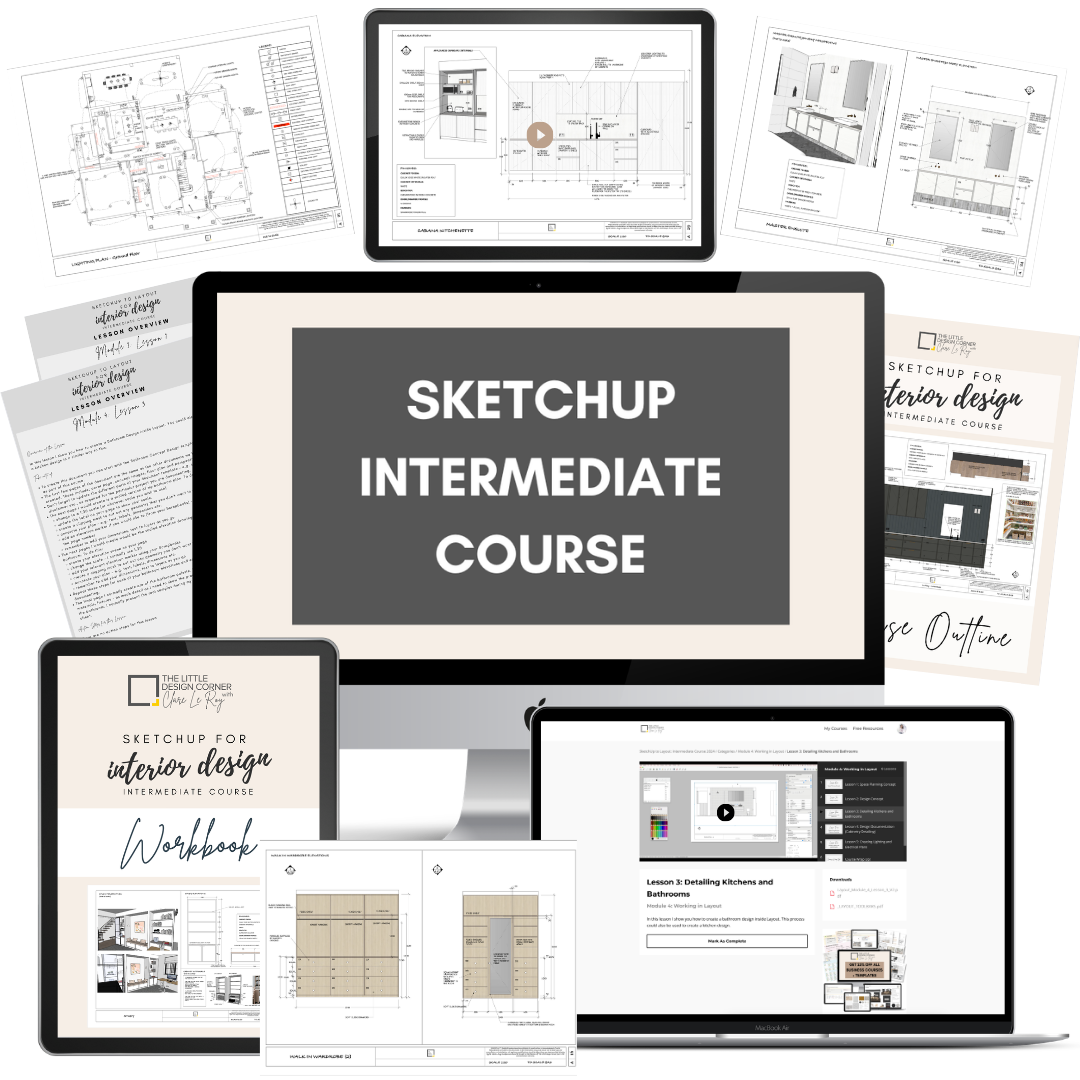
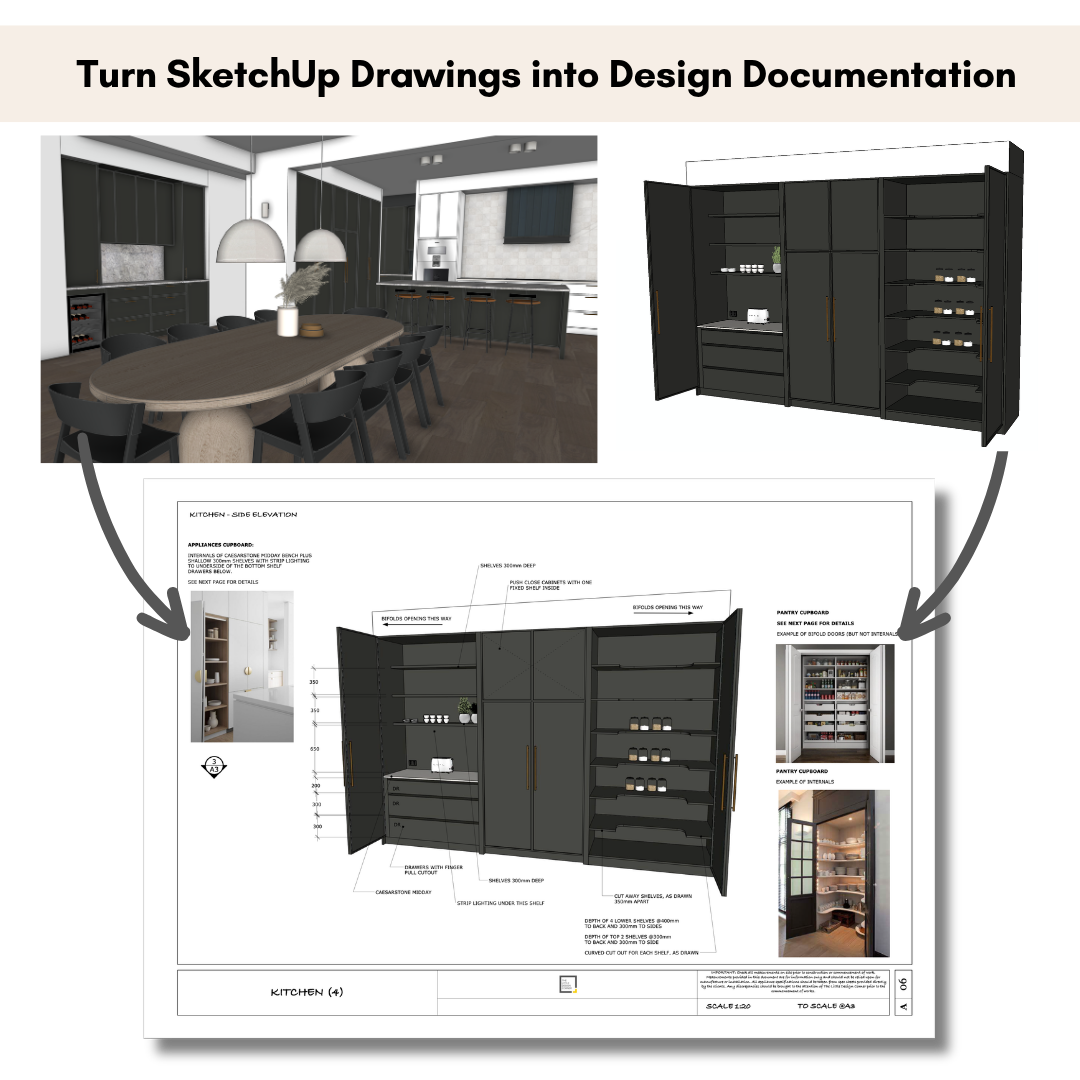
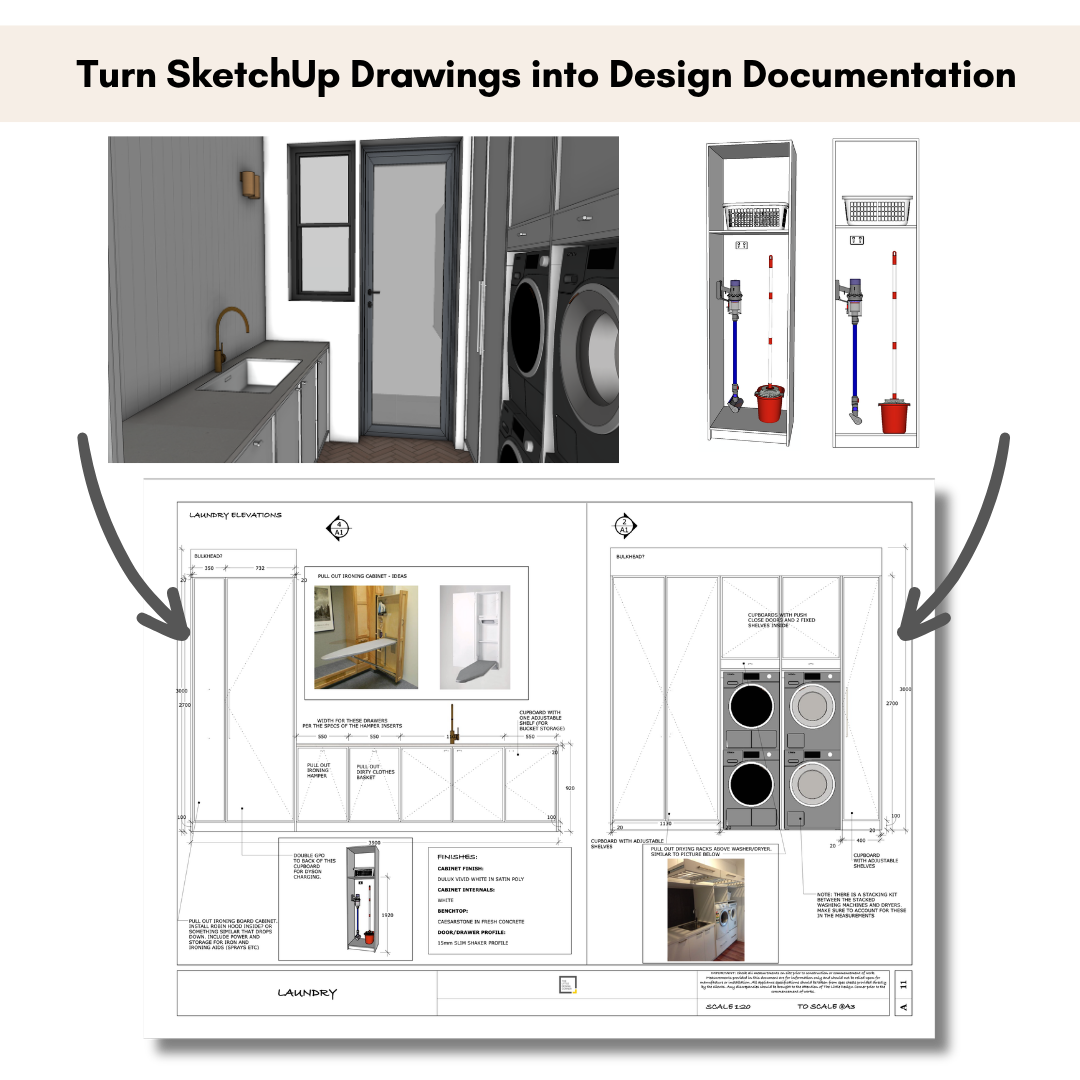
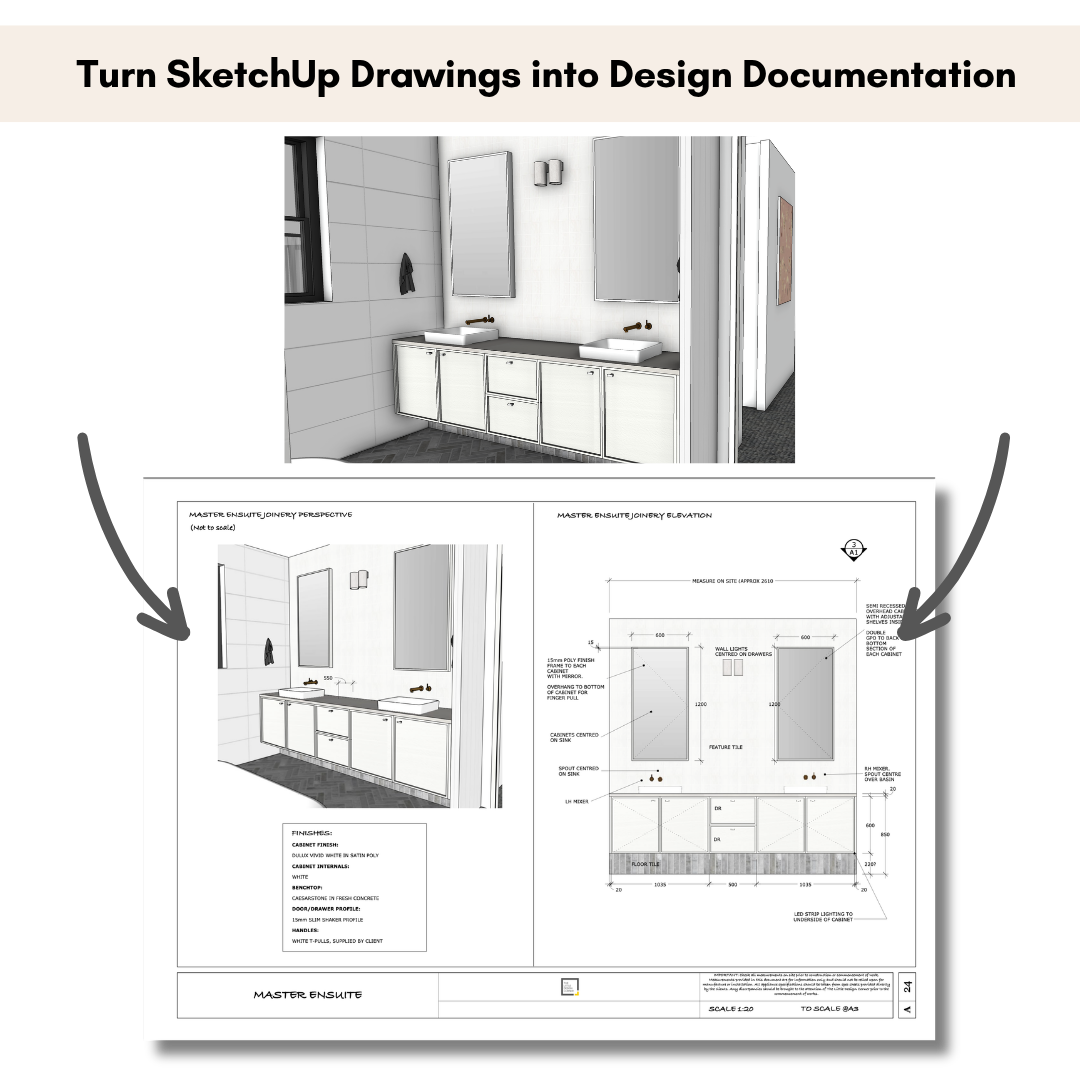
SketchUp Intermediate to create drawings in Layout
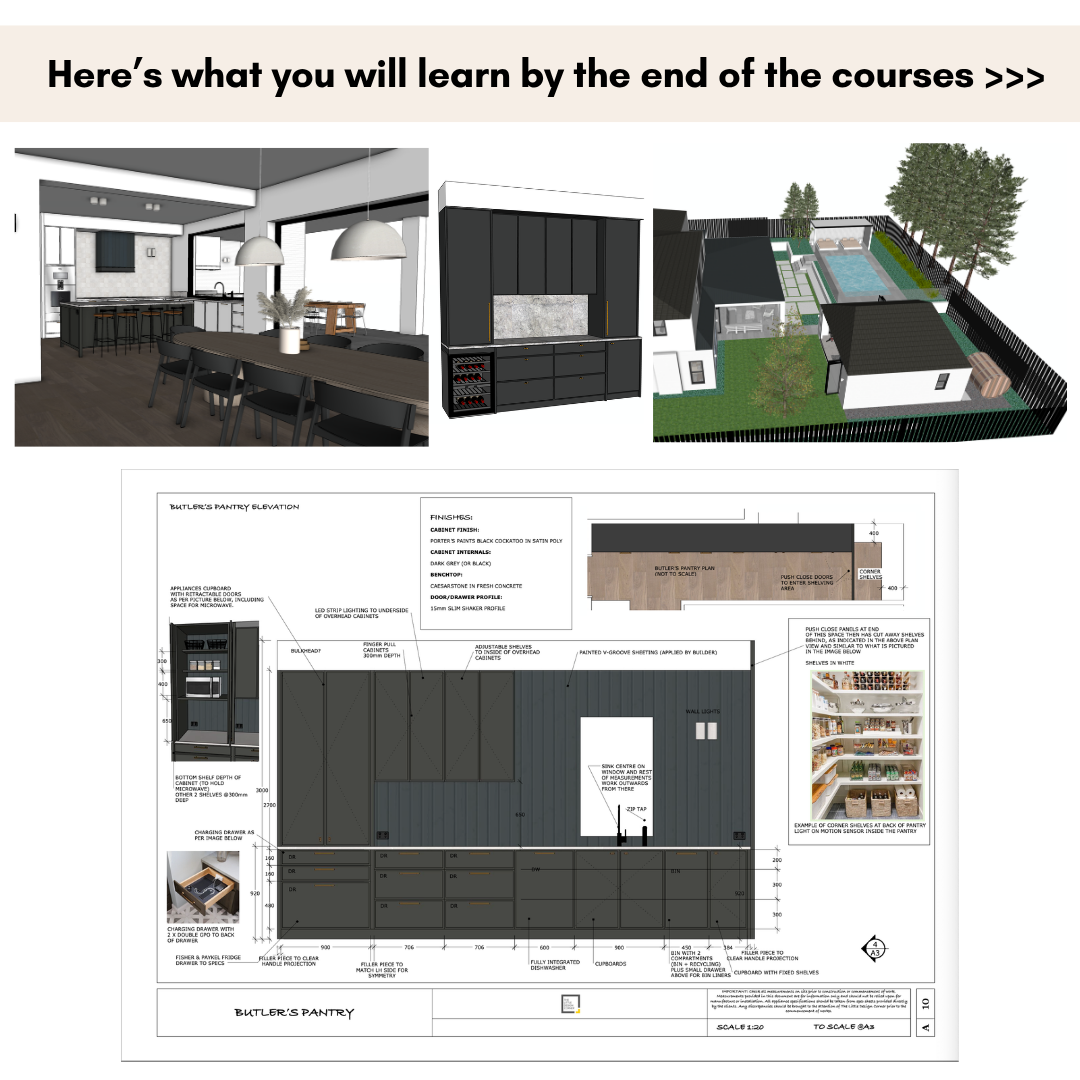
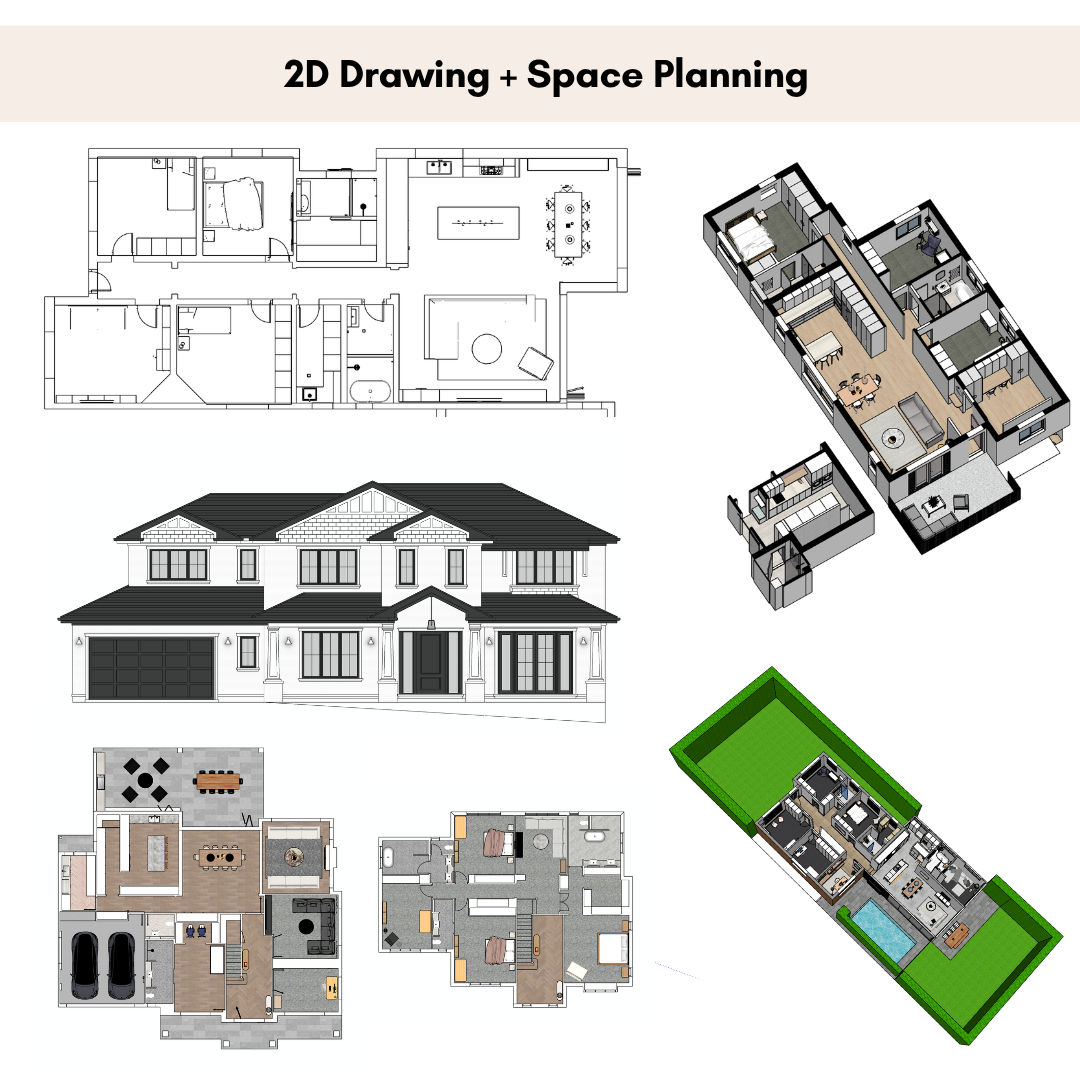
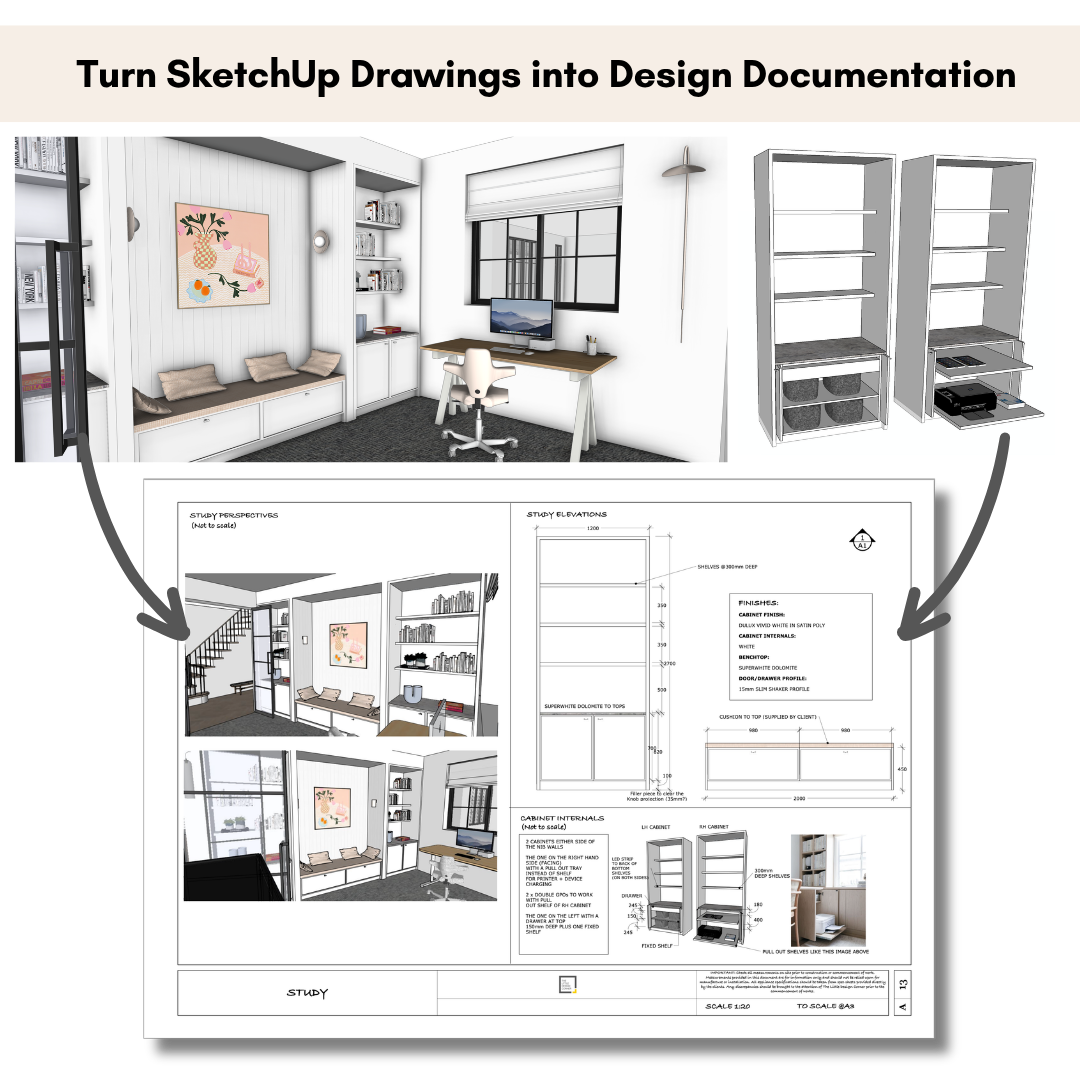
Turn your 3D model into a professional PDF drawing pack. These are the deliverables your builder, cabinet maker and client actually work from.
- Build a reusable Layout template with your branding
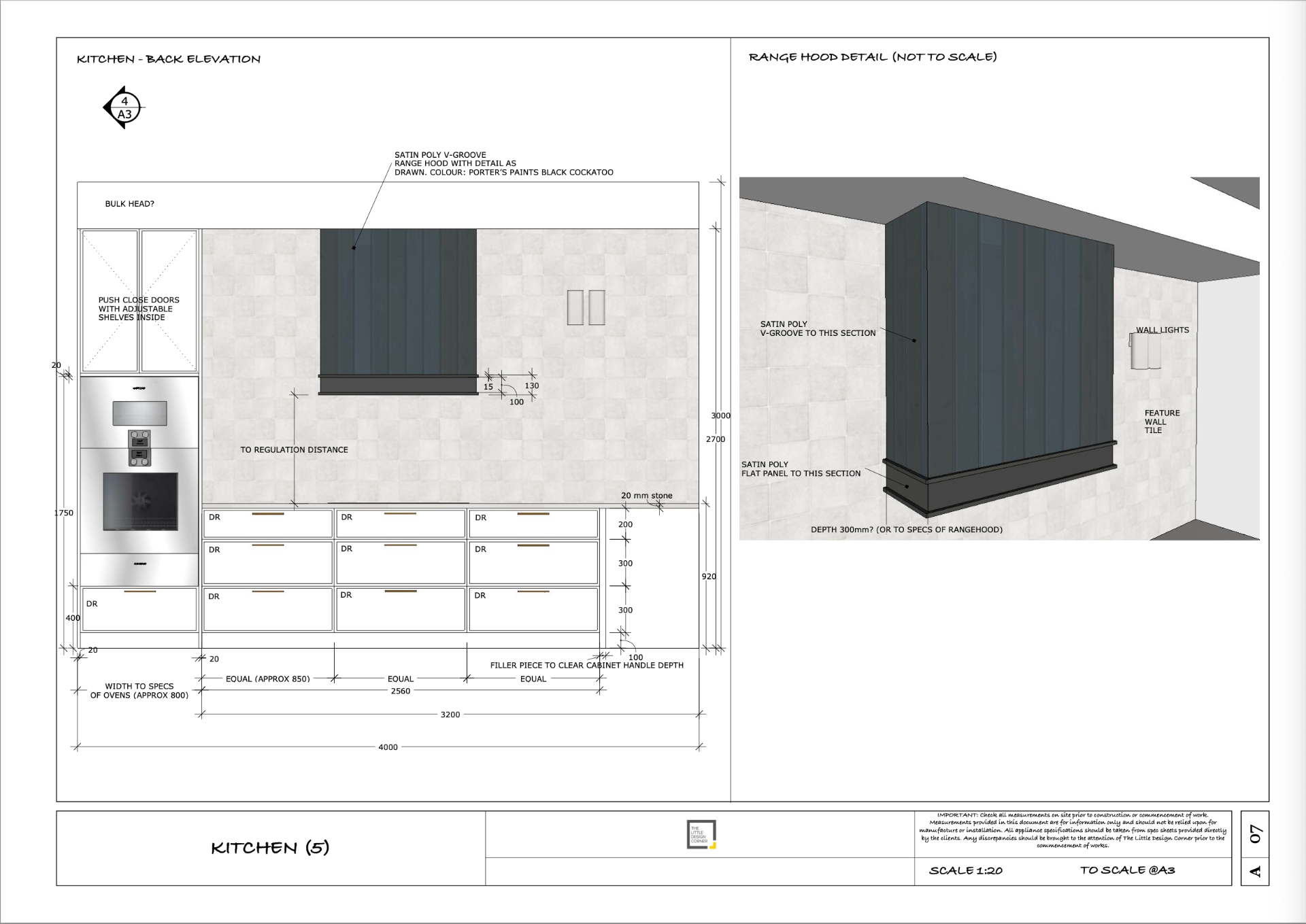
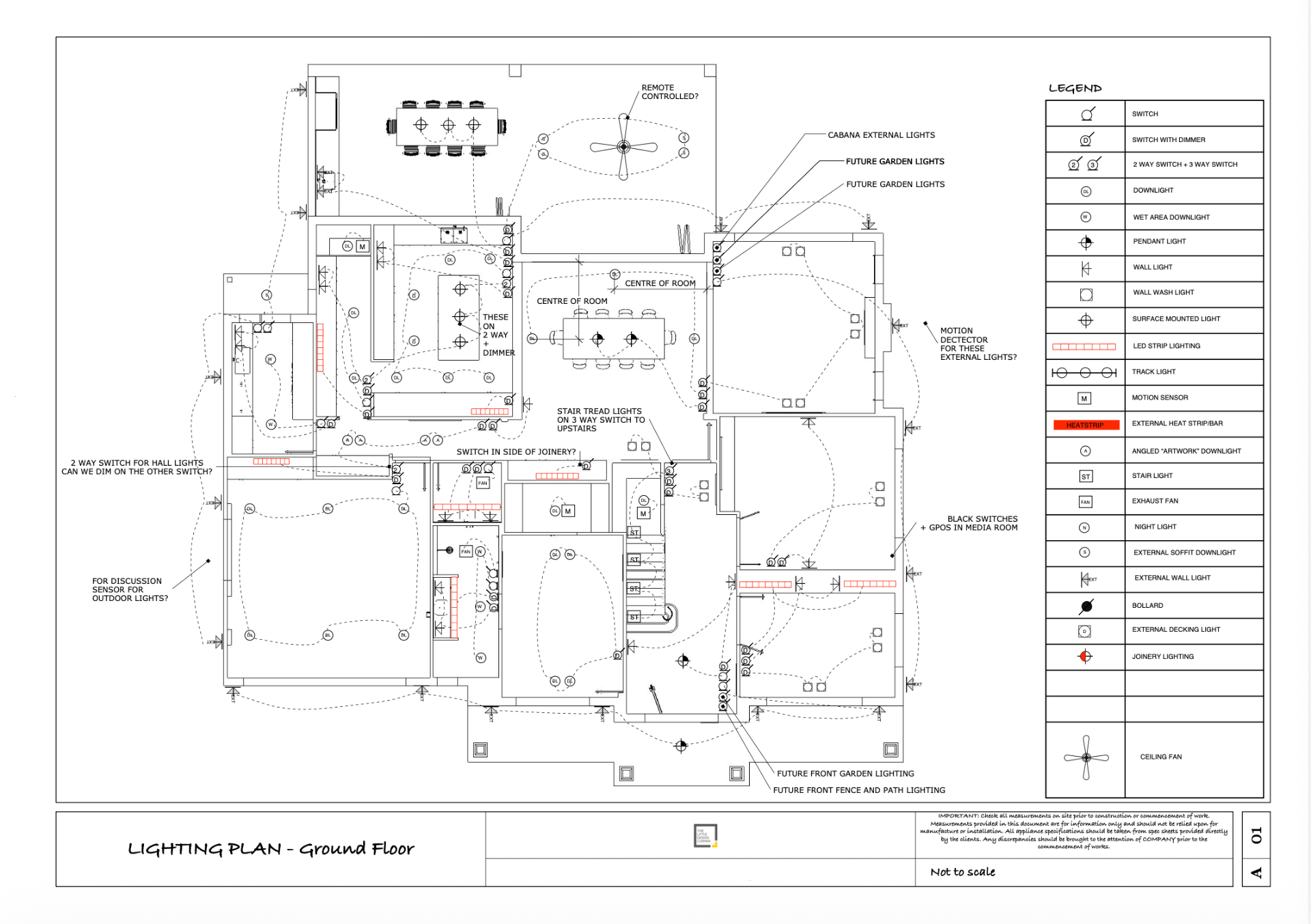
- Create scaled plans, elevations and section cuts
- Add title blocks, dimensions, notes and annotations
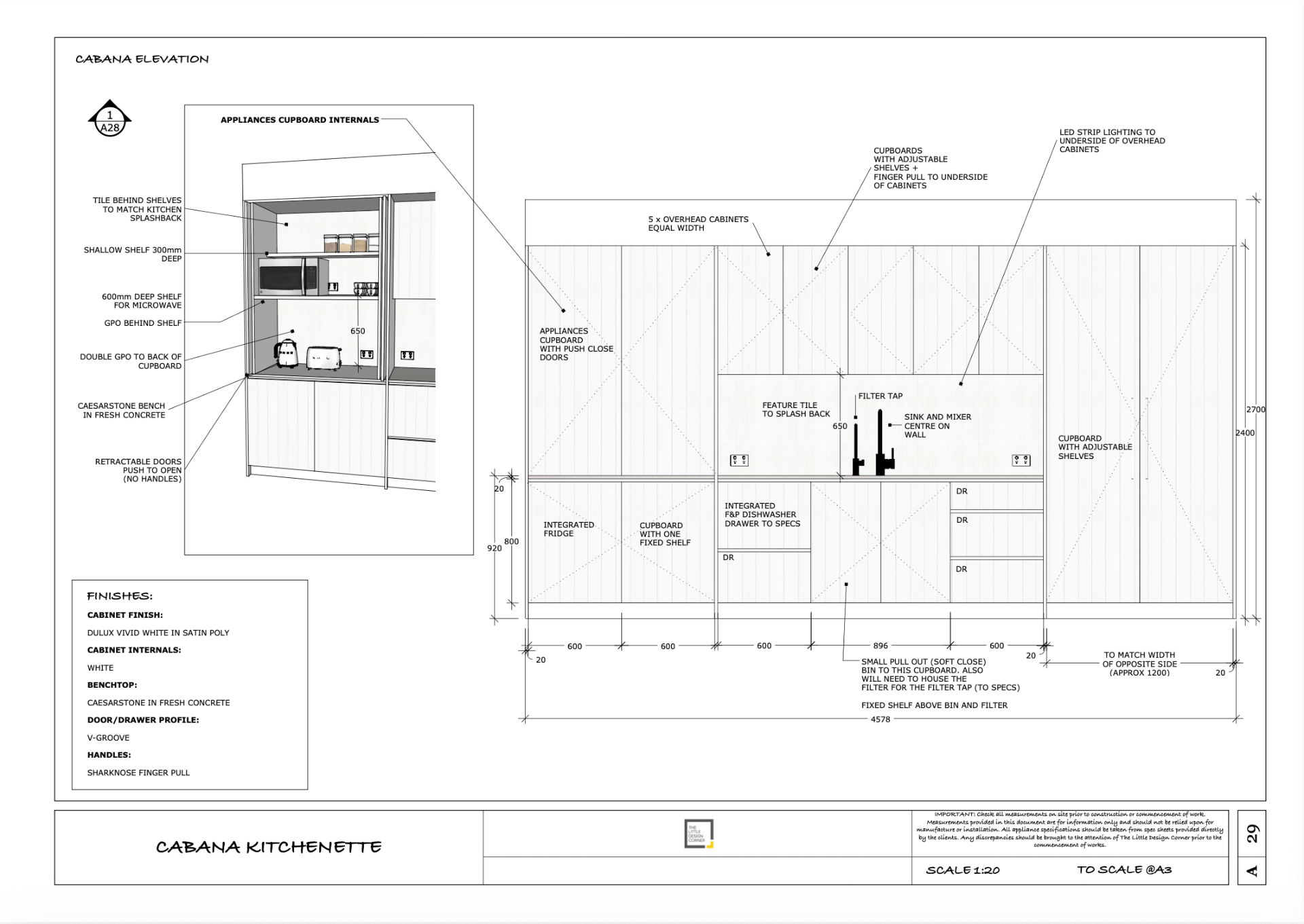
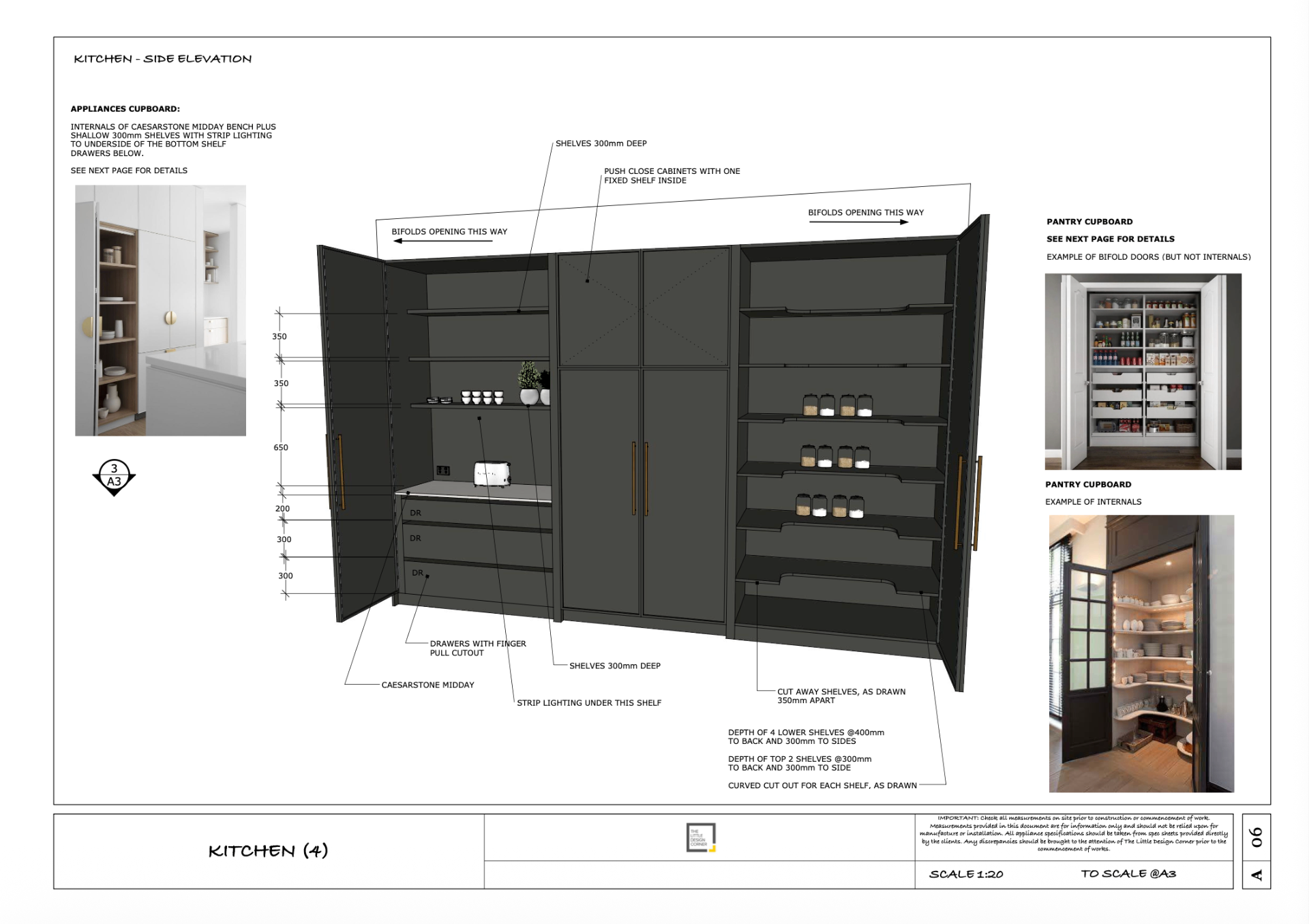
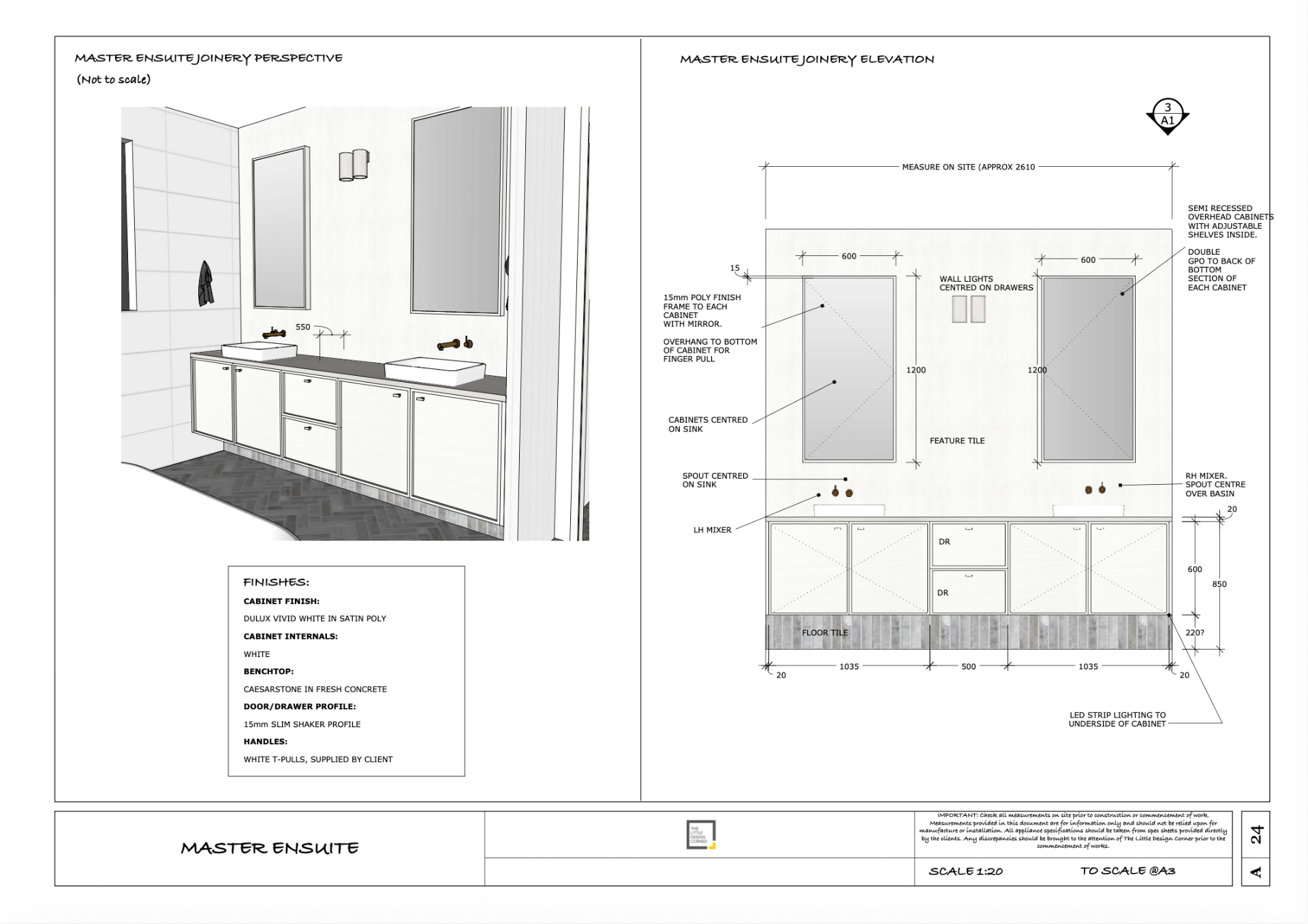
- Produce a full joinery / millwork / cabinetry drawing set
- Handle project revisions without breaking anything
- Export client/build ready documentation you're proud to send
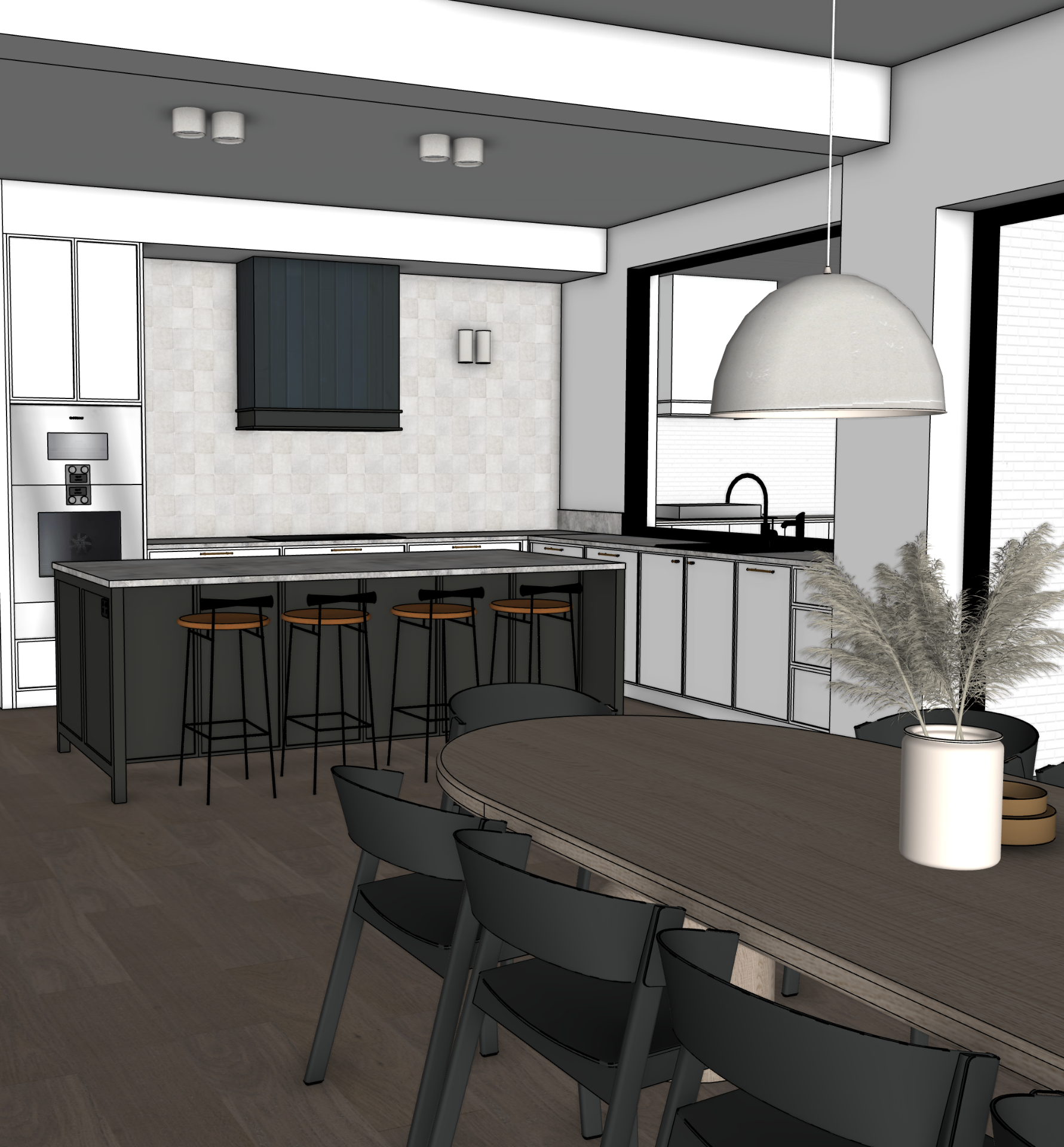
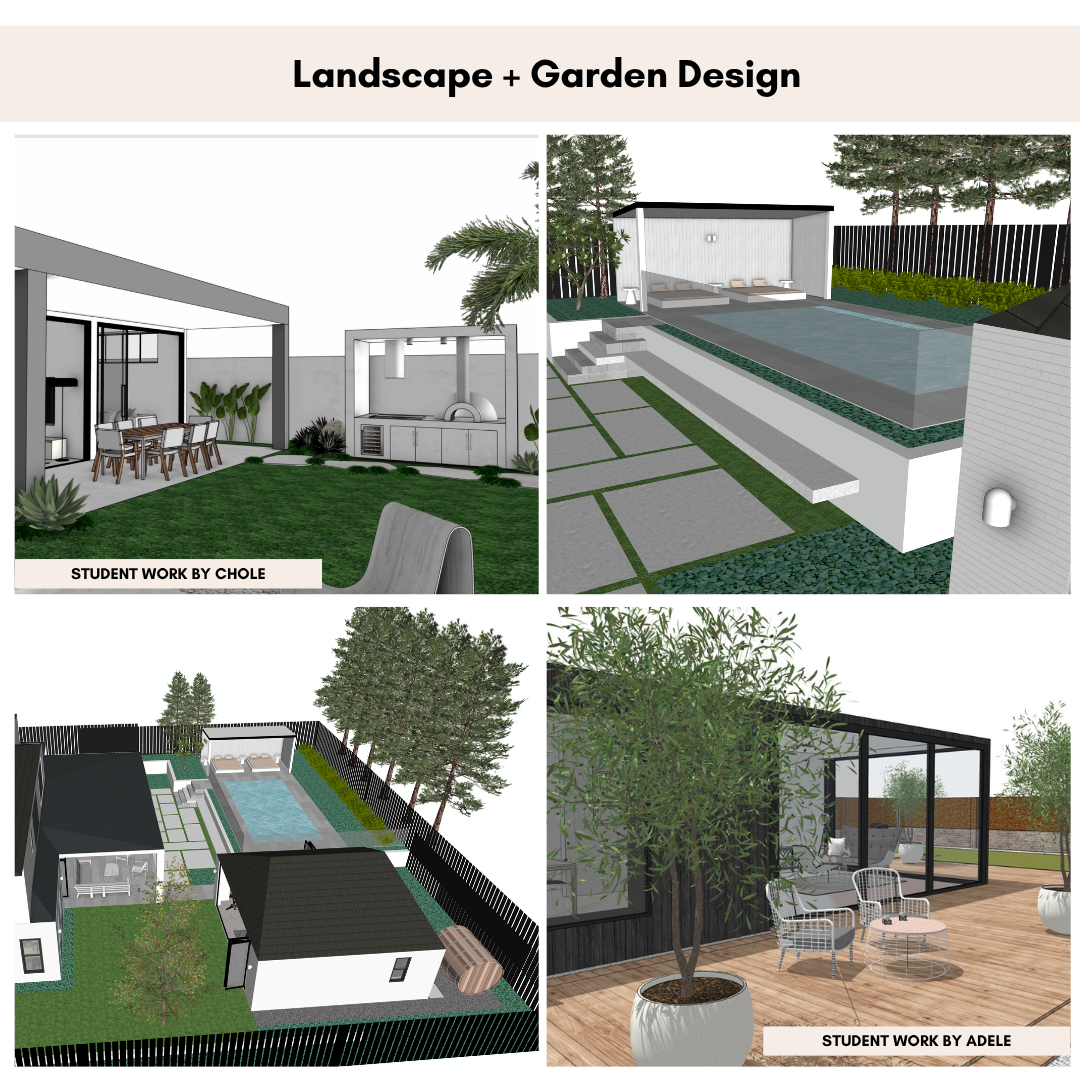
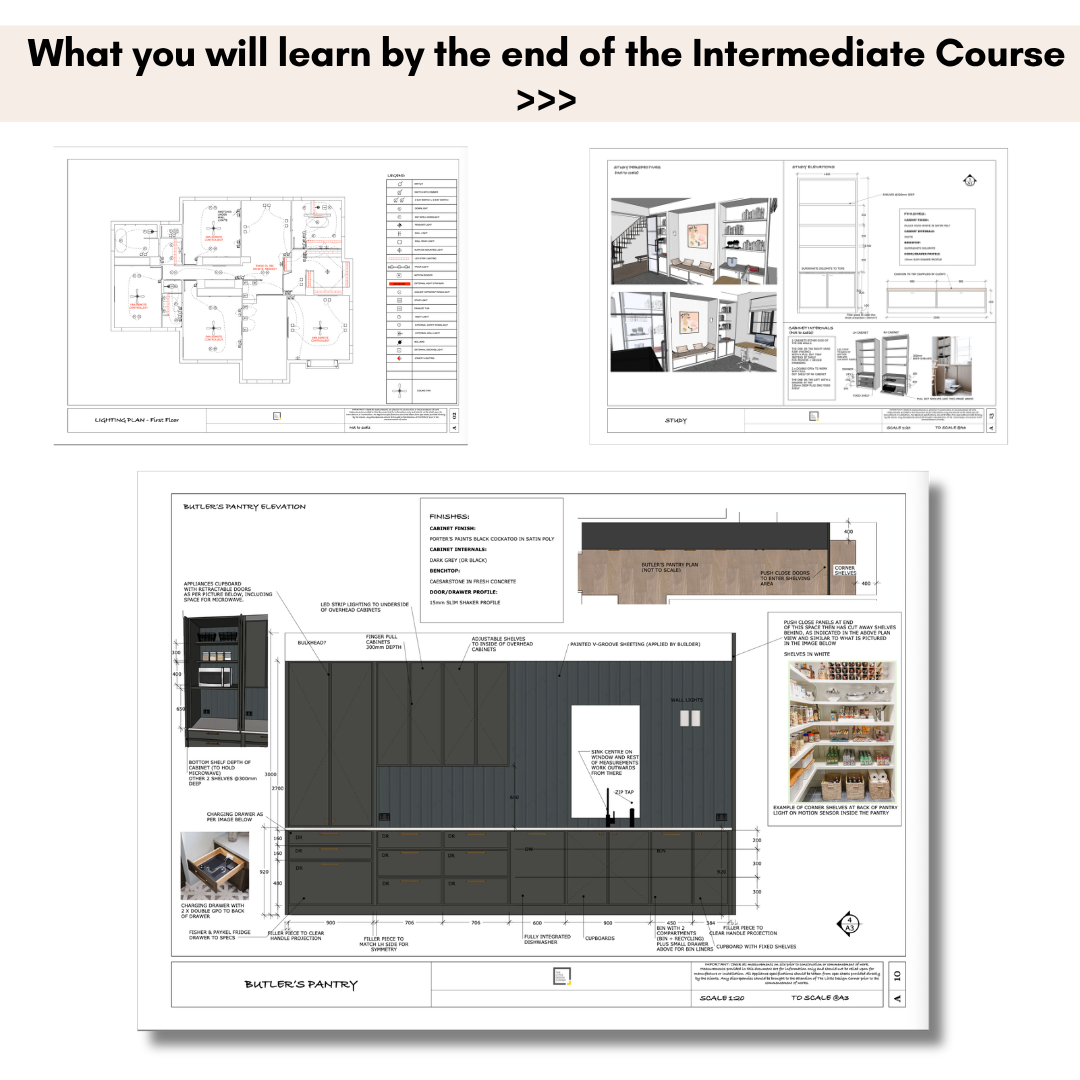
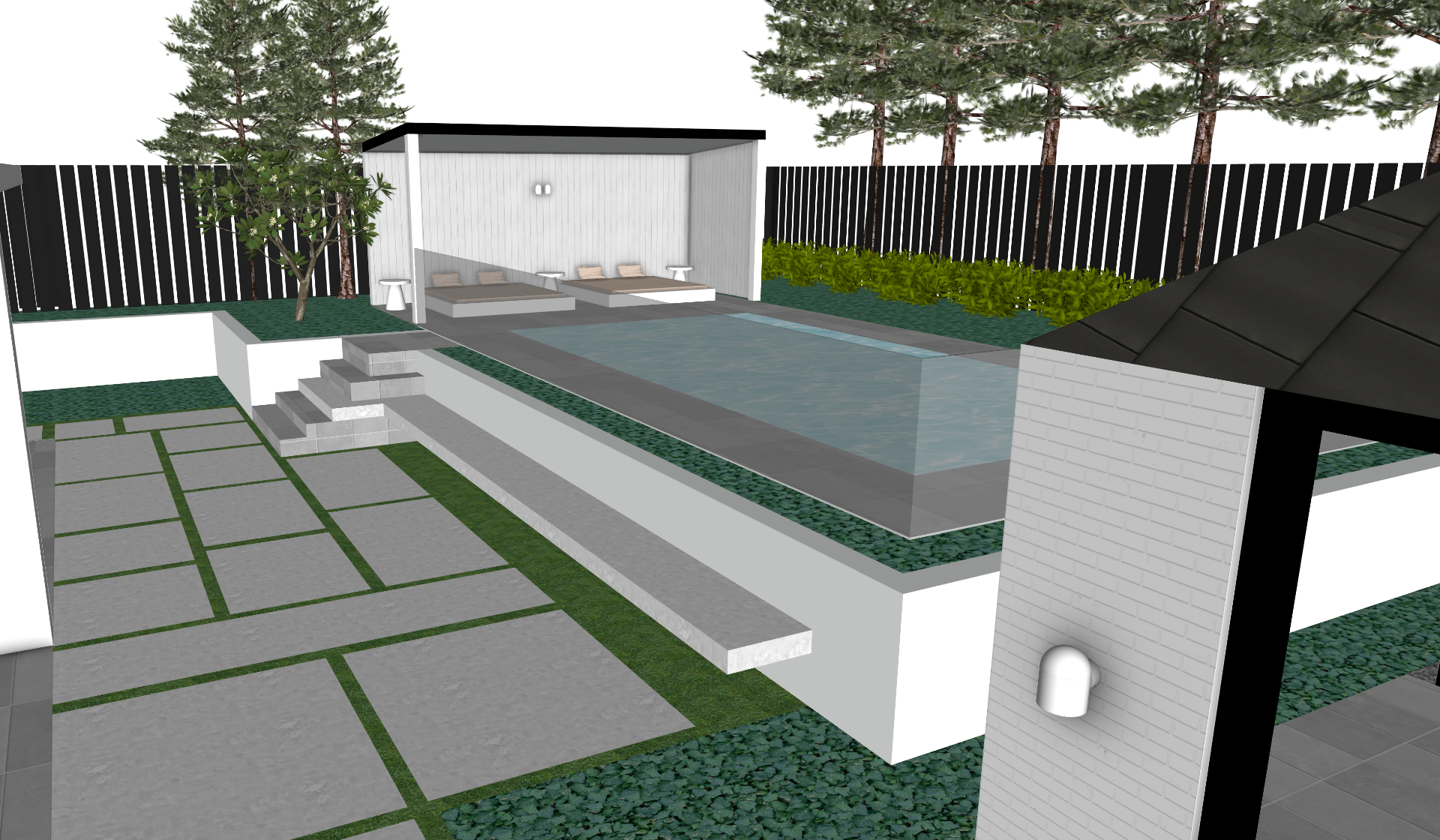
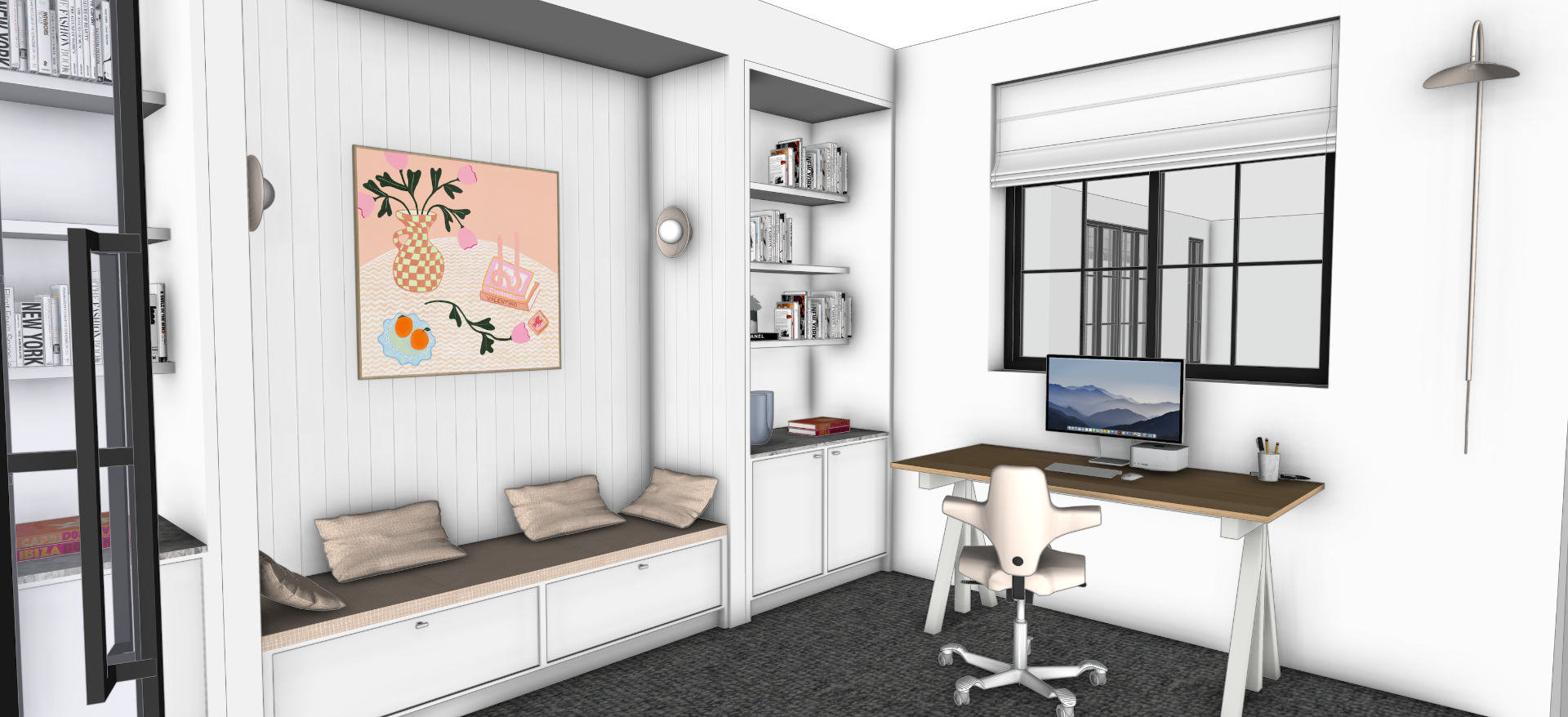
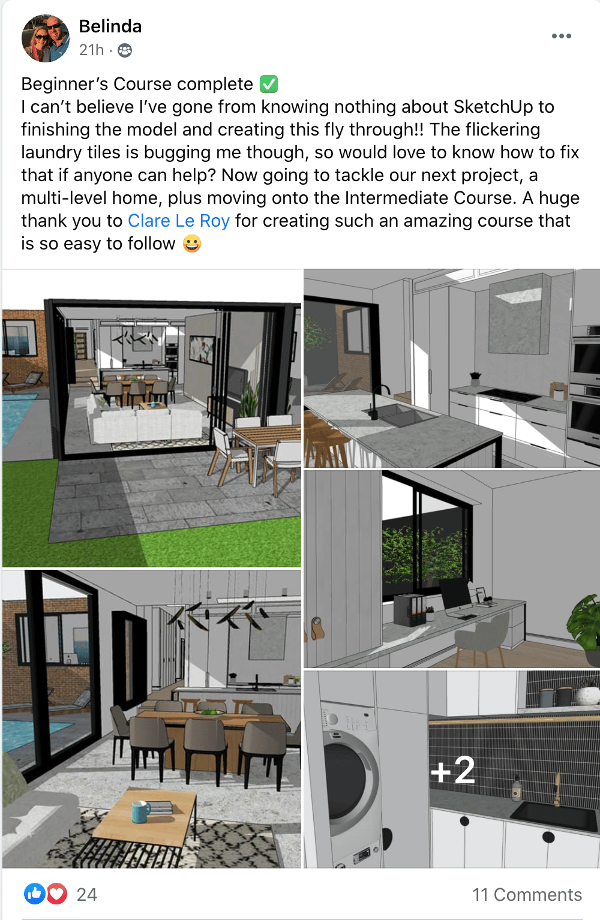
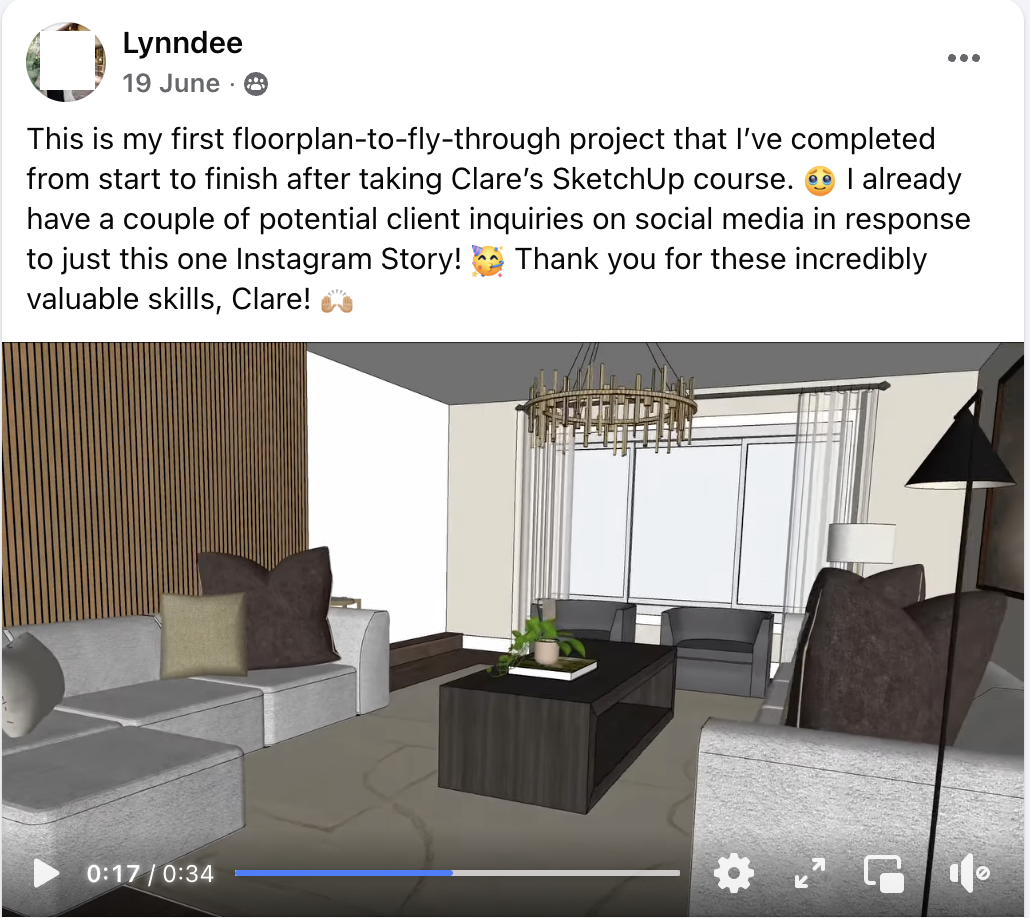
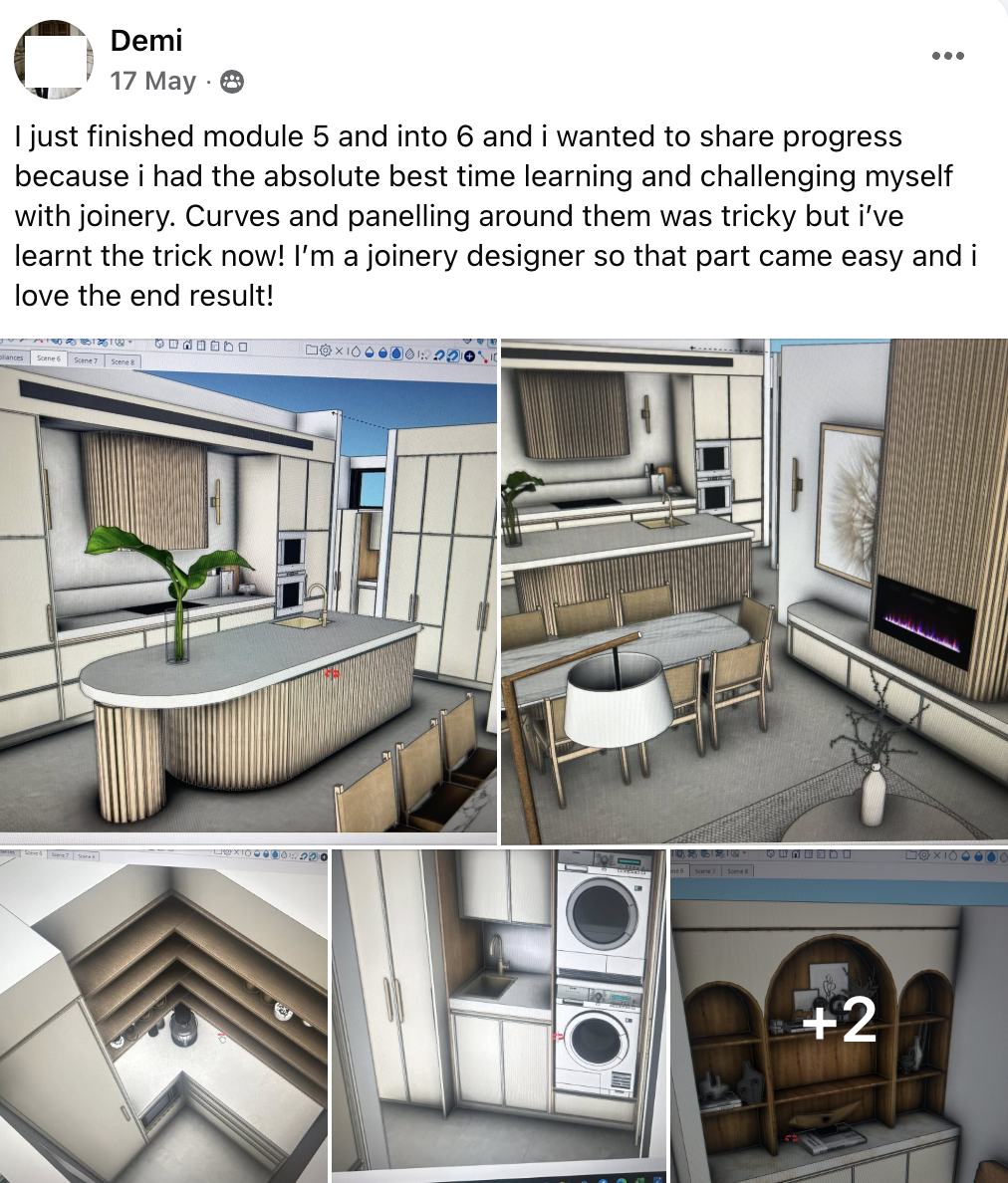
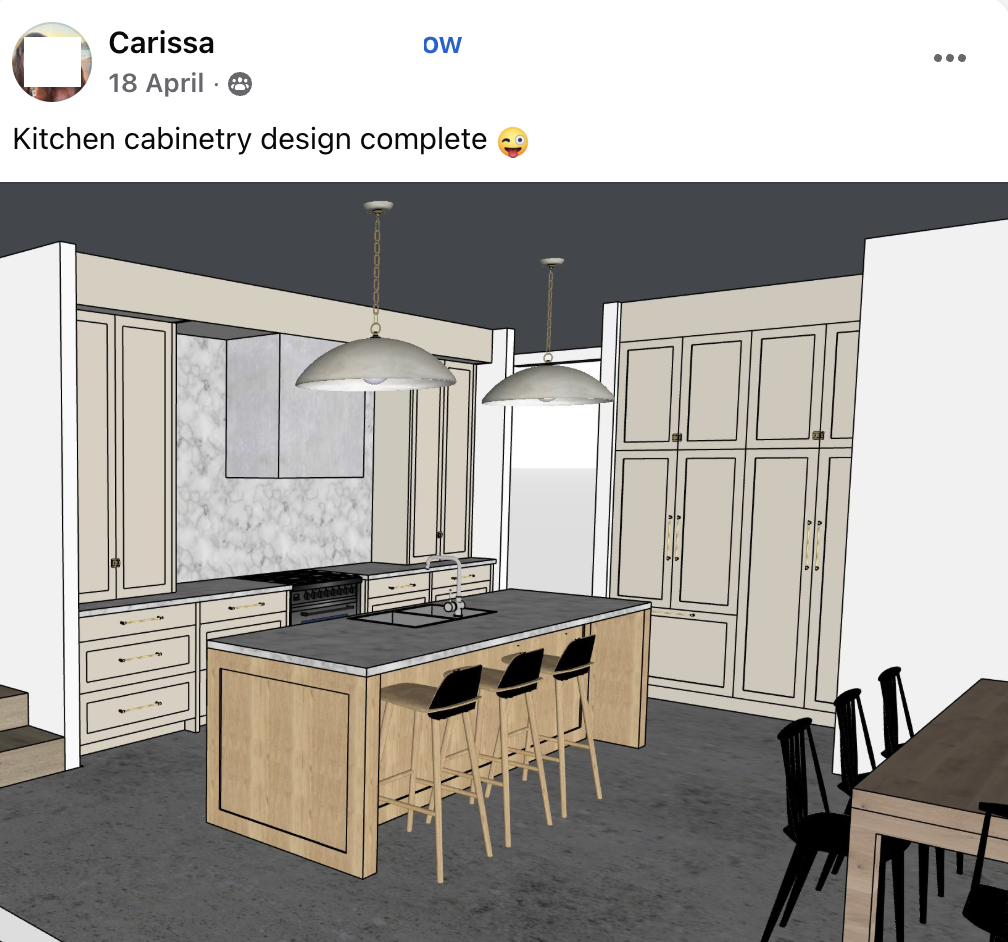
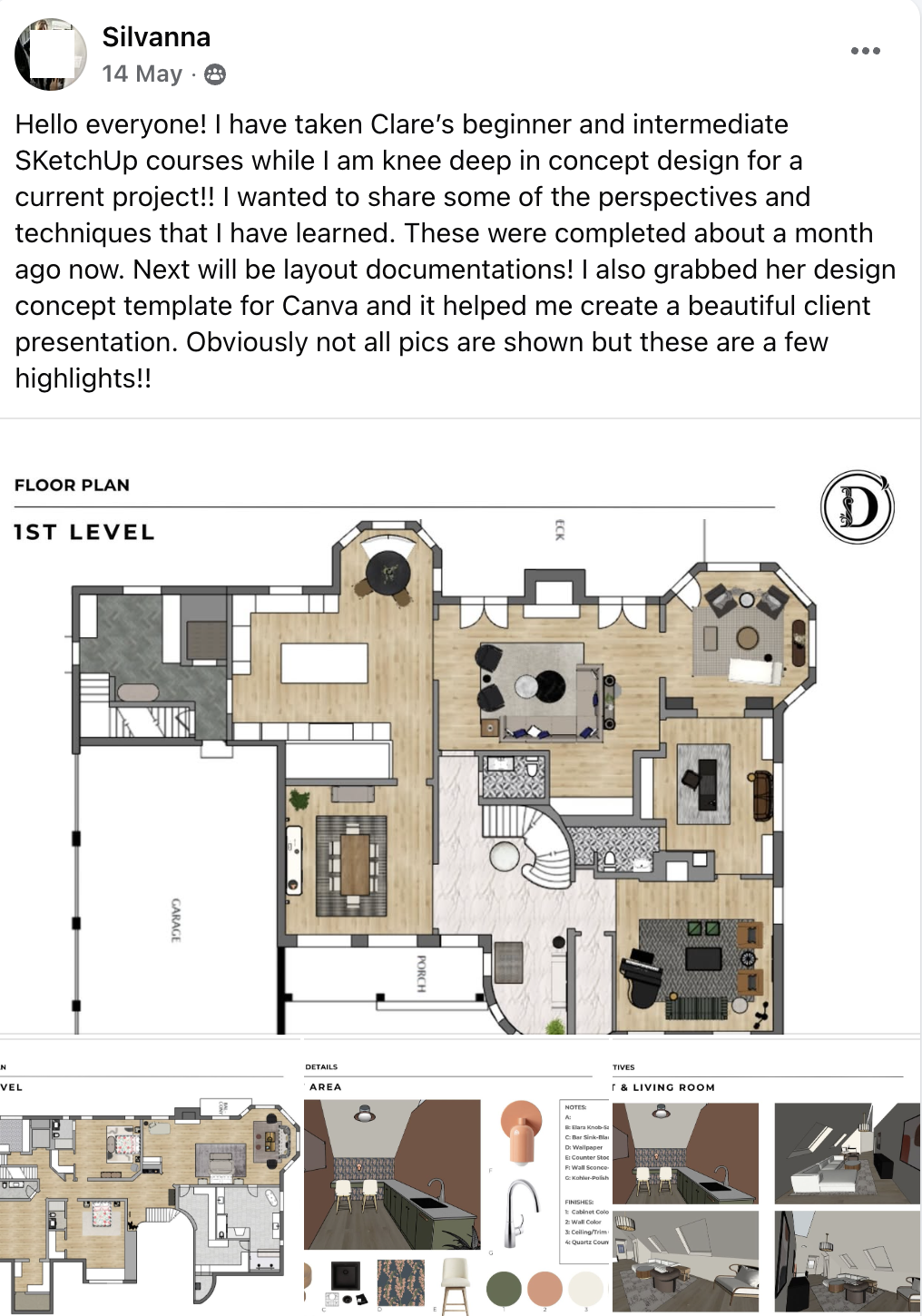
Here's the type of work you'll be able to produce by the end of the courses.
You also get these bonuses
These are the extras I've built over my 7 years of teaching SketchUp. The templates, workflows and mini trainings my students ask for most. Yours free when you join.
- SketchUp for iPad bonus training$197
- Rendering with Ambient Occlusion$97
- Creating a fly-through animation vidoe$97
- How to measure a home properly$47
- Basic landscape + exterior design$97
- Customisable Layout templates$197
Yes, it's fun. Yes, you get looked after.
- SketchUp is genuinely fun to use! You'll find yourself opening it on a Sunday just to have a play.
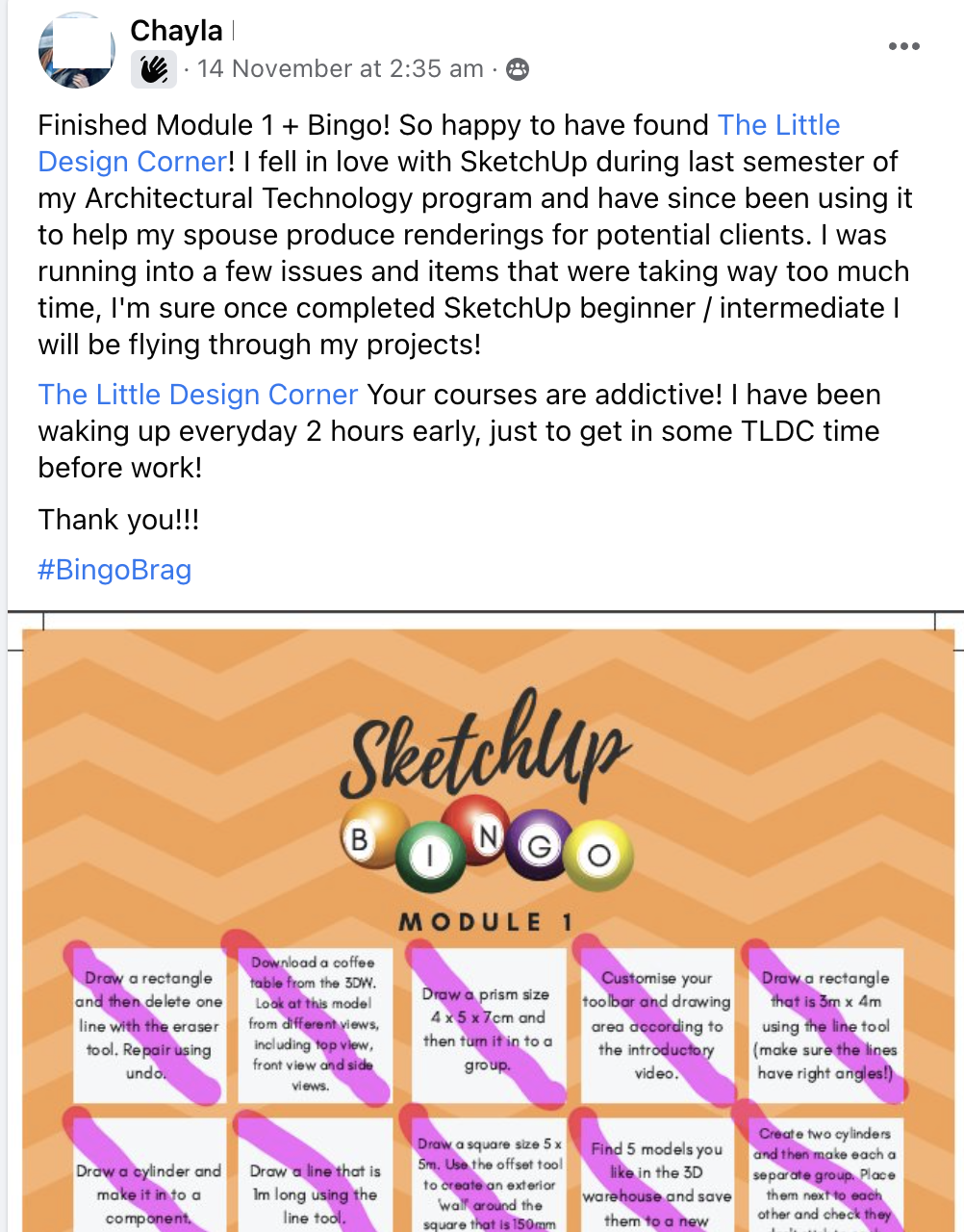
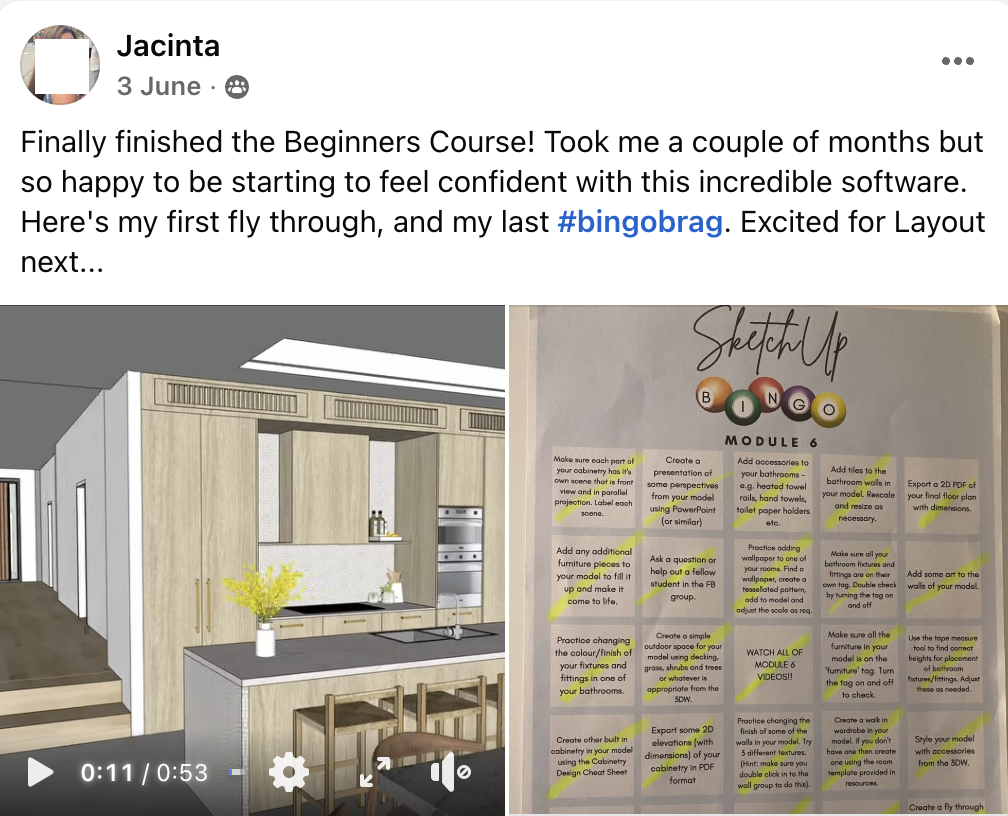
- We play SketchUp Bingo instead of doing boring assignments, so your practice actually sticks.
- You'll be invited to an active, helpful SketchUp student community.
- We also offer 1:1 email support if you ever need it. Most students don't, but we are only a message away if you do.
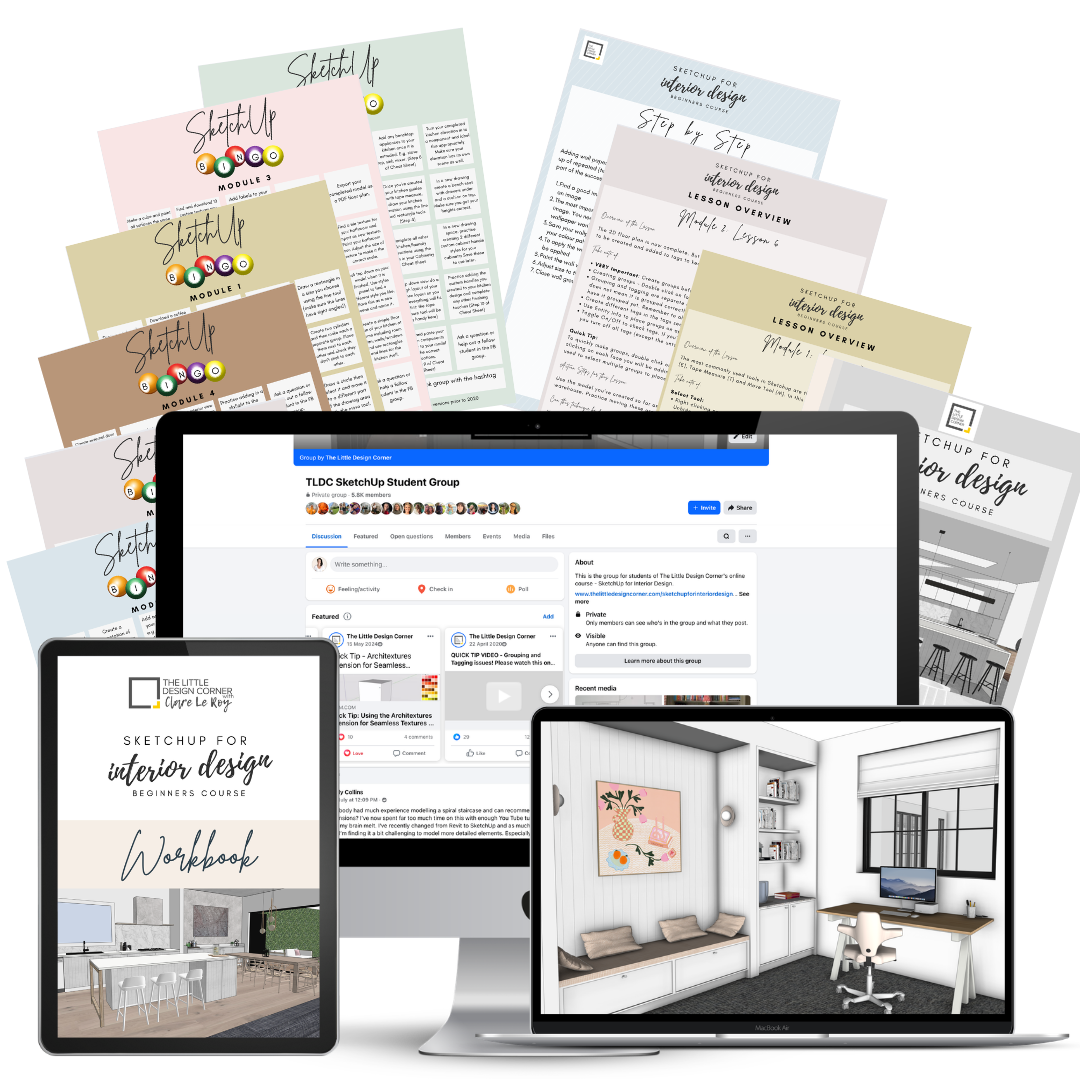
Learn SketchUp + Layout
Full Bundle Enrolment
ONE-TIME PURCHASE- SketchUp Beginners Course (for designing in 3D)
- SketchUp Intermediate Course (learn Layout for 2D drawings)
- Bonus trainings + Layout templates ($732 value)
- Lifetime access + all future updates
- 1:1 email support + student community
- CPD certificate of completion
Your local currency will be shown at checkout.
20% discount is automatically applied at checkout.
Secure checkout · Apple Pay, PayPal, Card · Instant access
Stop guessing your way through SketchUp and start delivering drawings your clients and trades can actually build from.
A quick walkthrough of what happens inside my SketchUp courses
What's inside, how the lessons are taught and what you will learn
Why Learn SketchUp + Layout?
SketchUp is used by most professional design and architecture studios around the world.
Here's why you'll love it too:
- Learn industry standard professional drawing software
- Create stunning 3D designs that wow your clients
- Produce professional, scaled 2D drawings for trades and contractors
- Streamline workflow with one software from start to finish
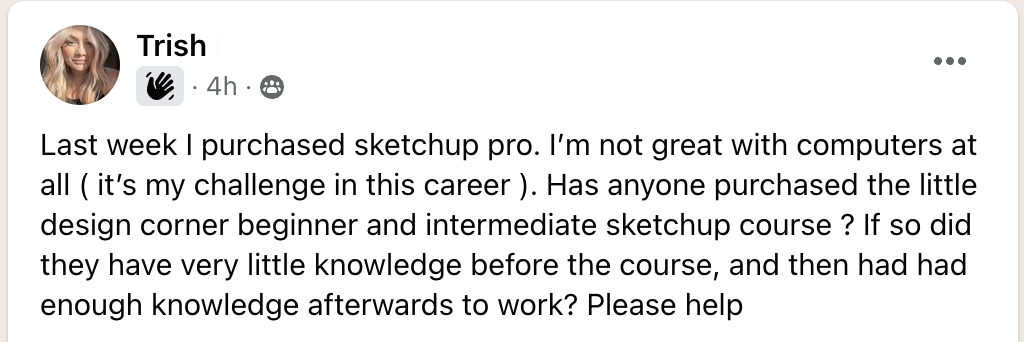
- Easy to learn, even if you're not tech savvy
- Affordable alternative to other expensive CAD tools like AutoCAD or Revit
- Compatible with tools like Enscape and V-Ray
- Compatible with rendering and AI visualisation workflows
- Future proofs your skills in a highly competitive market
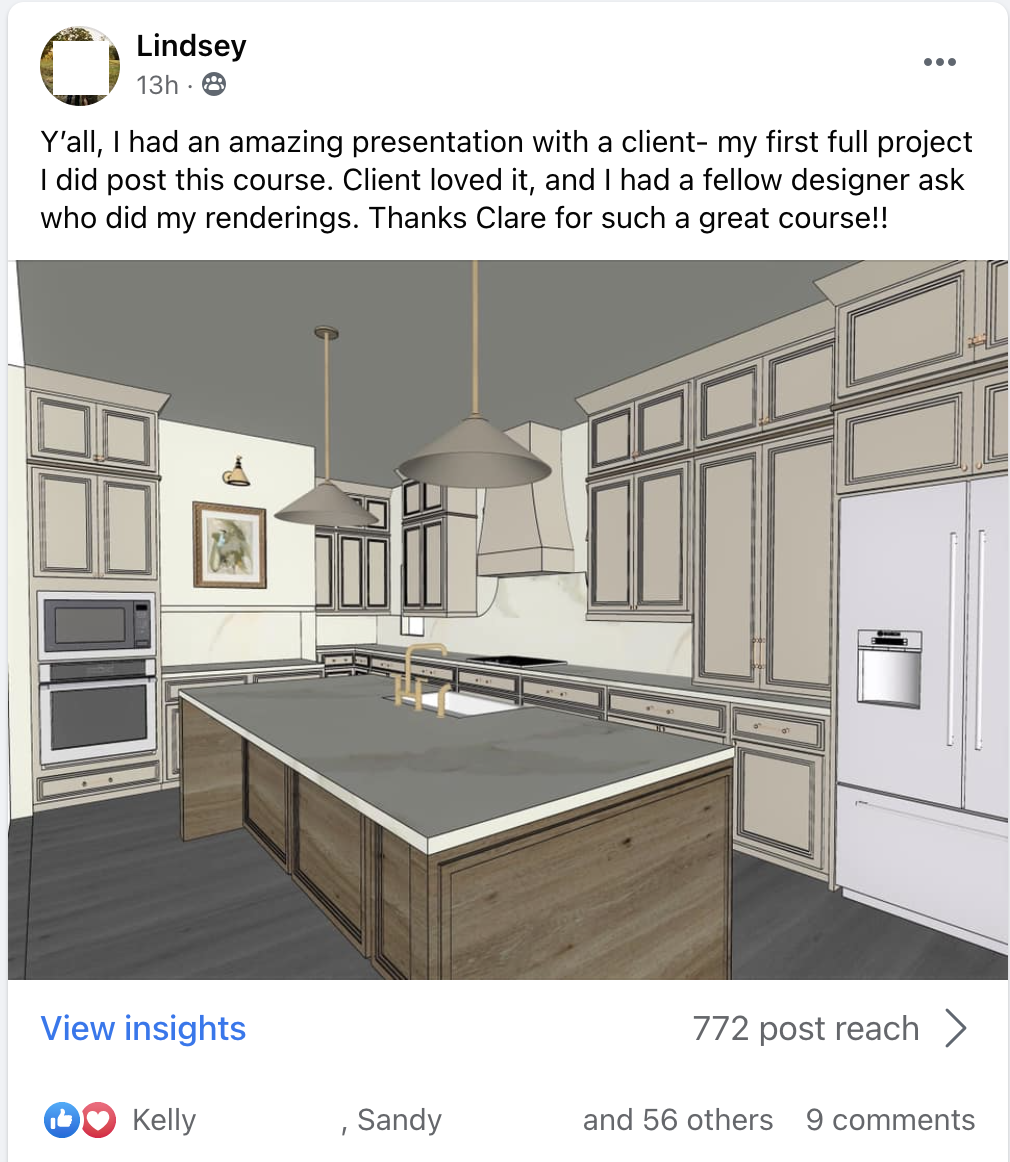
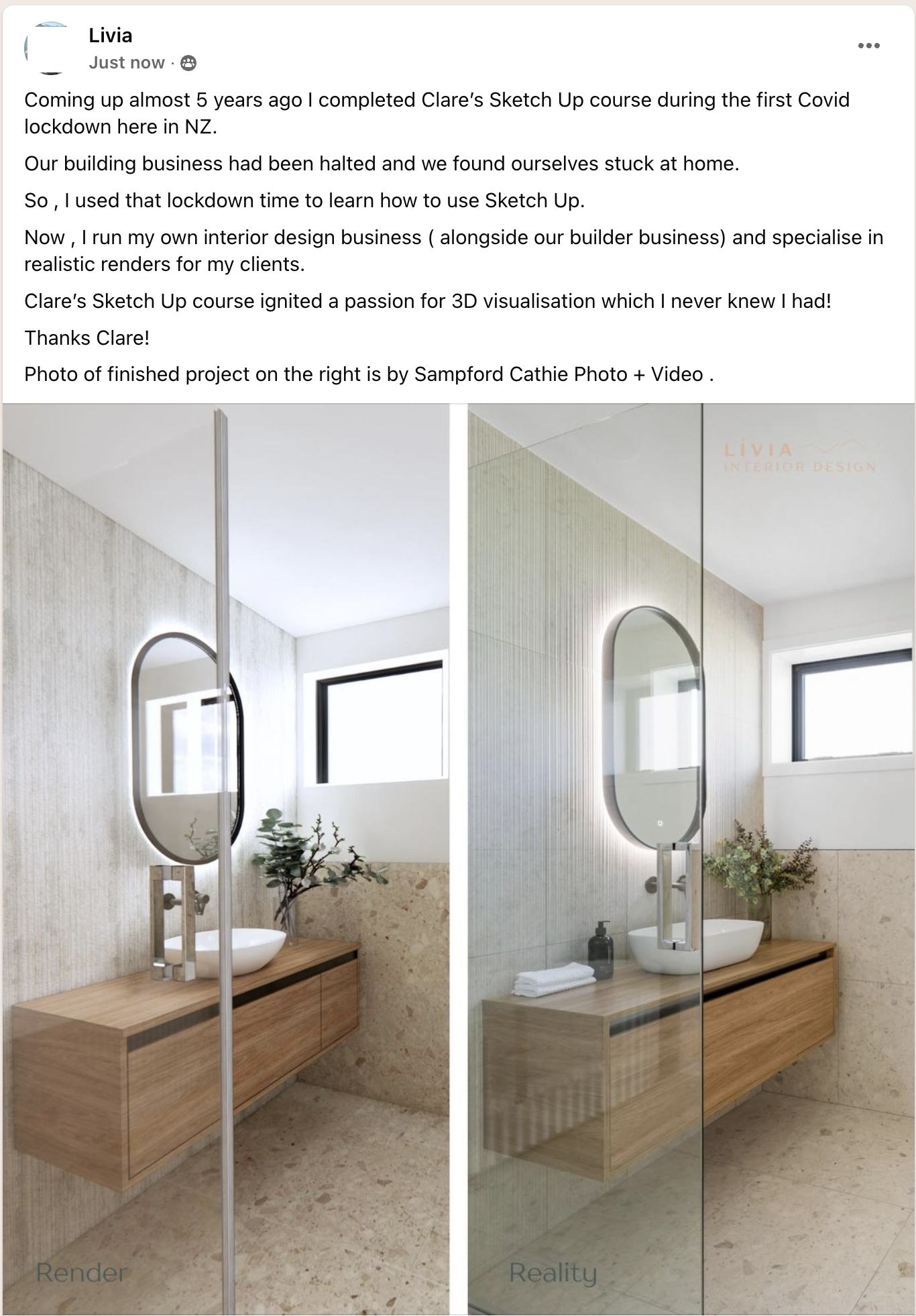
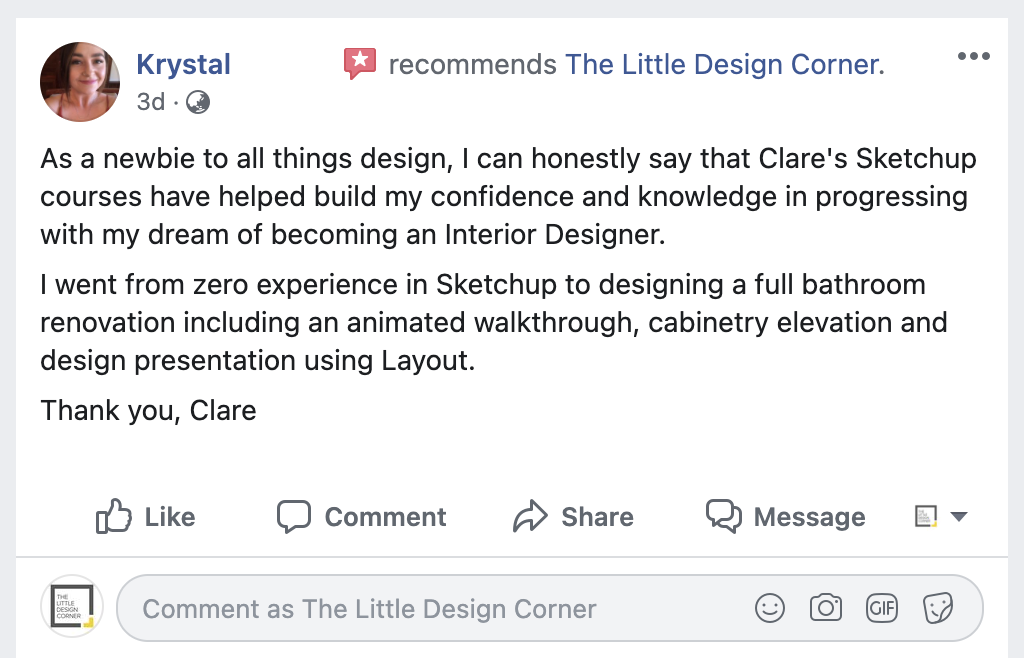
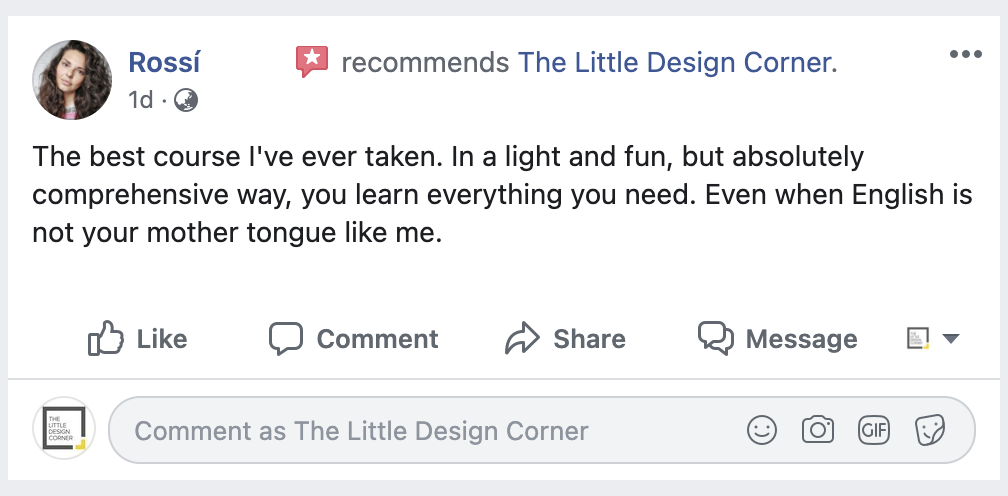
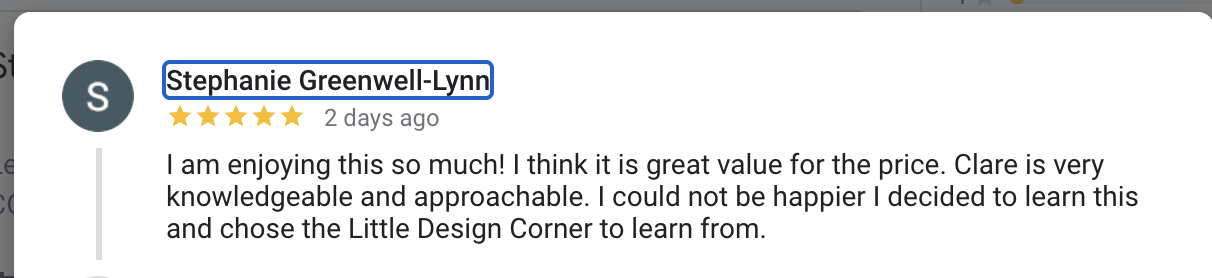
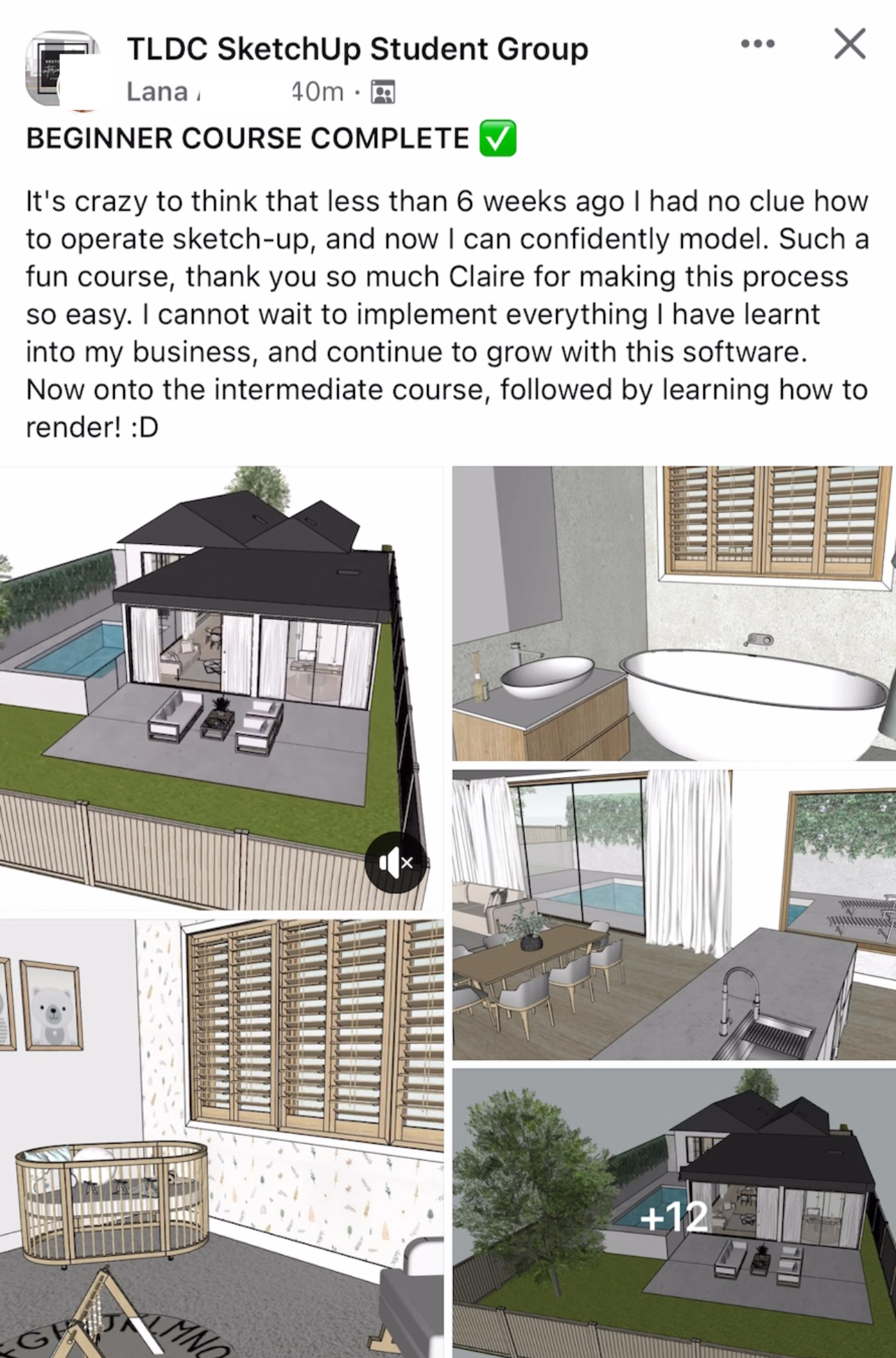
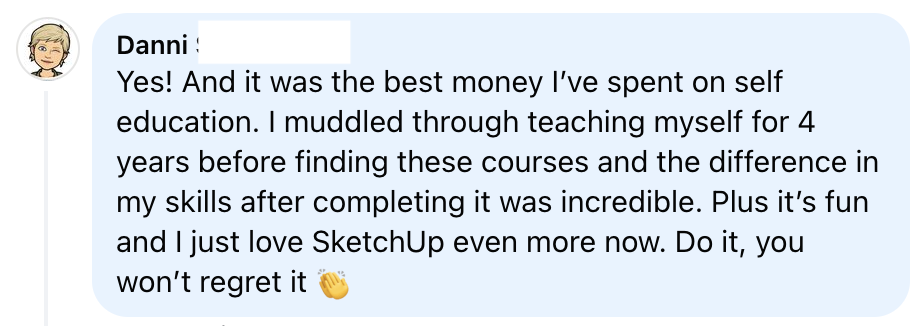
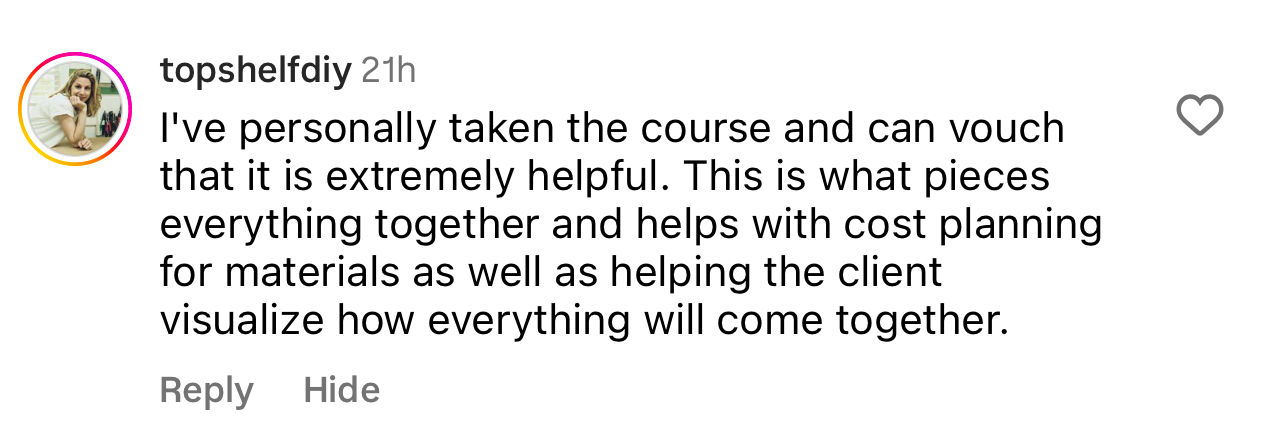
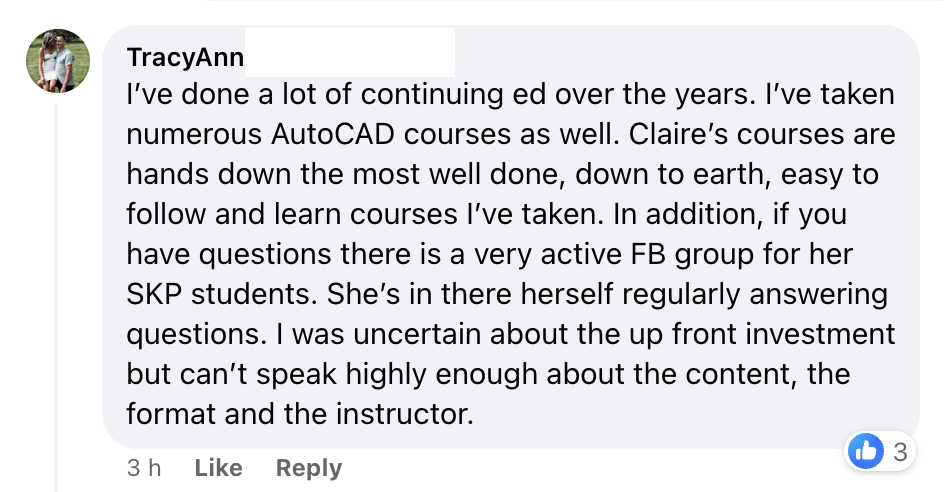
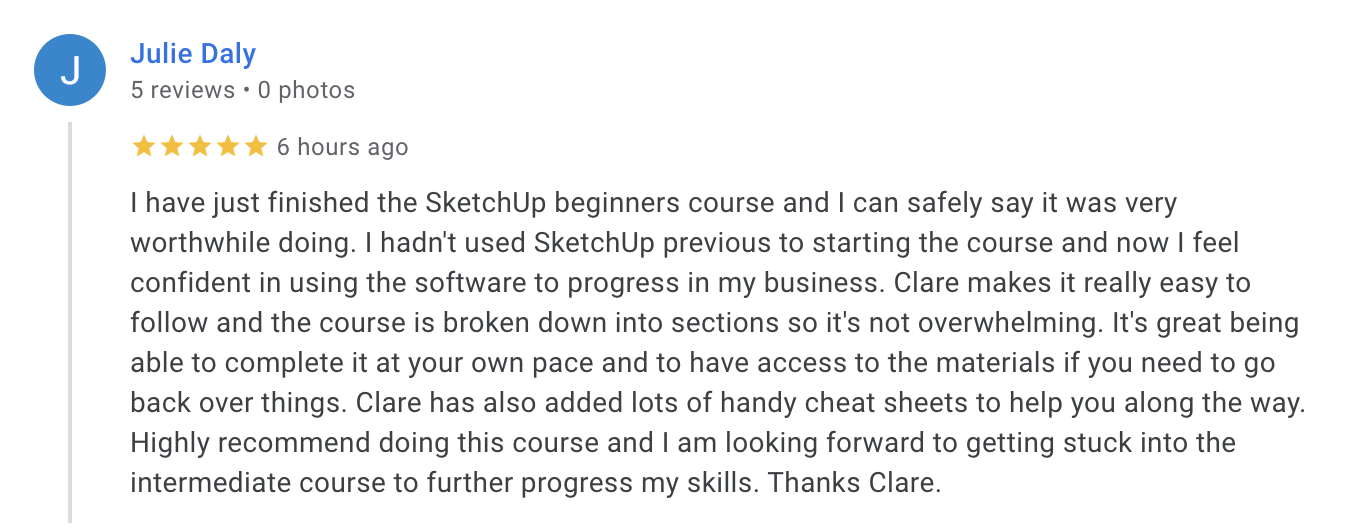
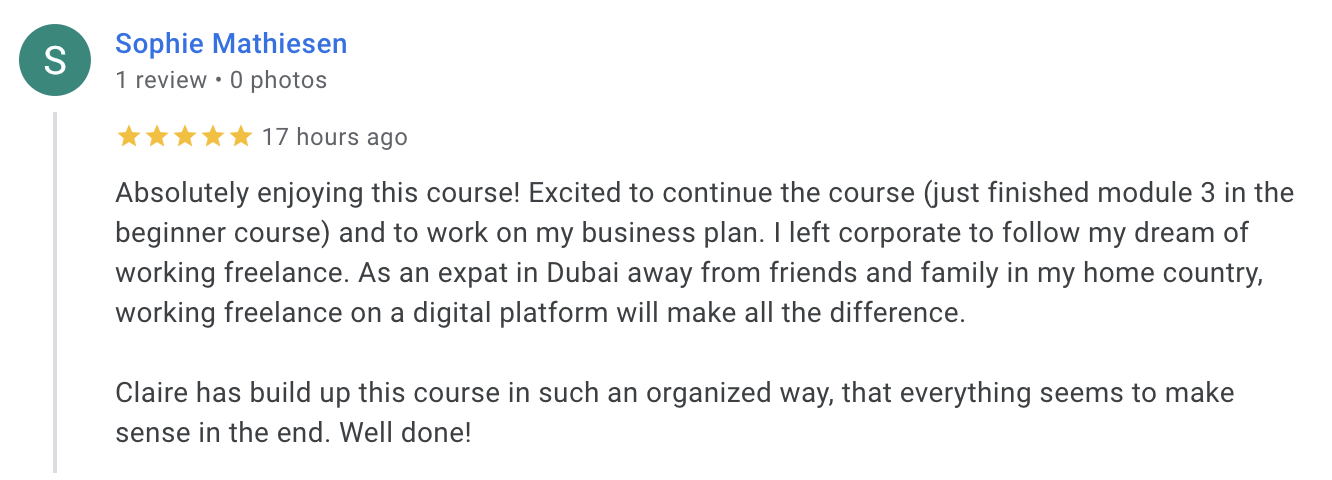
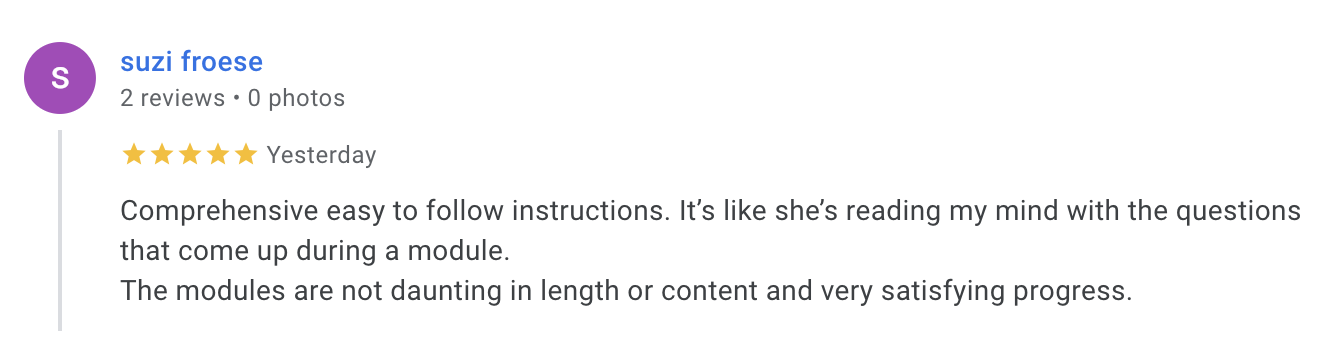
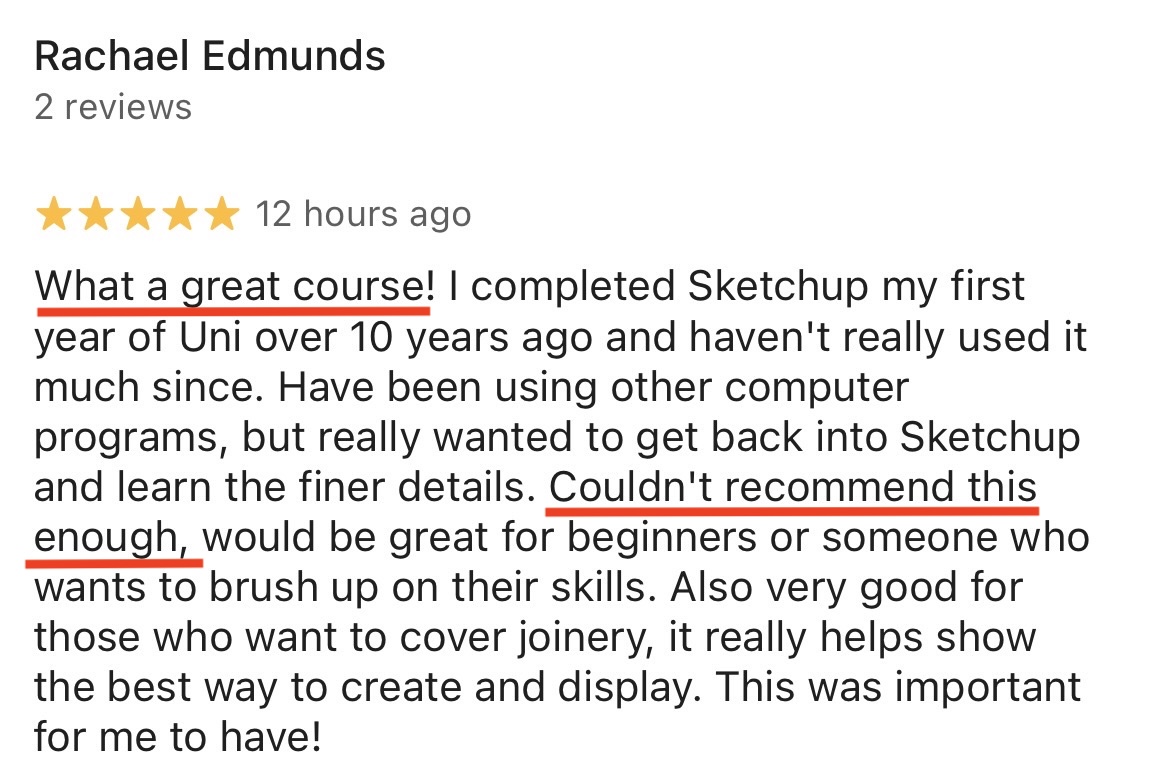
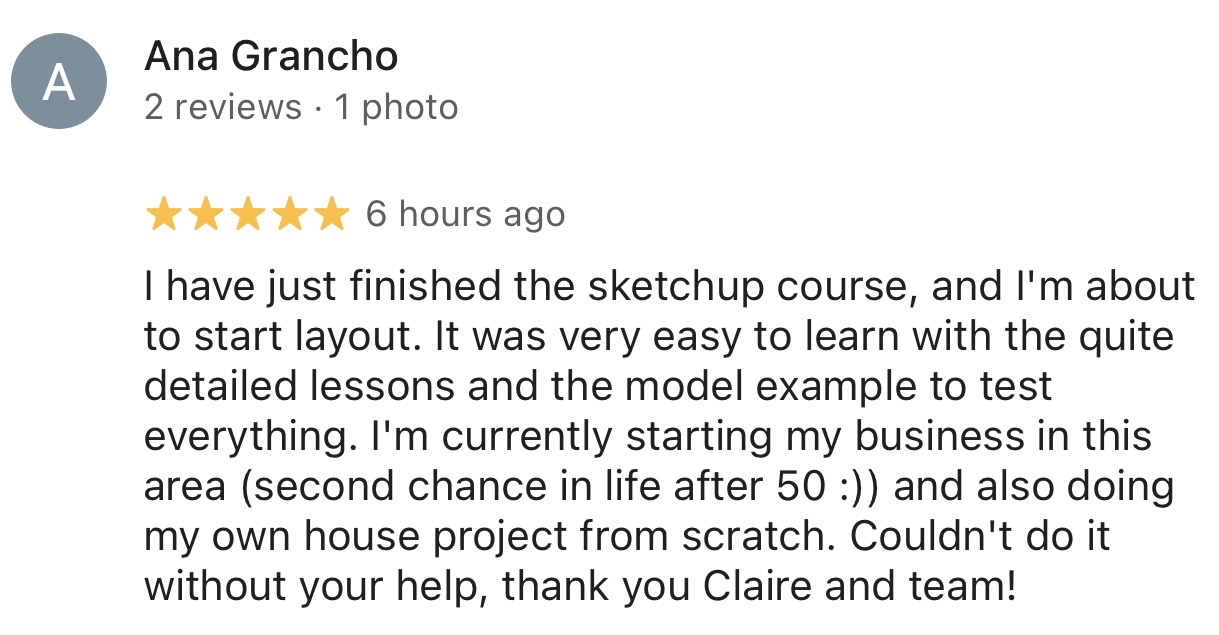
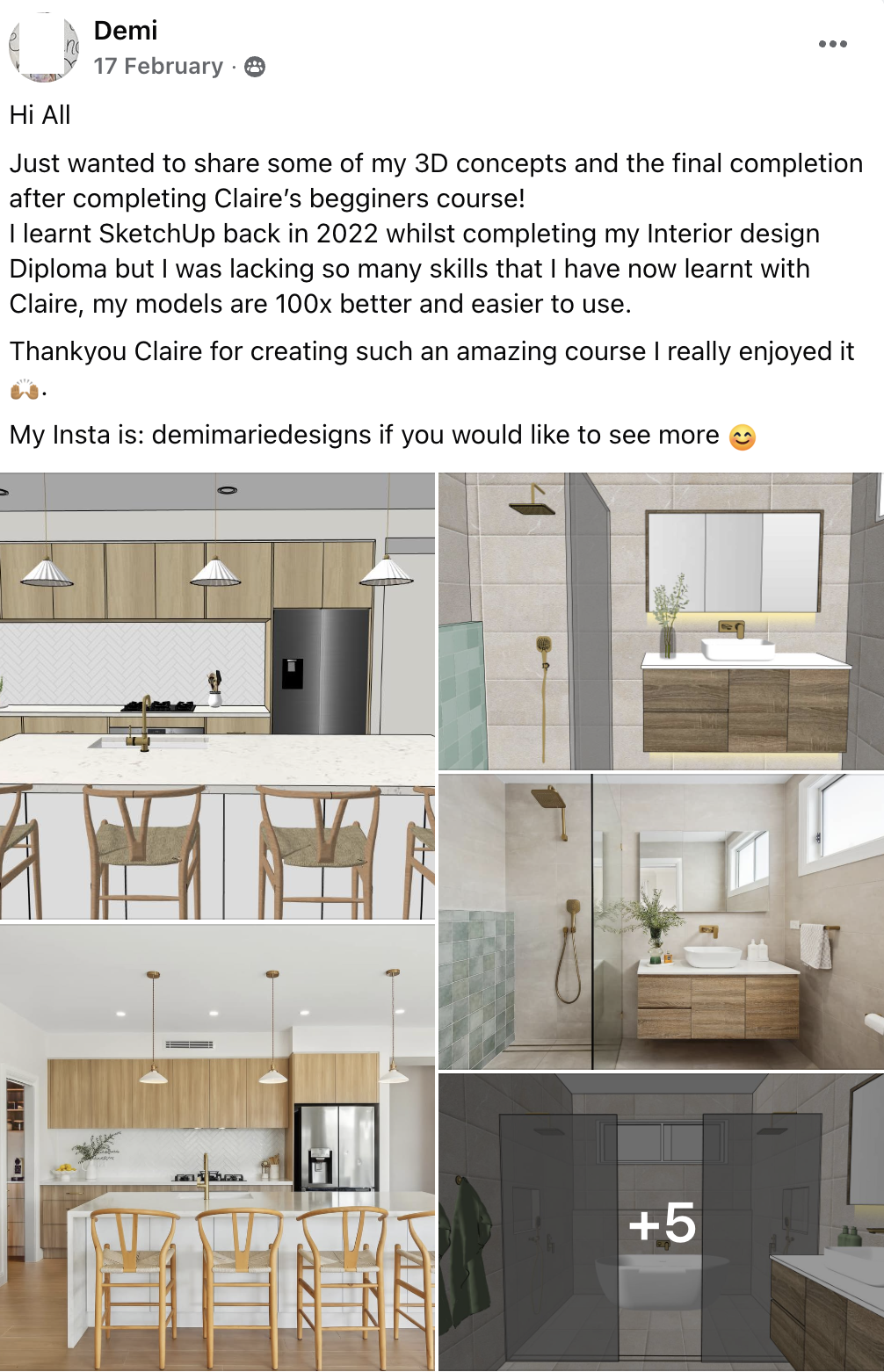
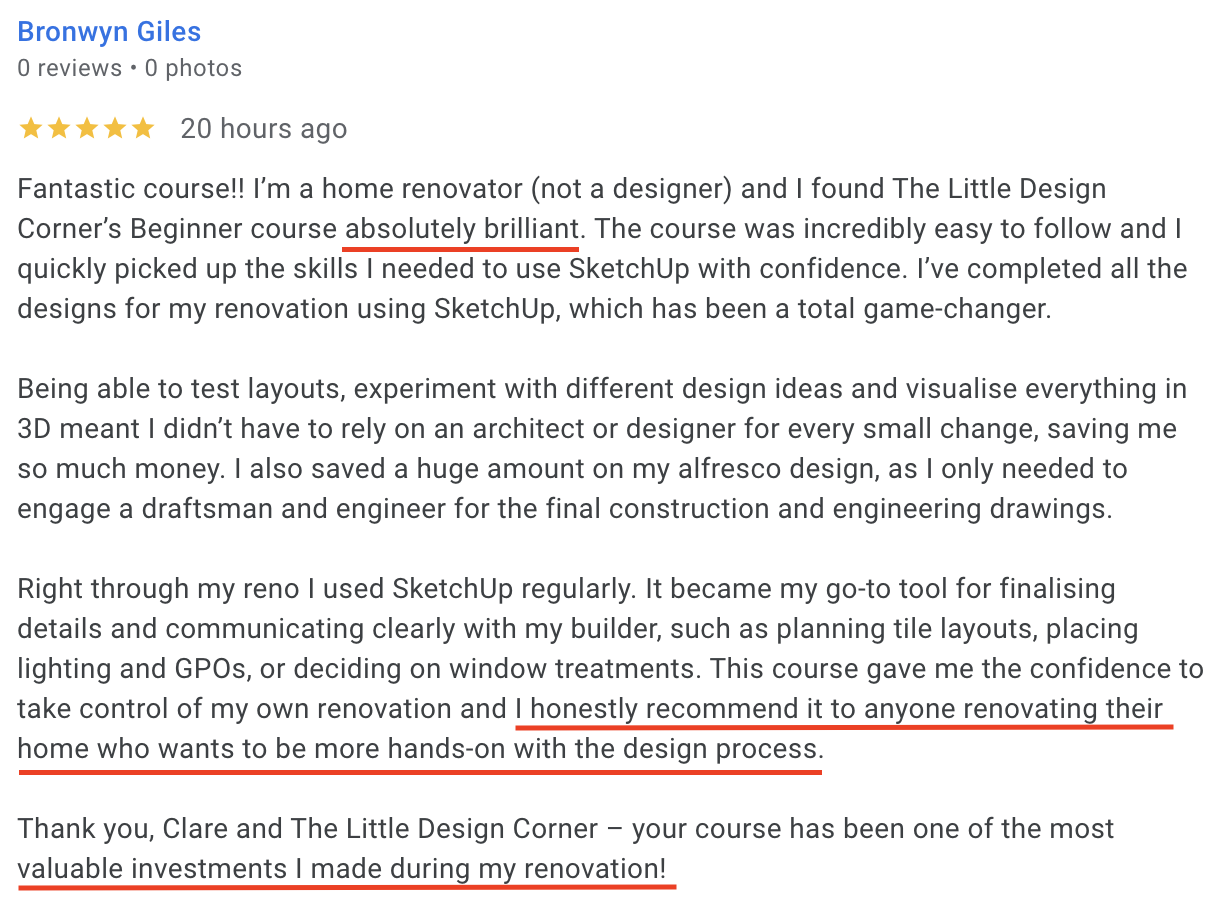
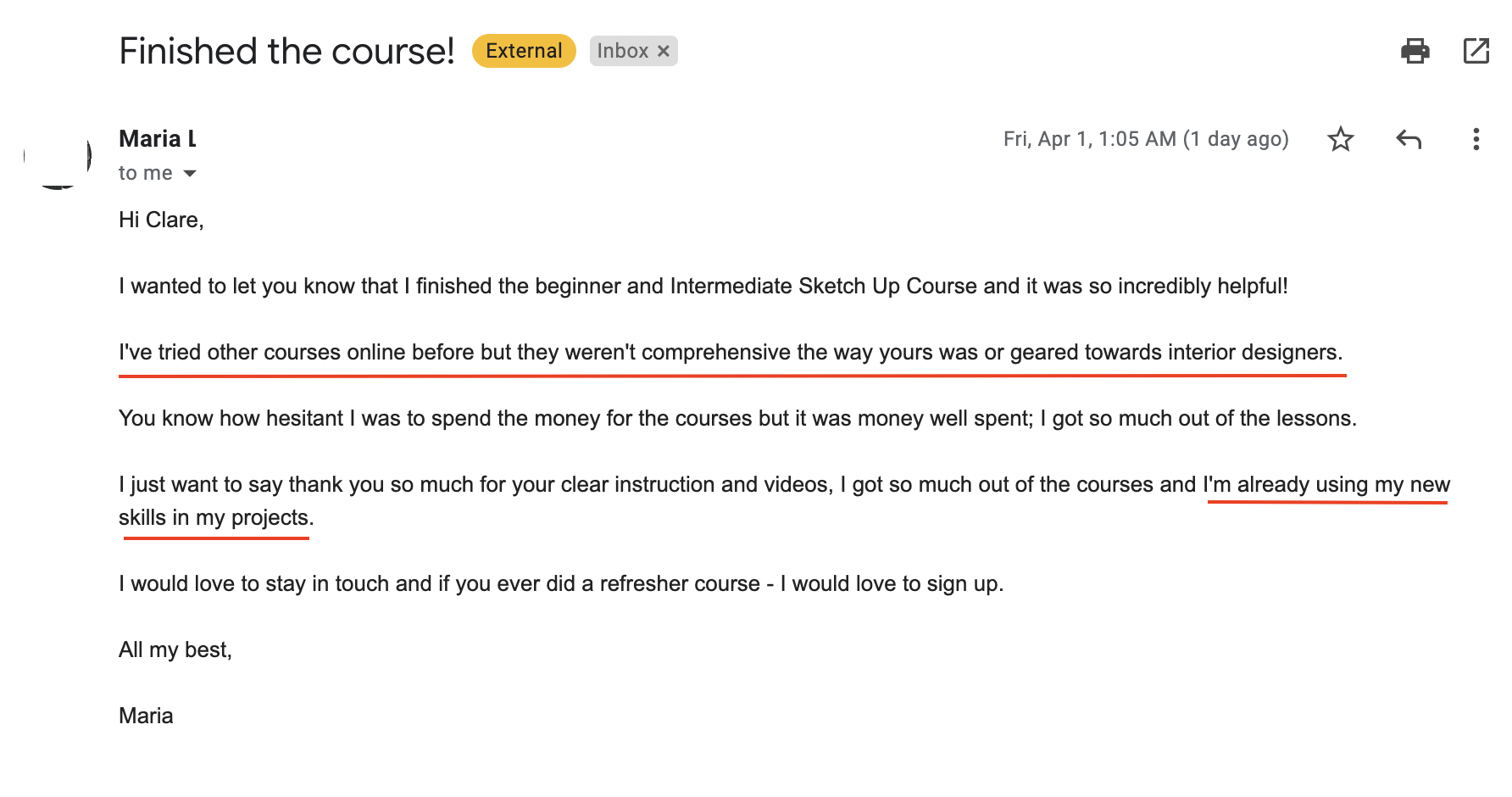
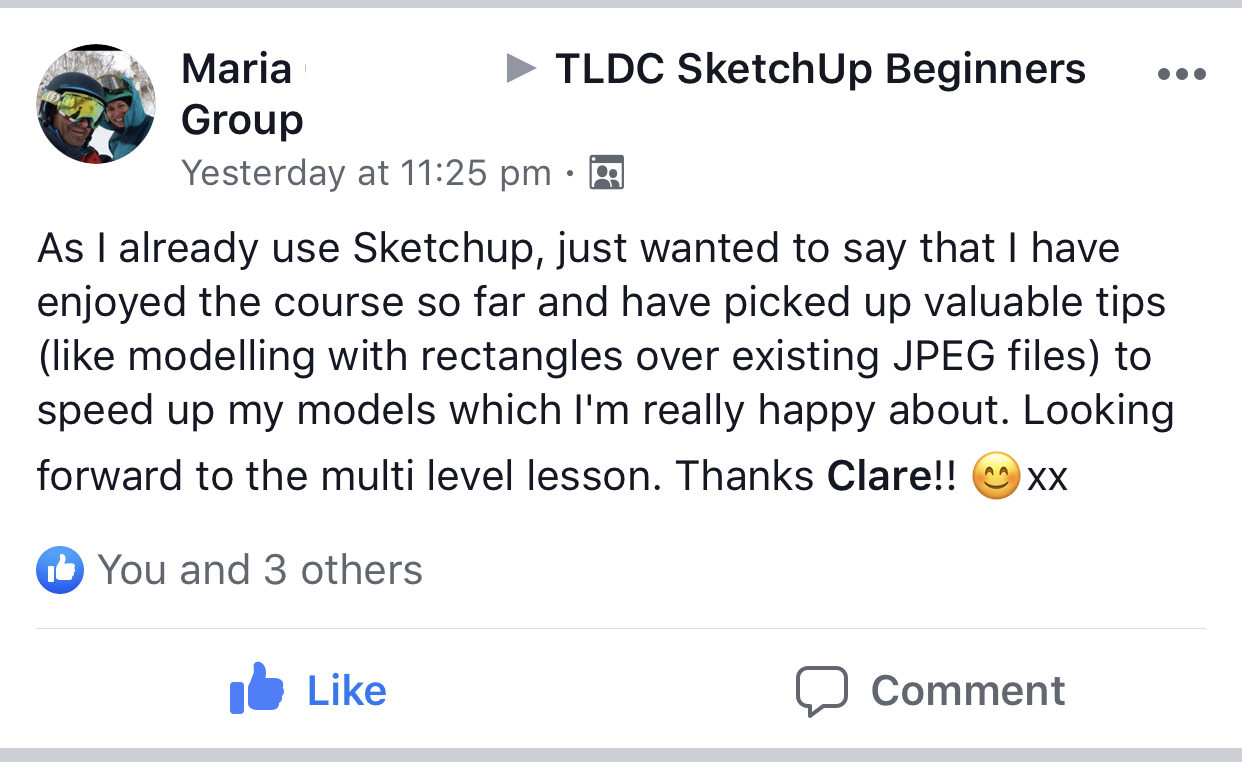
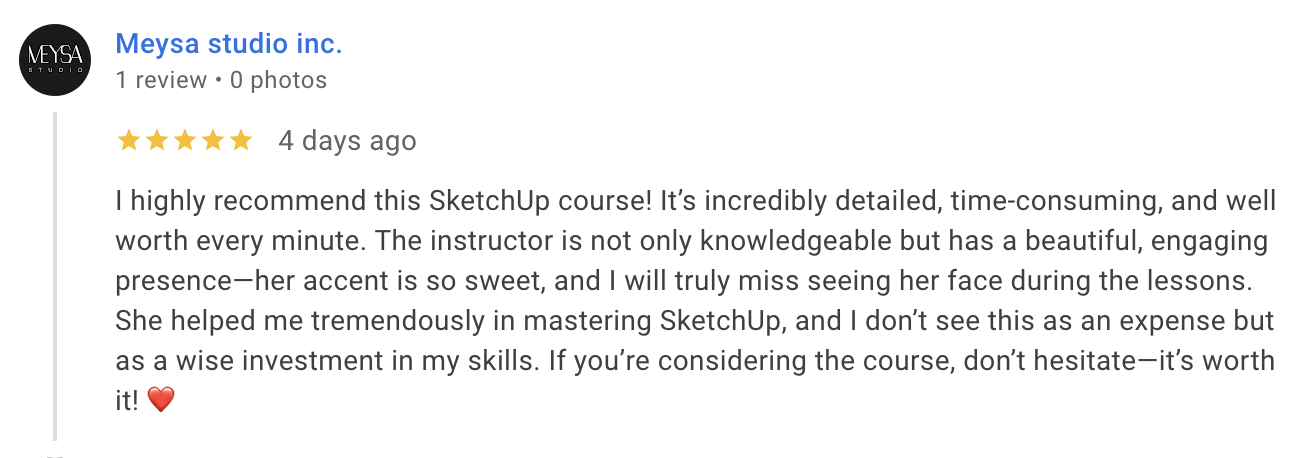
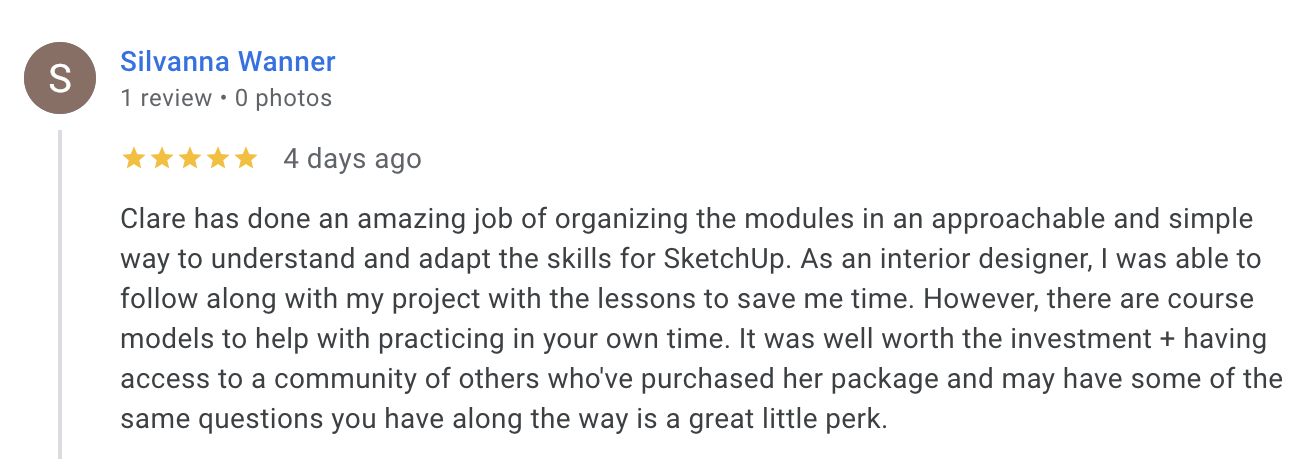
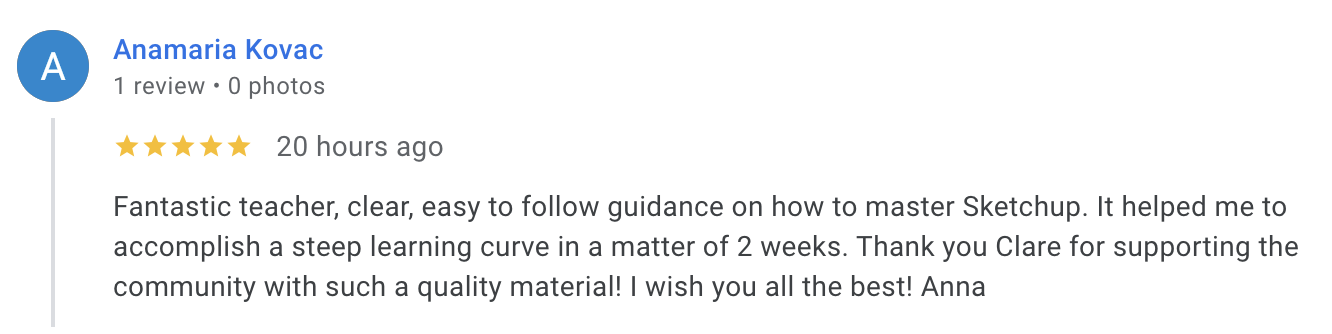
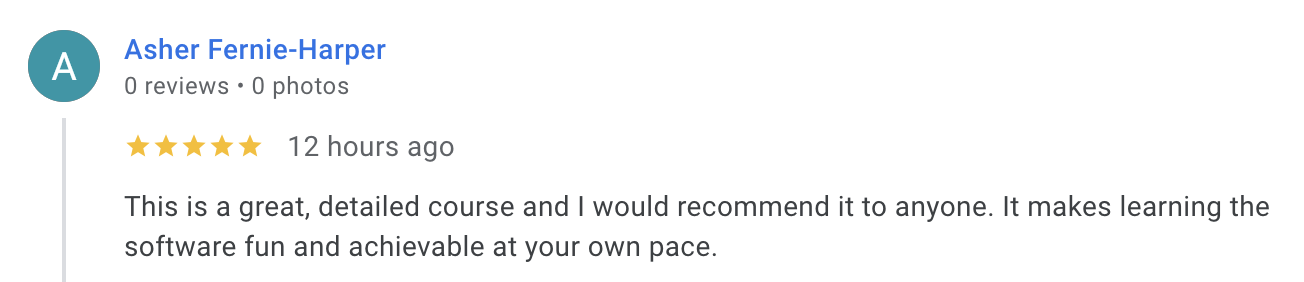
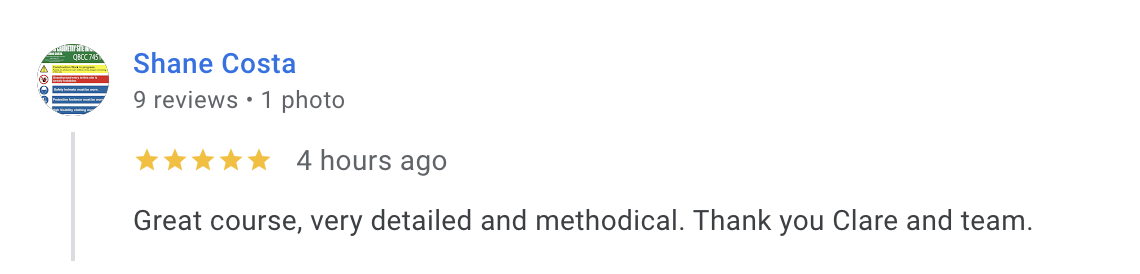
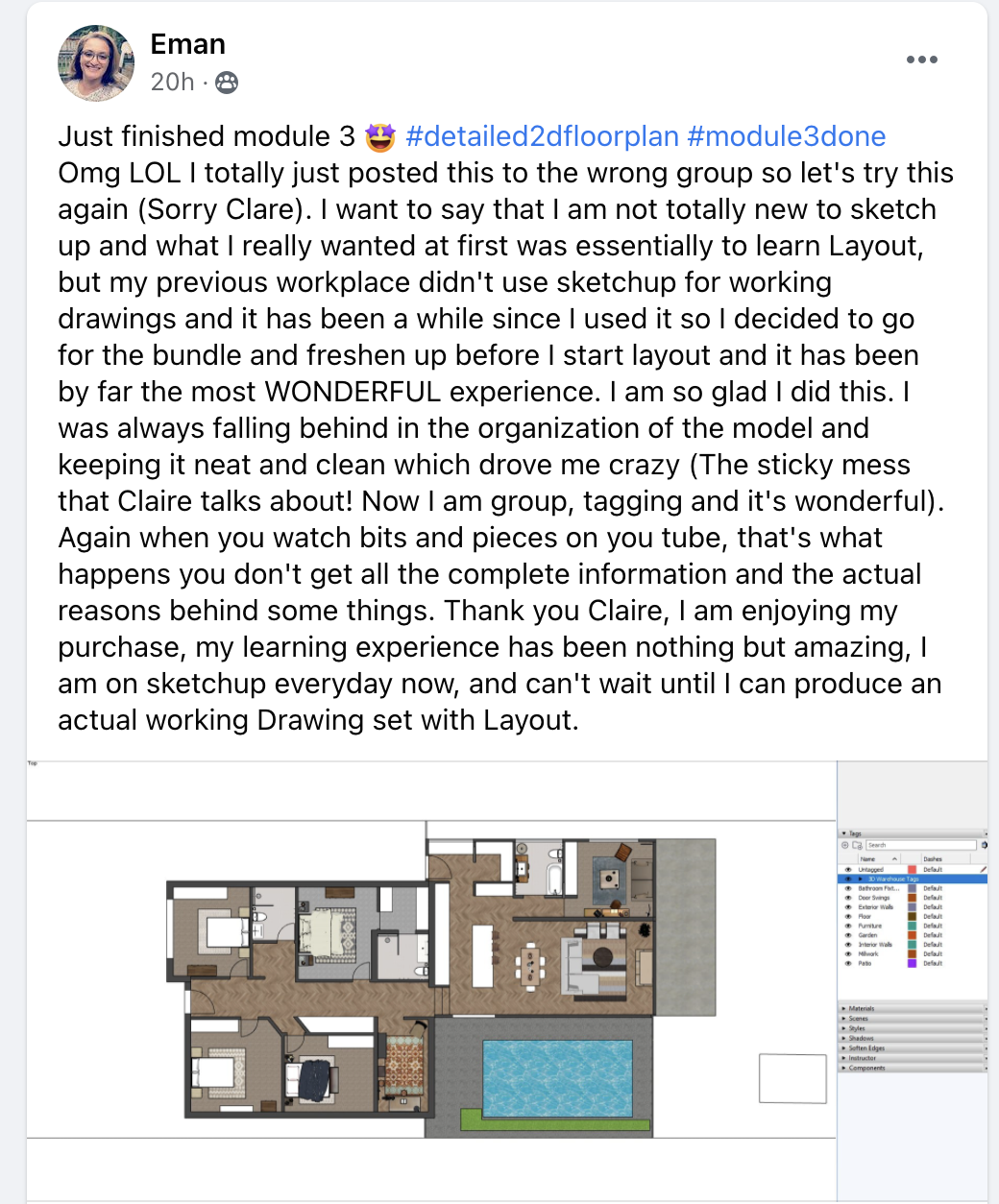
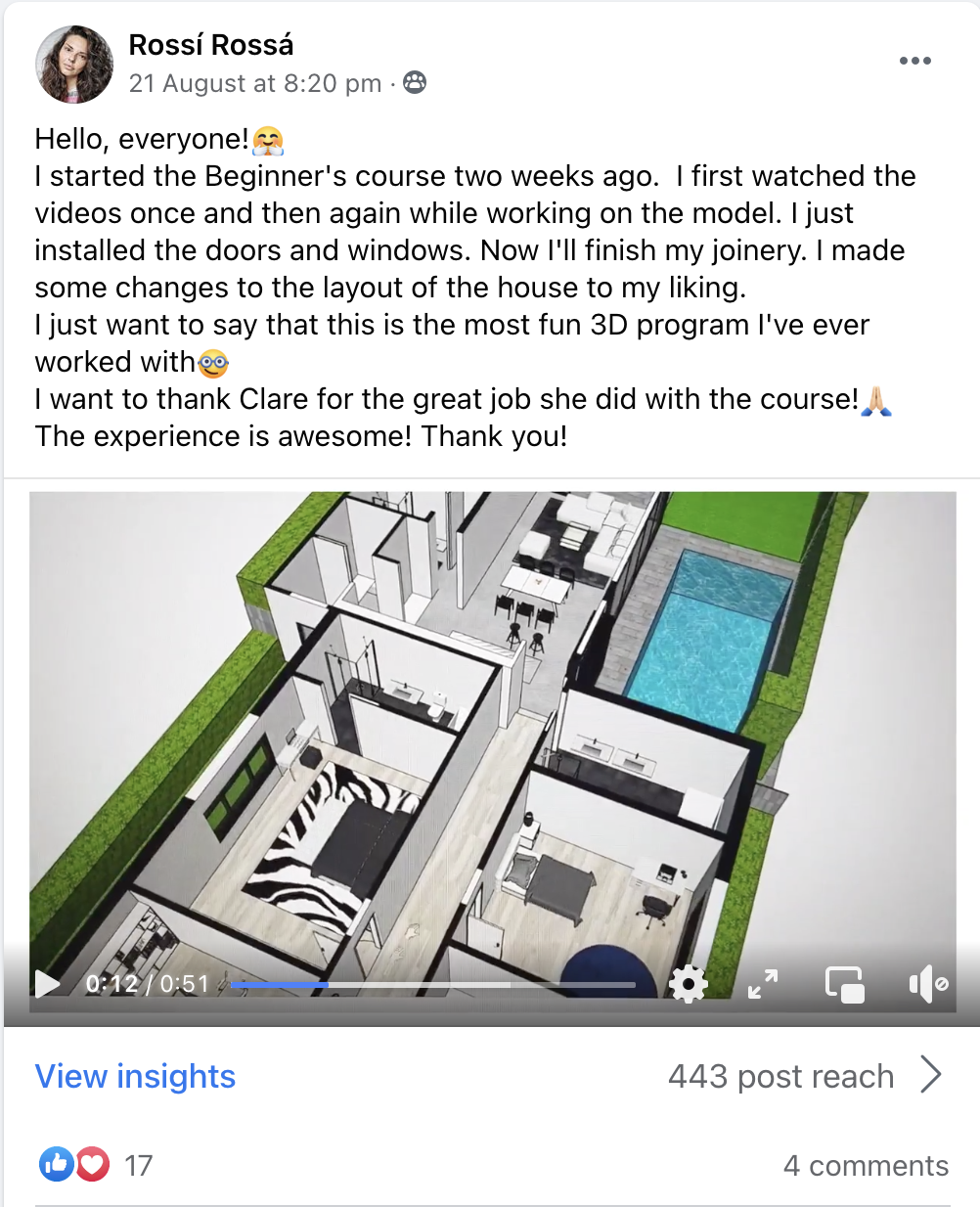
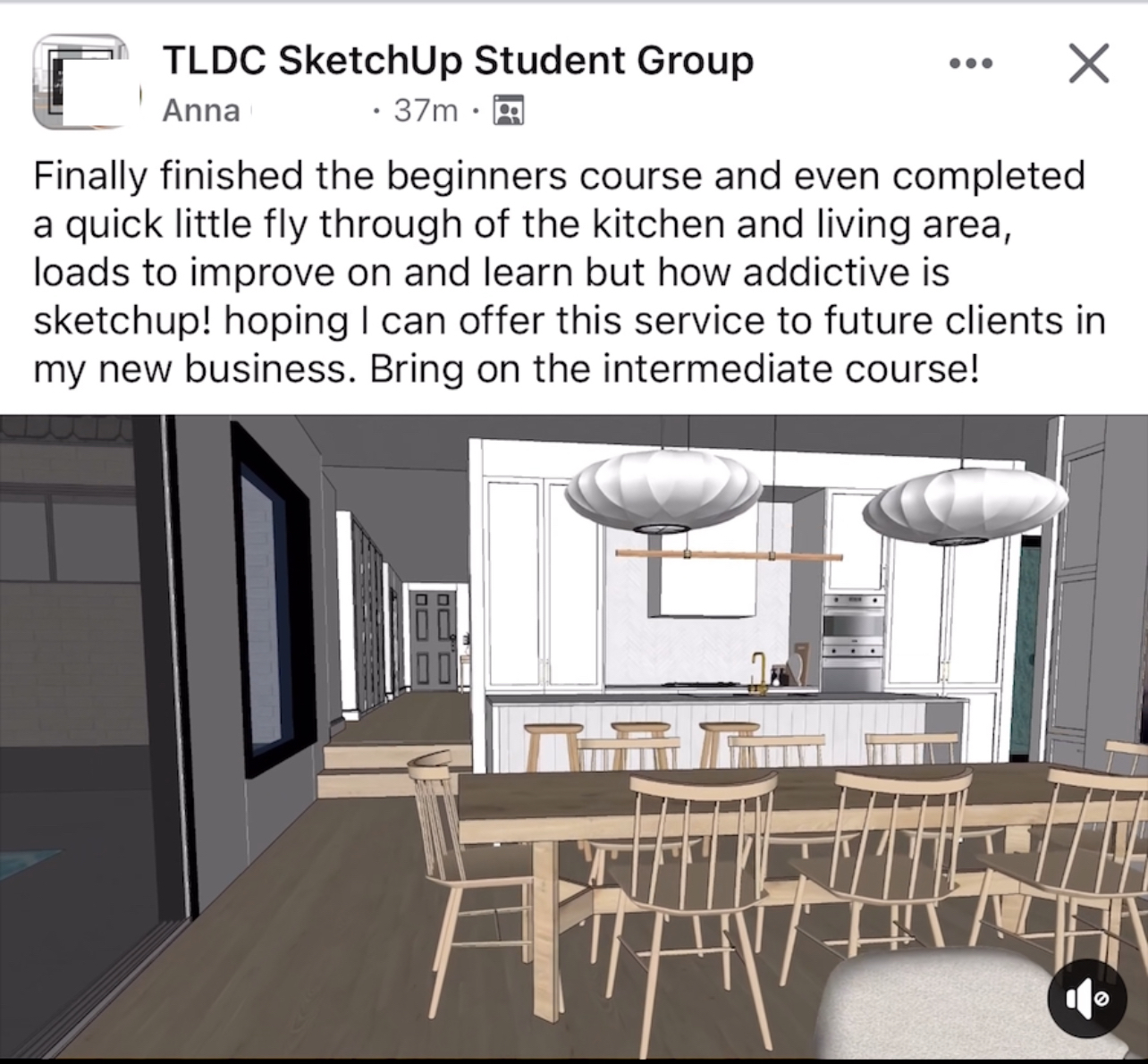
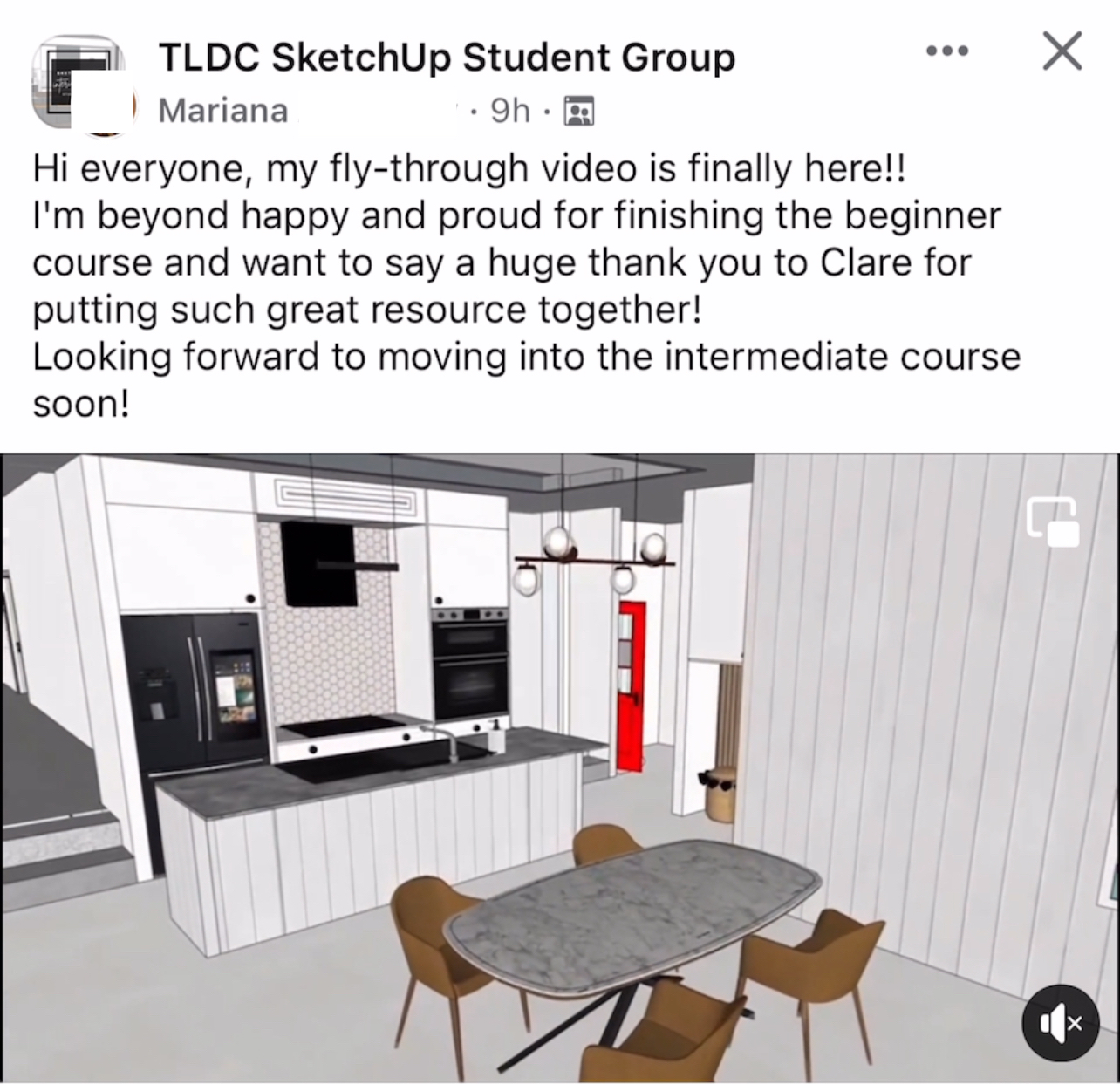
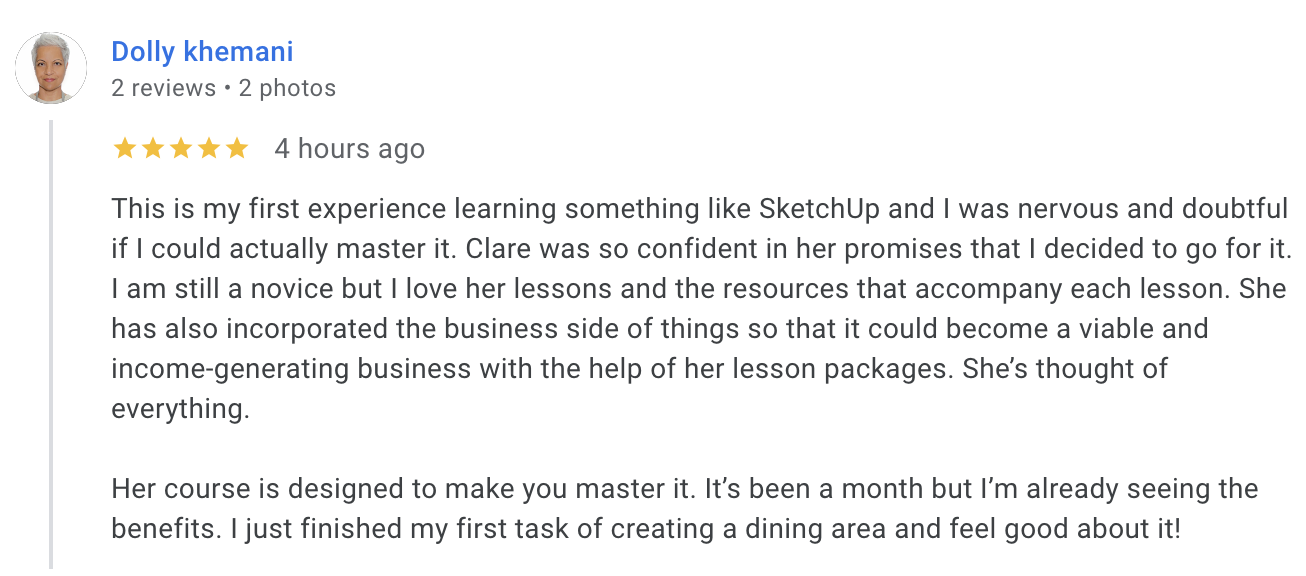
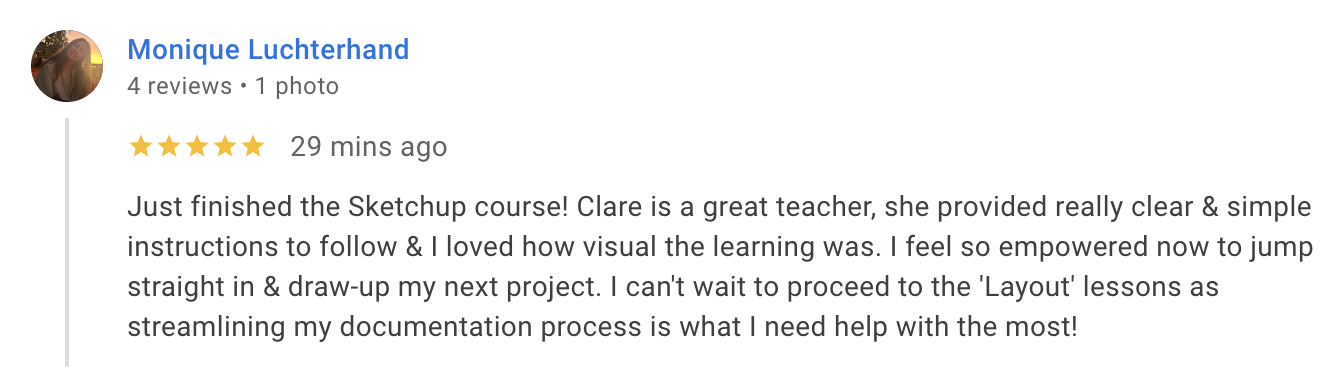
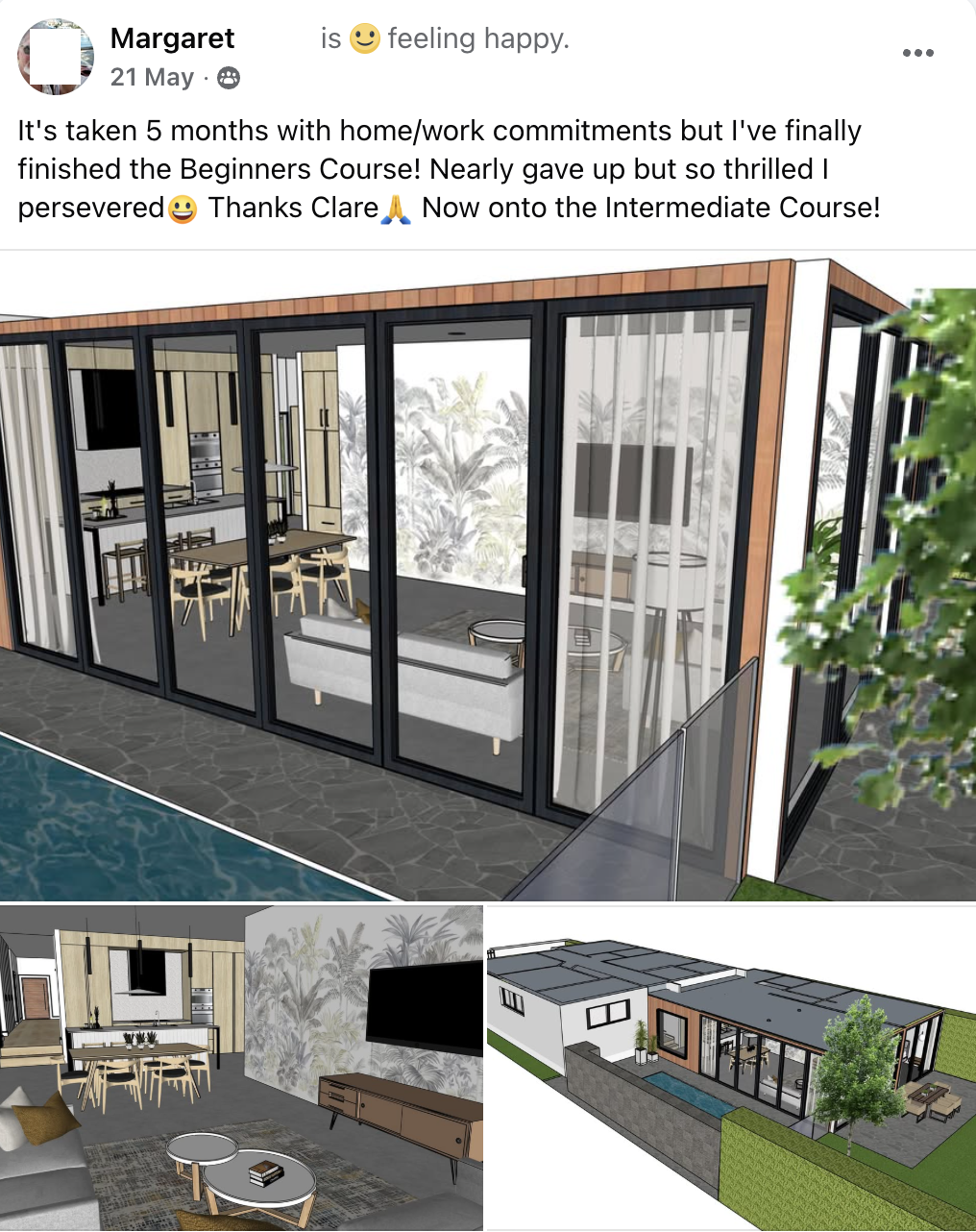
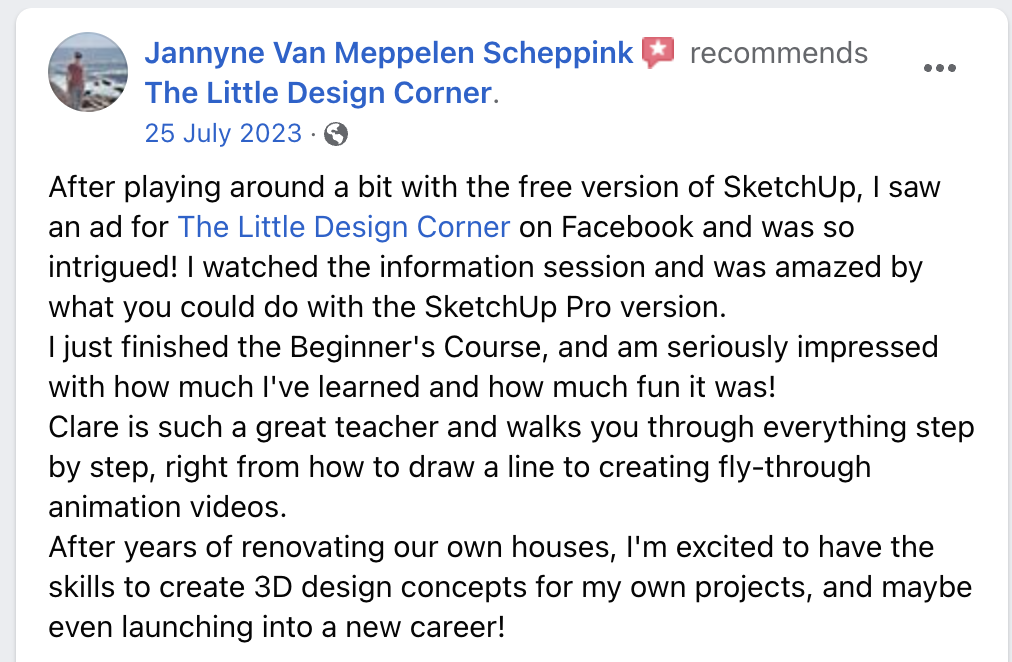
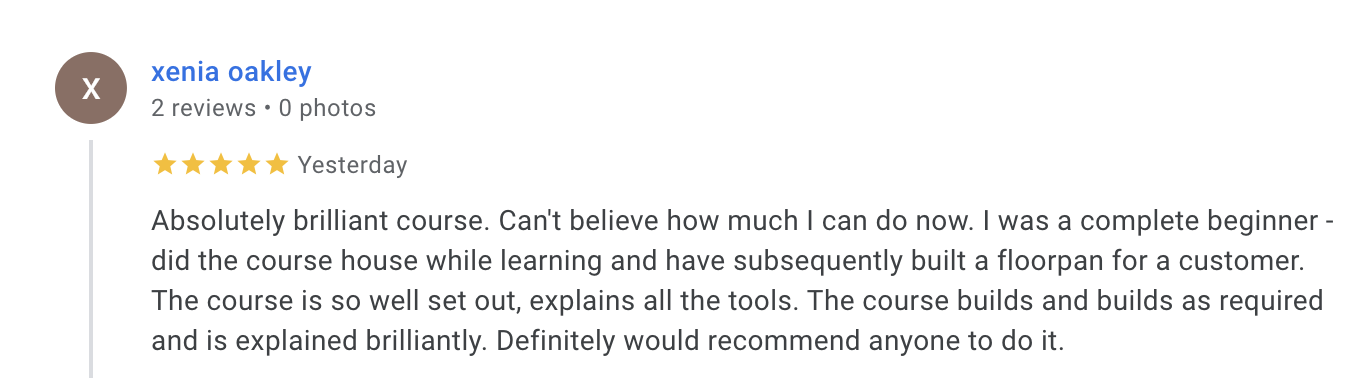
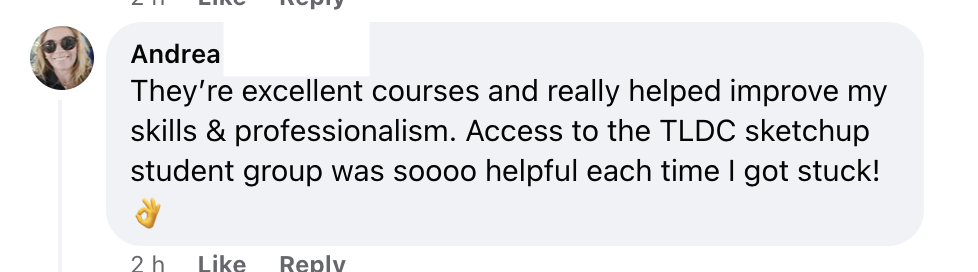
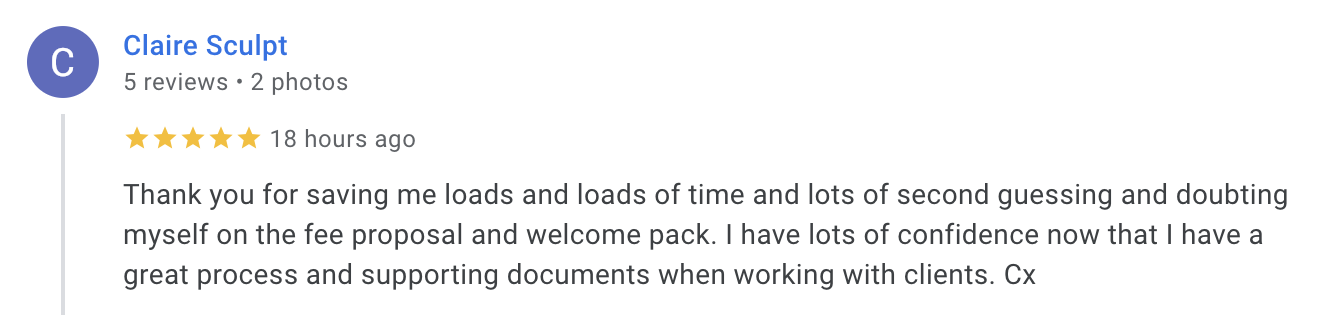
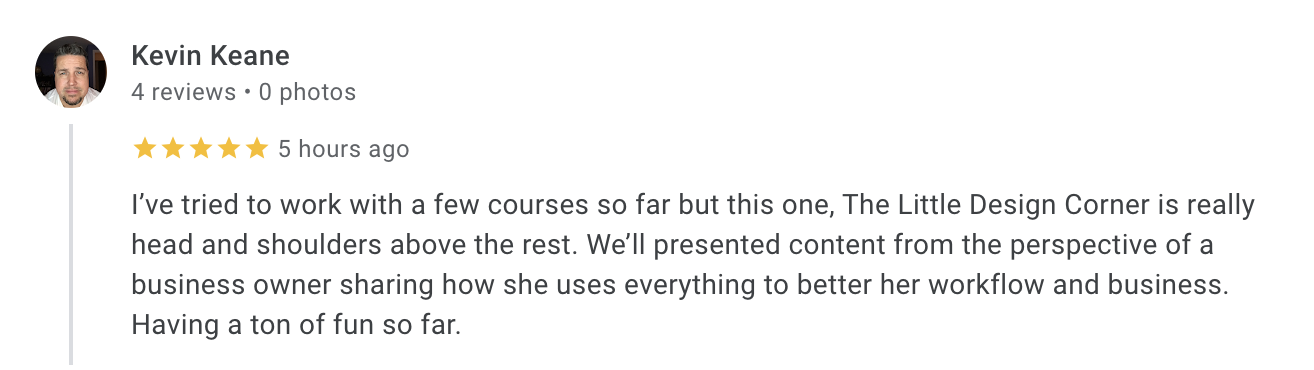
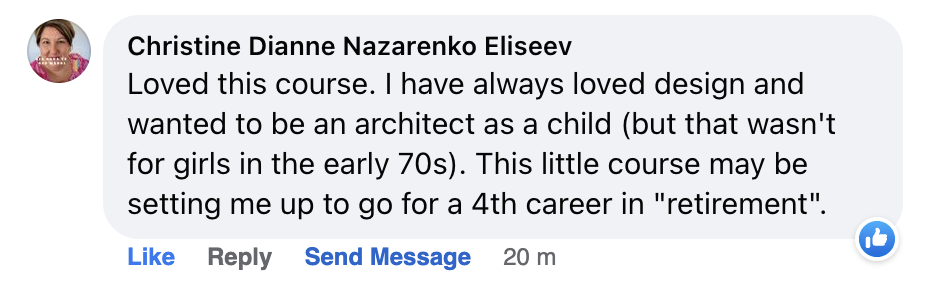
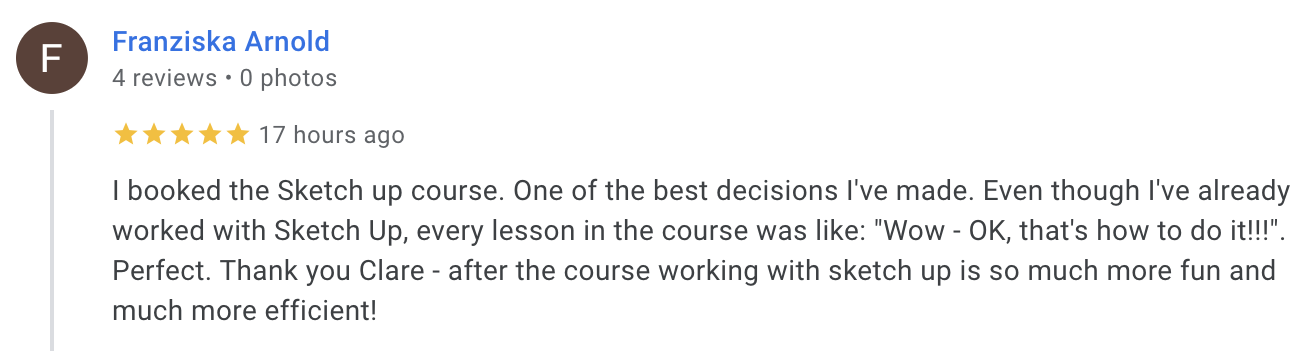
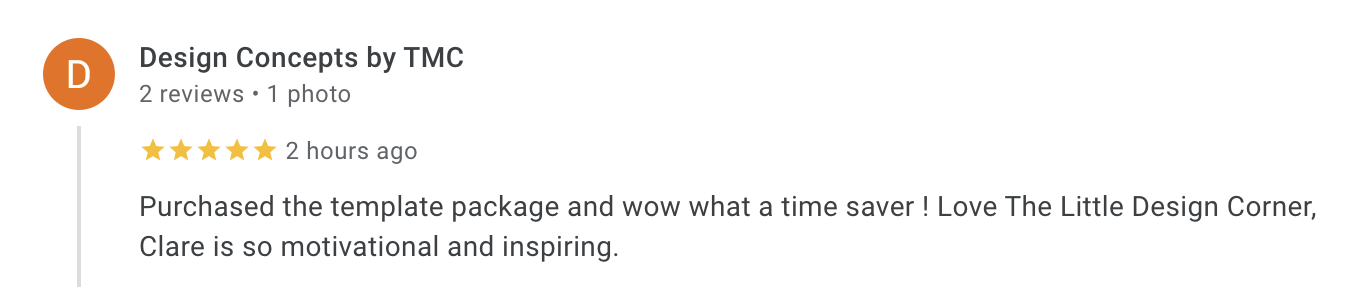
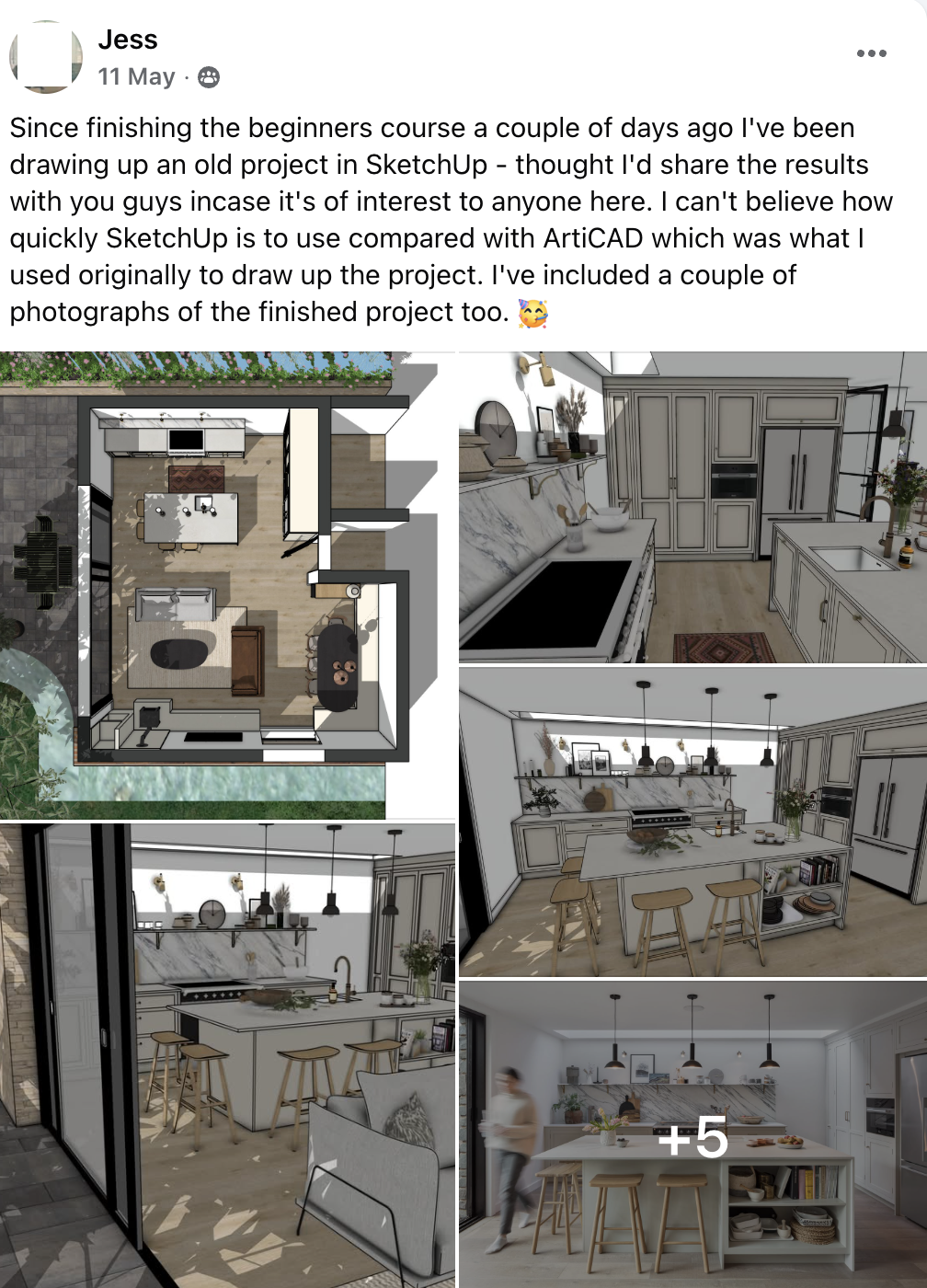
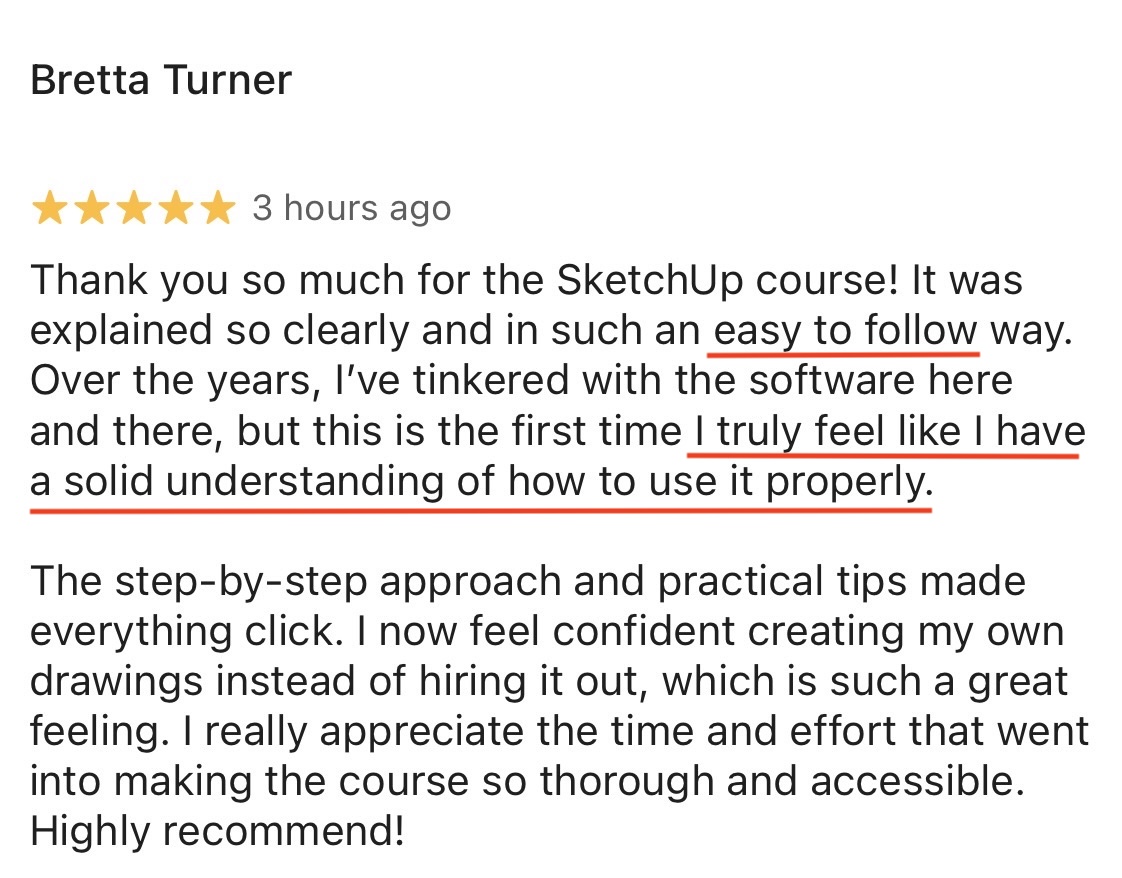
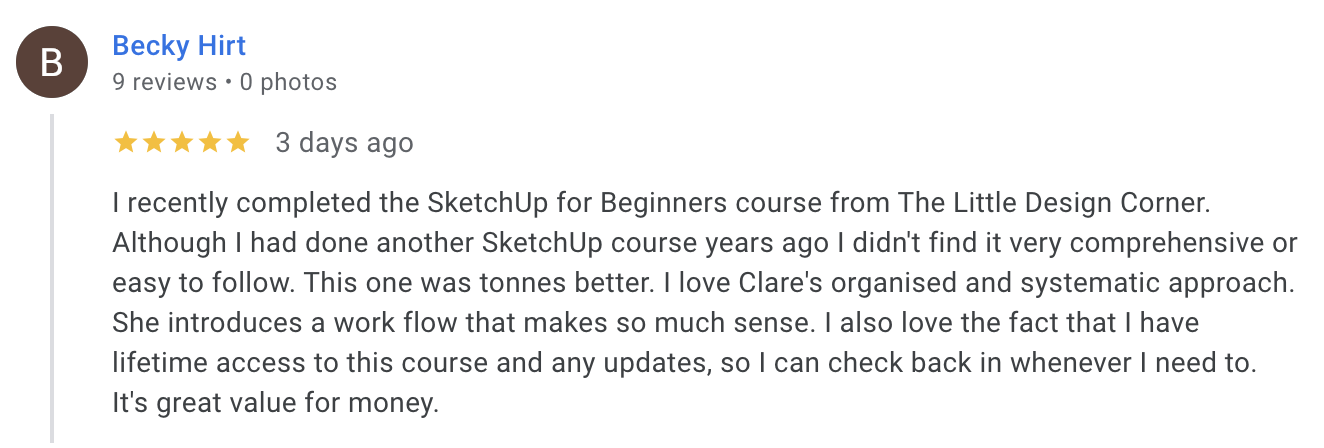
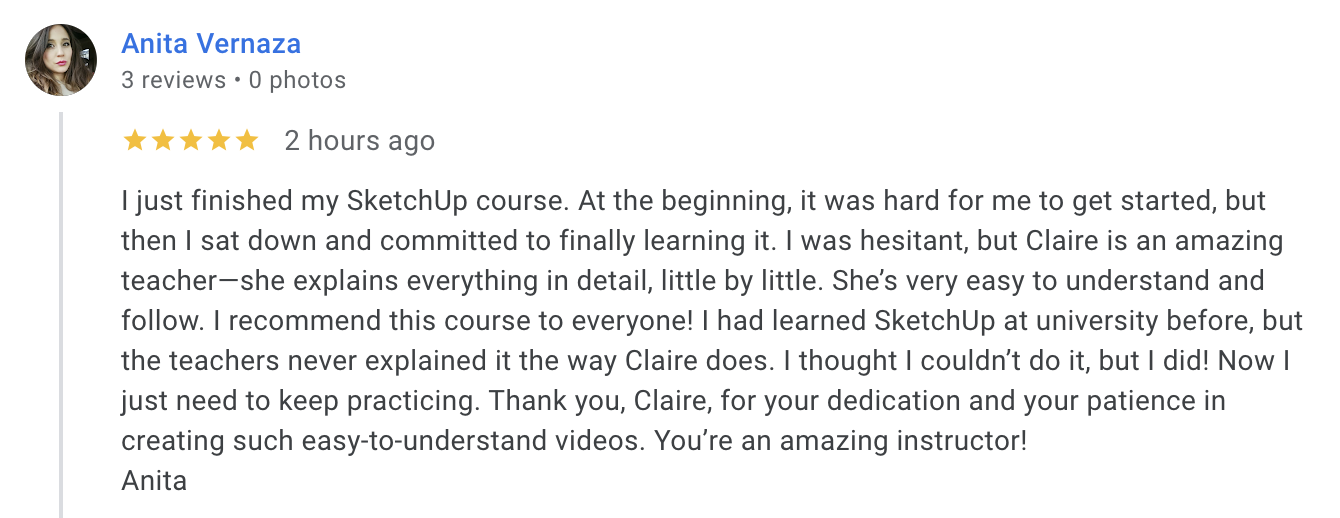
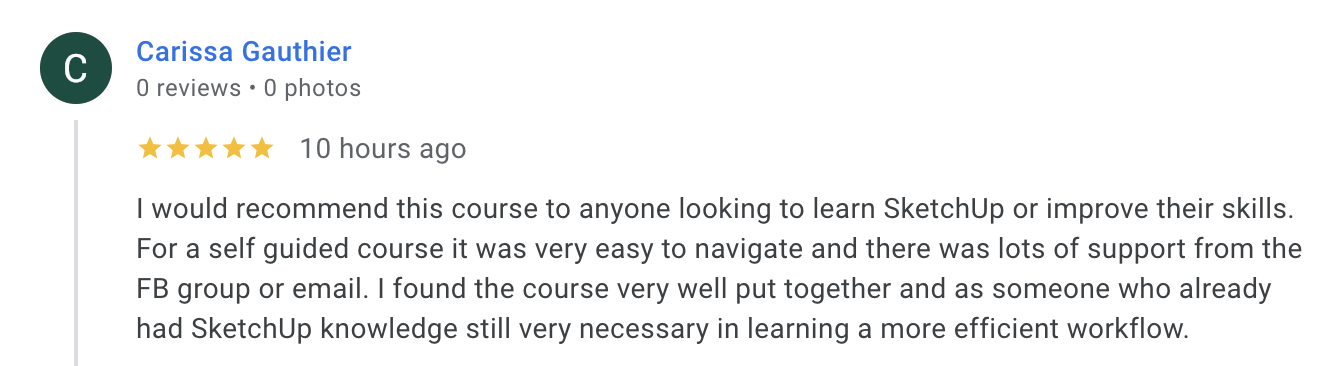
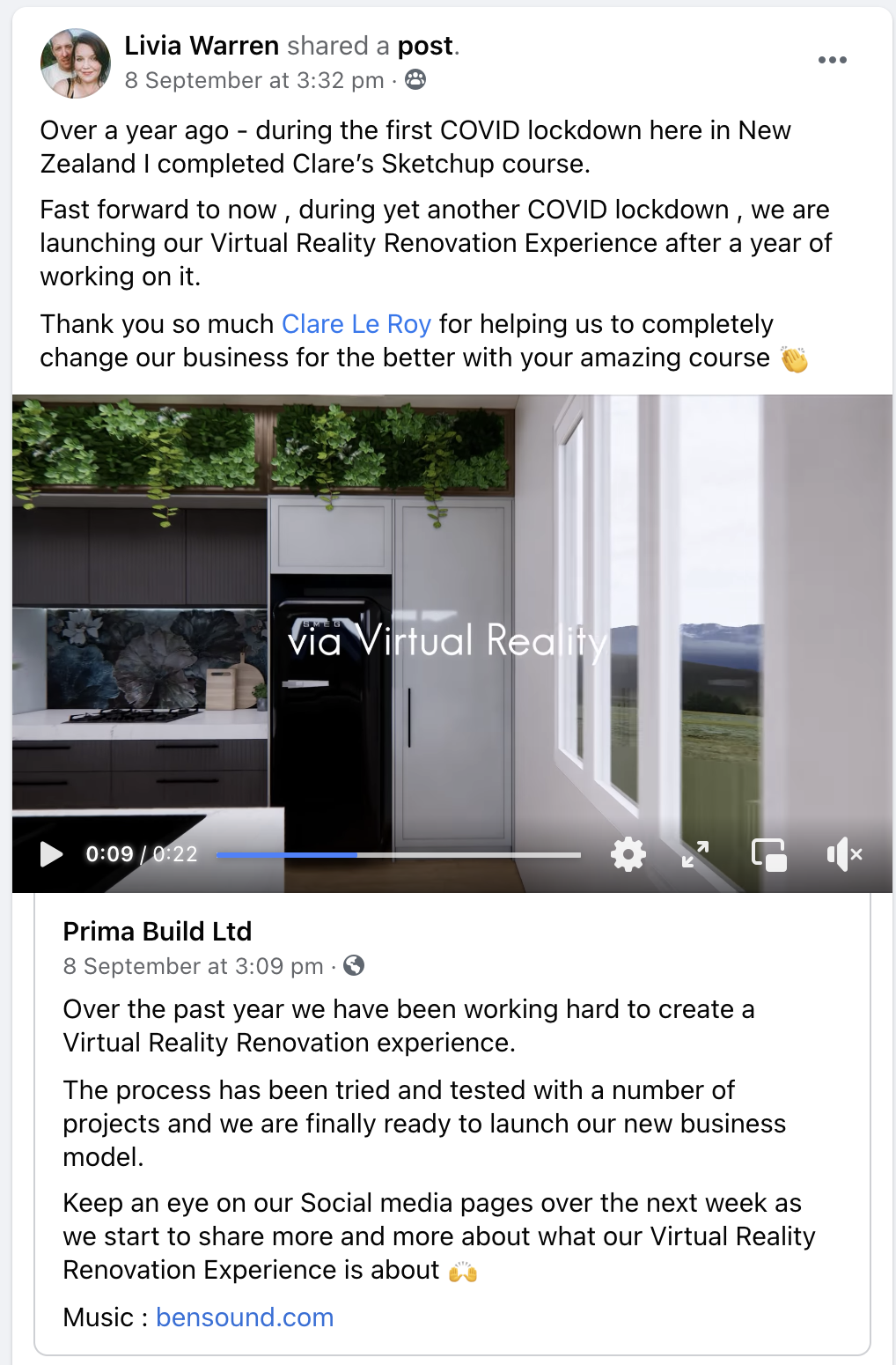
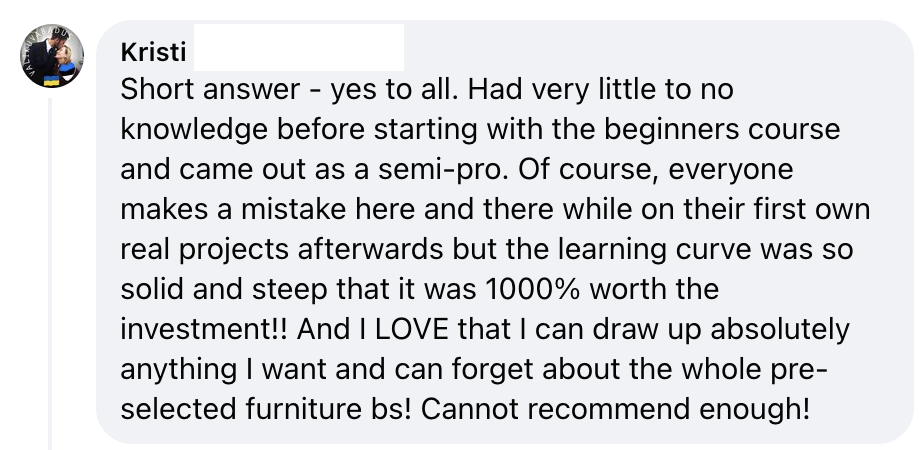
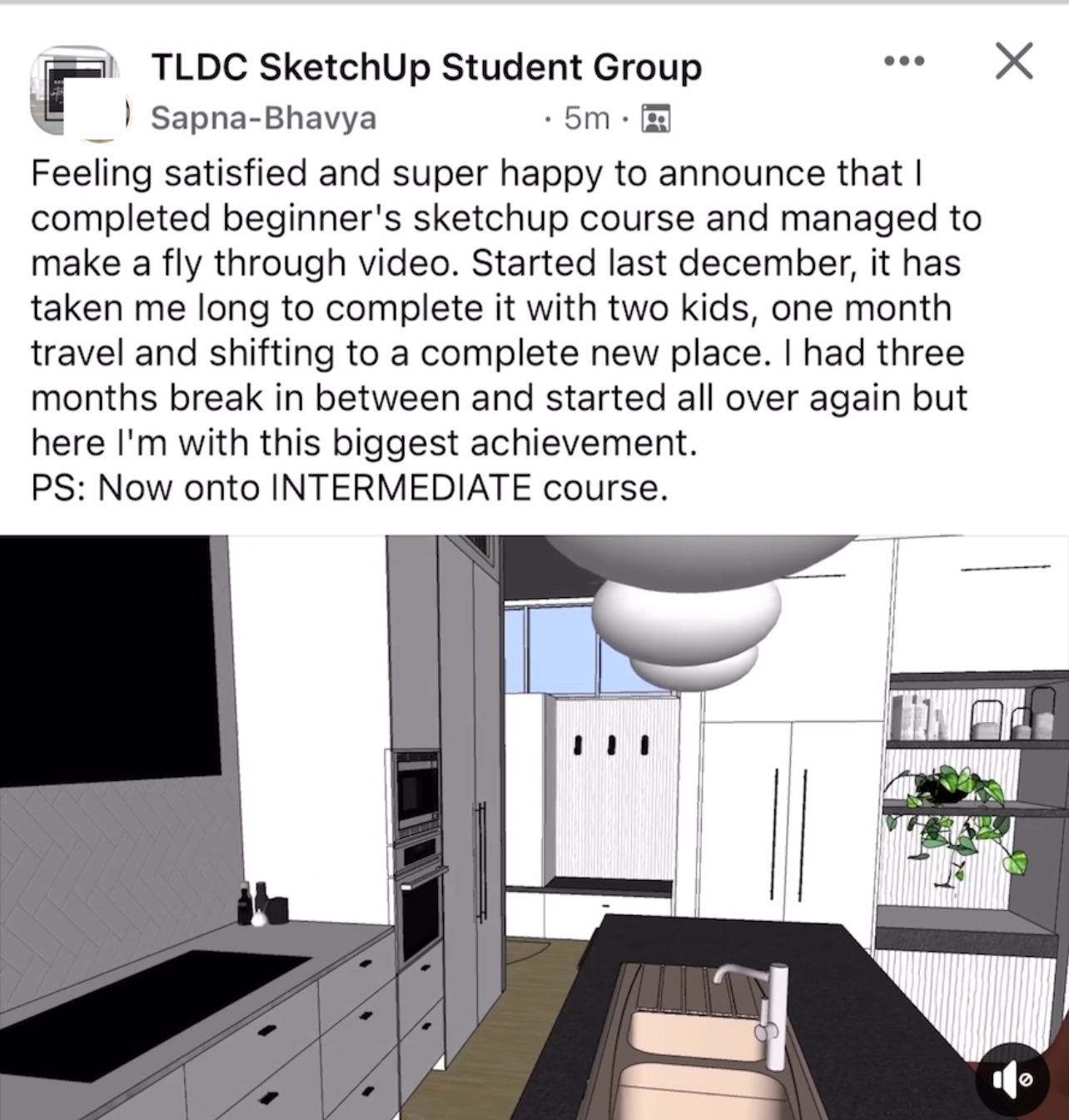
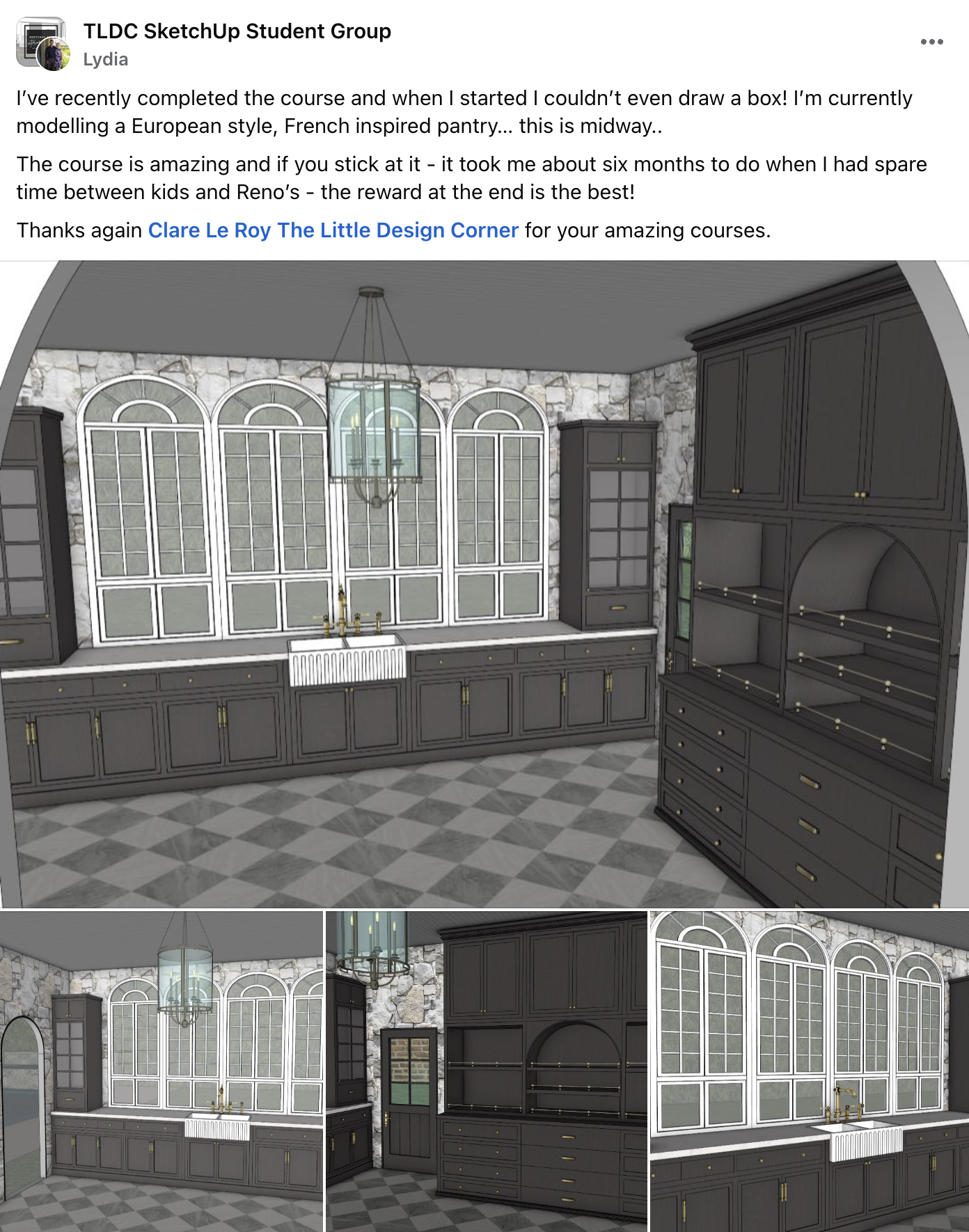
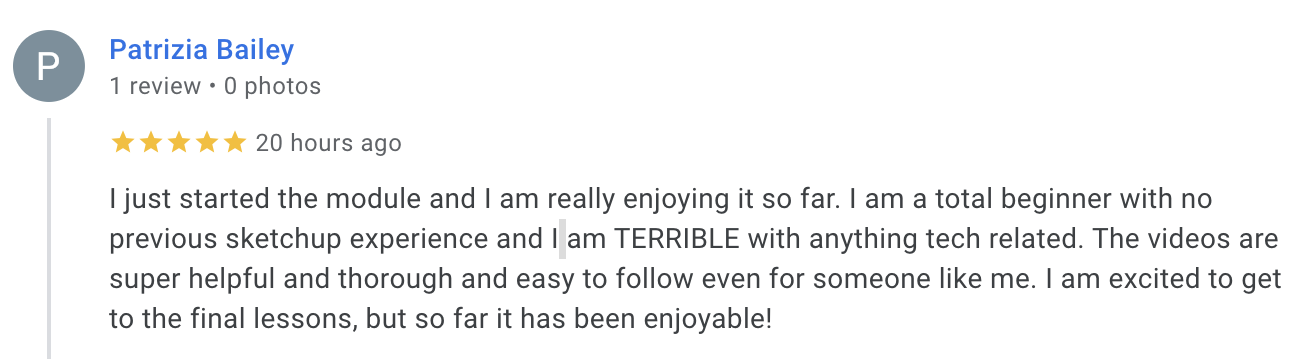
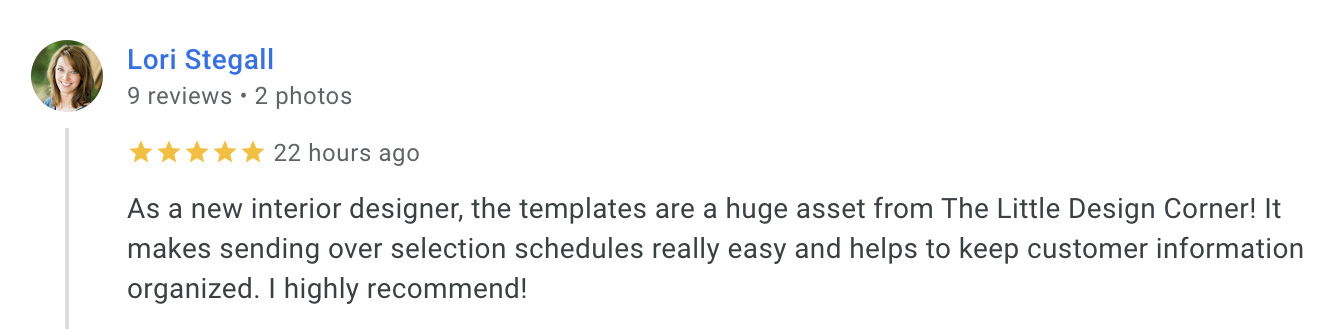
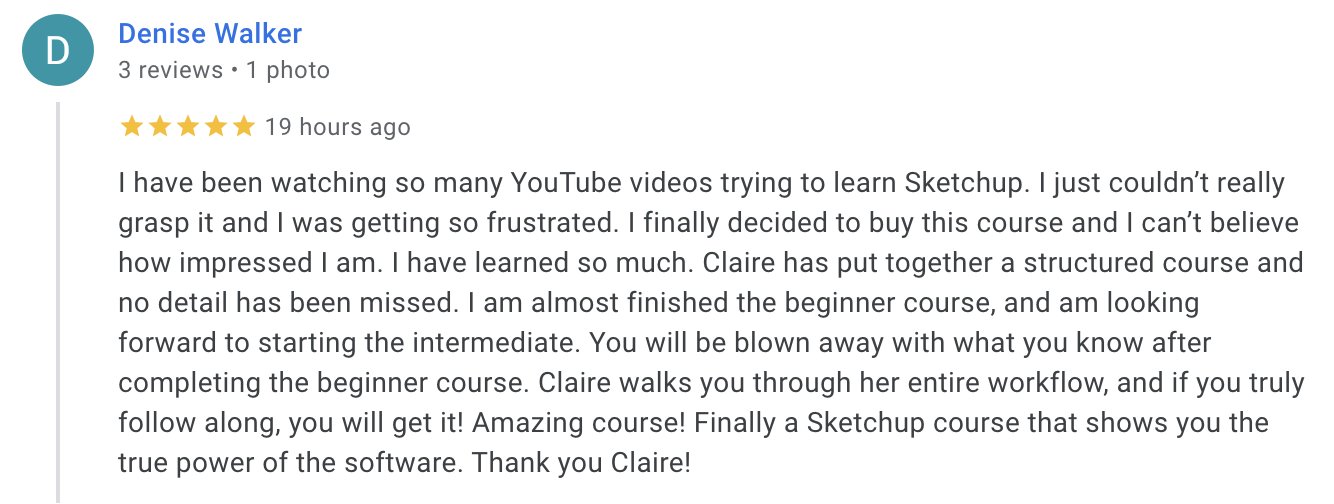
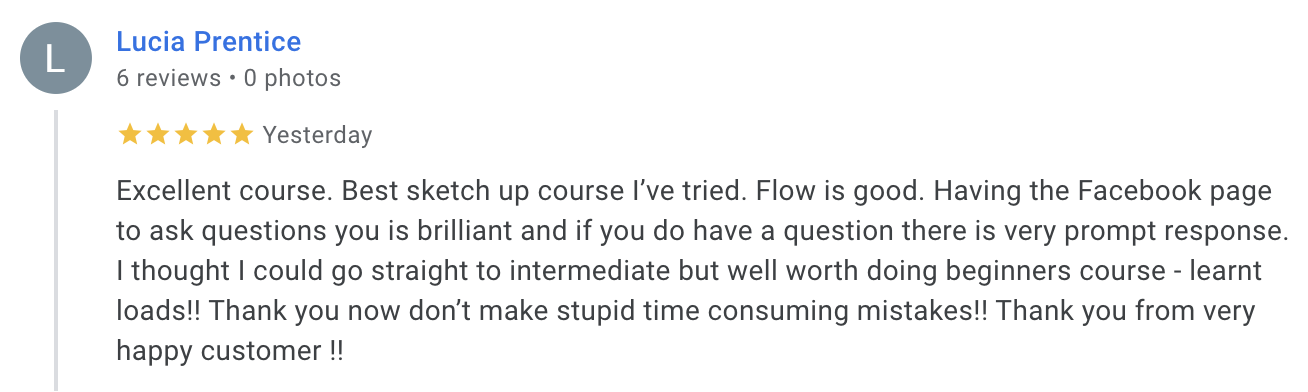
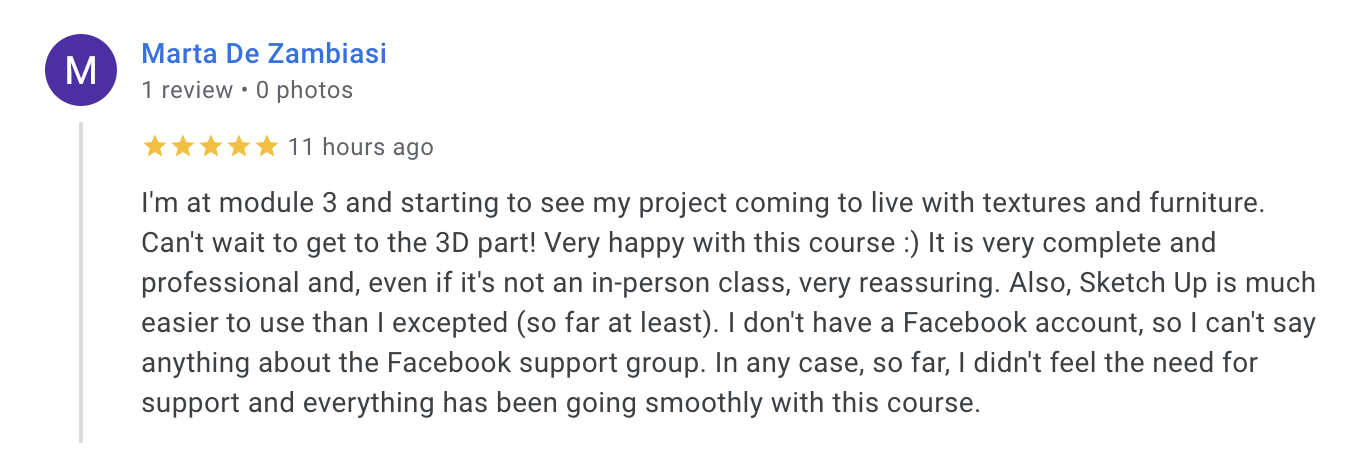
15,000+ design professionals have taken these courses
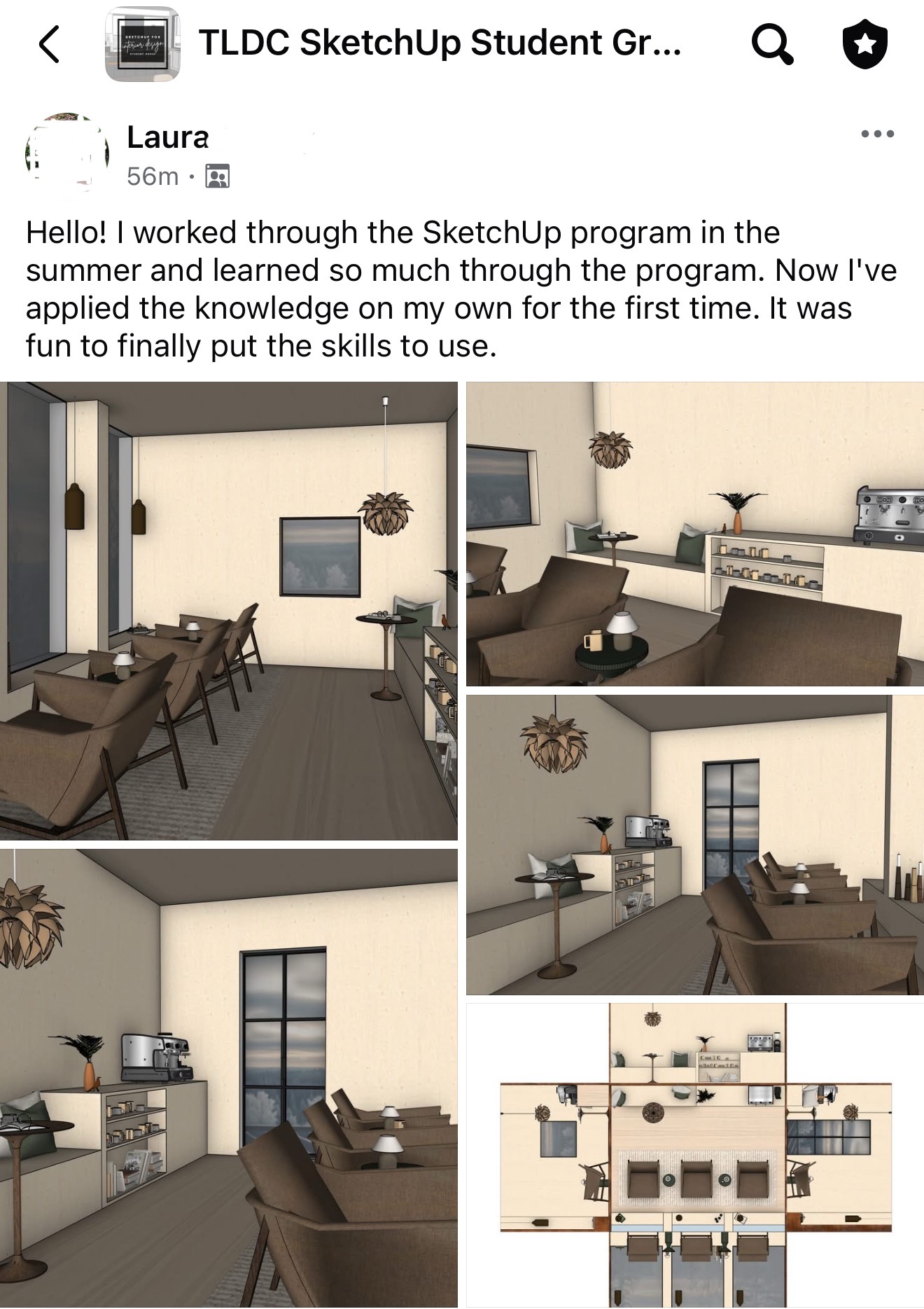
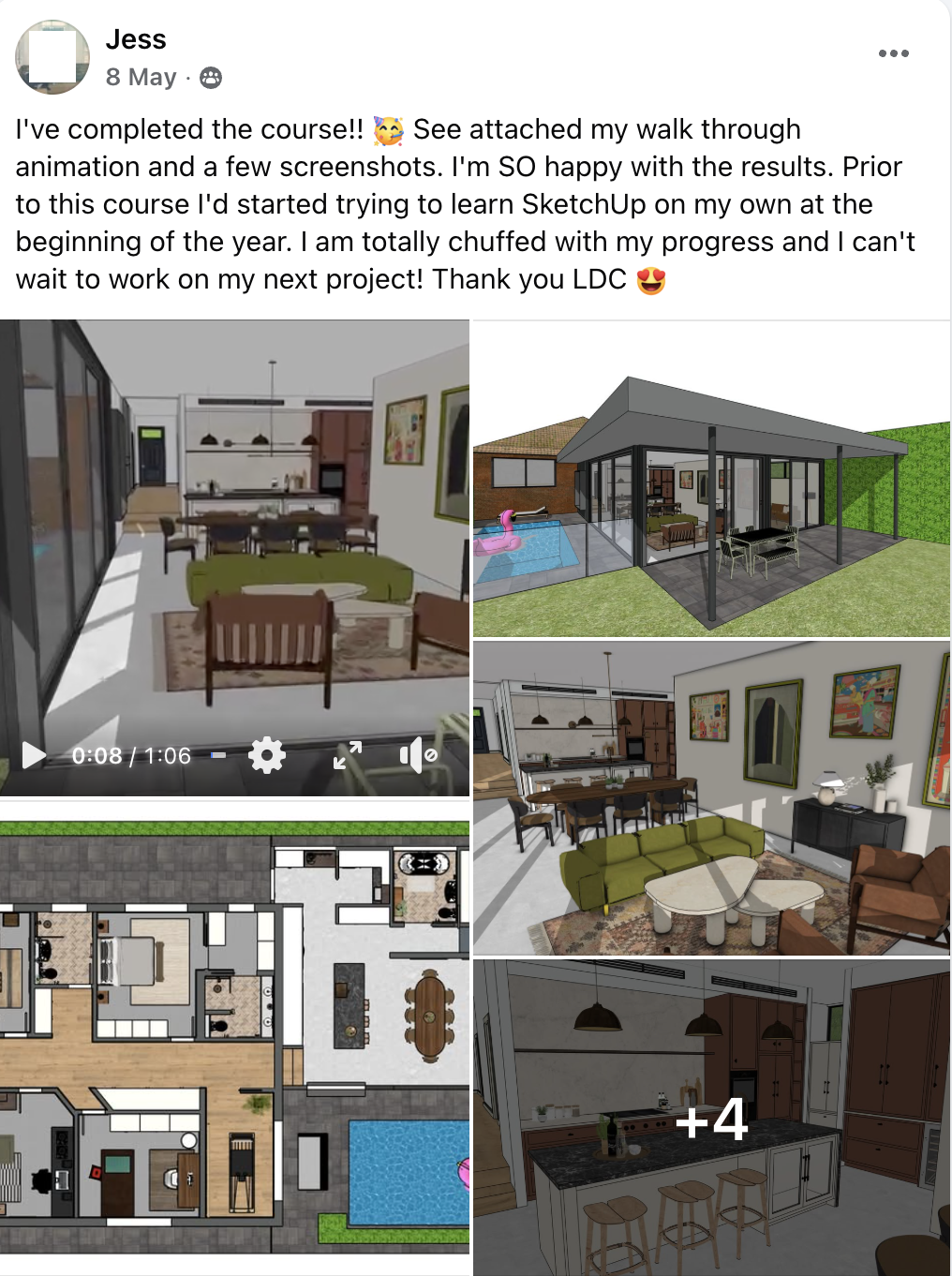






Learn SketchUp + Layout
Full Bundle Enrolment
ONE-TIME PURCHASE- SketchUp Beginners Course (for designing in 3D)
- SketchUp Intermediate Course (learn Layout for 2D drawings)
- Bonus trainings + Layout templates ($732 value)
- Lifetime access + all future updates
- 1:1 email support + student community
- CPD certificate of completion
Your local currency will be shown at checkout.
20% discount is automatically applied at checkout.
Secure checkout · Apple Pay, PayPal, Card · Instant access
Stop guessing your way through SketchUp and start delivering drawings your clients and trades can actually build from.
"But surely AI will do all of this soon?"
I hear this from people every week. AI is decent at concept imagery but what it can't do is hand your contractor a set of drawings they can actually price and build from.
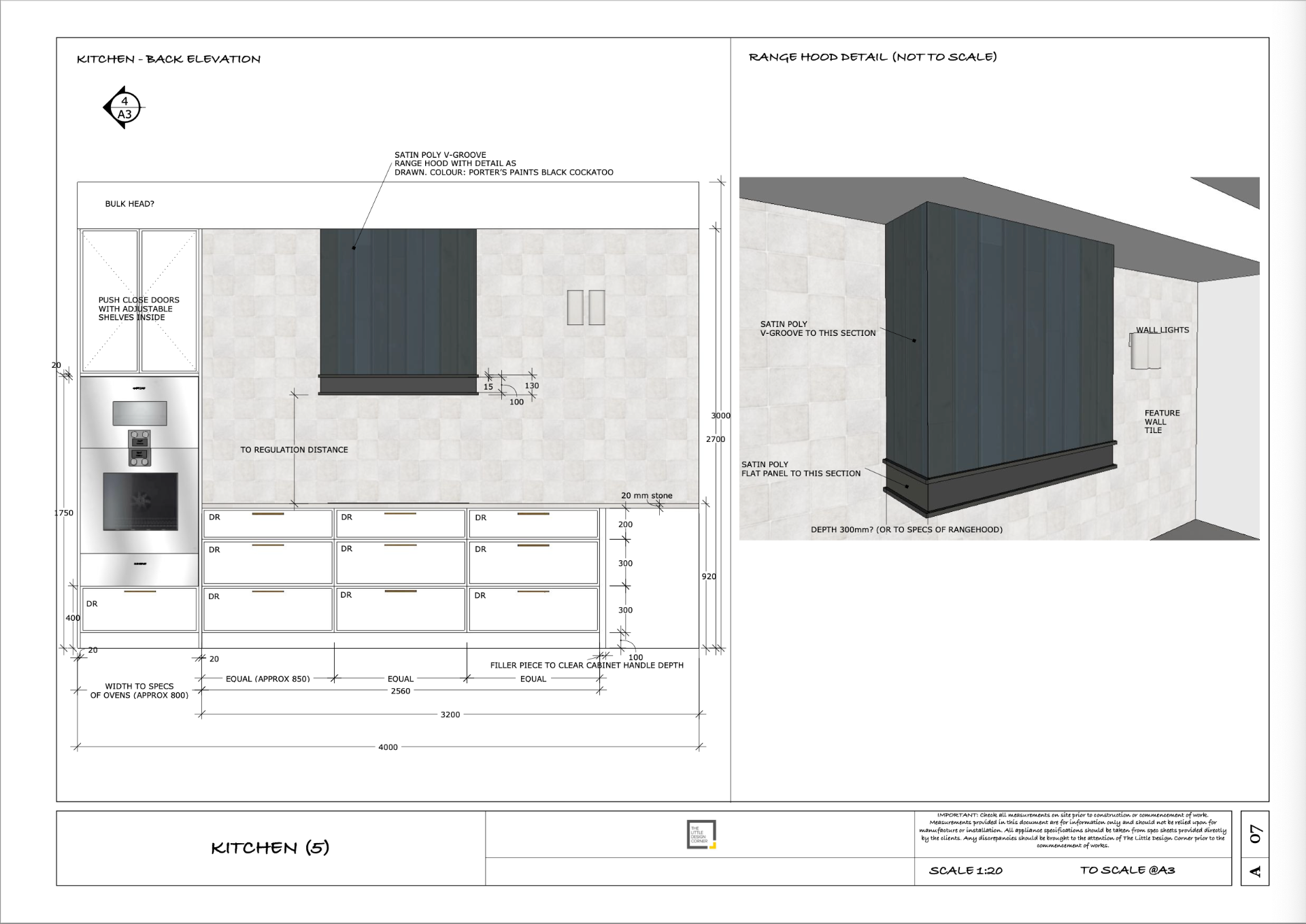
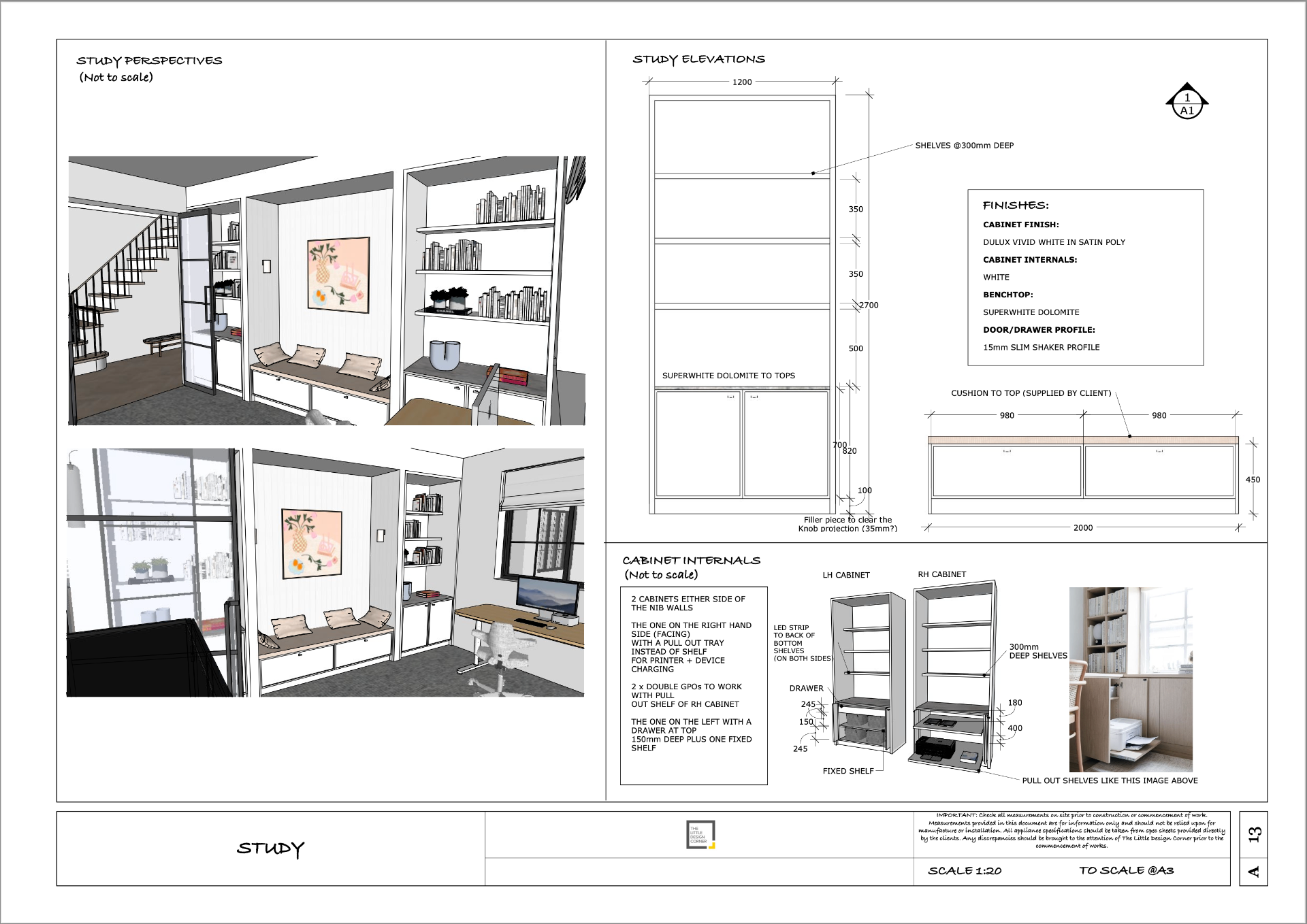
Real project deliverables are scaled, dimensioned and buildable. AI can't do this.
- Builders quote from drawings, not JPEGs.
A contractor needs a scaled floor plan, elevations and a joinery set, not an AI image.
- Dimensions have to be right.
SketchUp models are millimetre/inch accurate. Every trade on site works from your documentation.
- Real projects change constantly.
One SketchUp model updates every plan, elevation and 3D view. AI can't iterate a project.
- Studios still hire for this skill.
Job ads for interior designers still list SketchUp + Layout as an essential skill. That hasn't changed.
- The smartest workflow is both.
Model in SketchUp for the technical layer, then render with AI, Enscape or V-Ray for the pretty layer. I teach AI rendering in a separate course if you're interested in that.
I've taught 15,000+ happy students
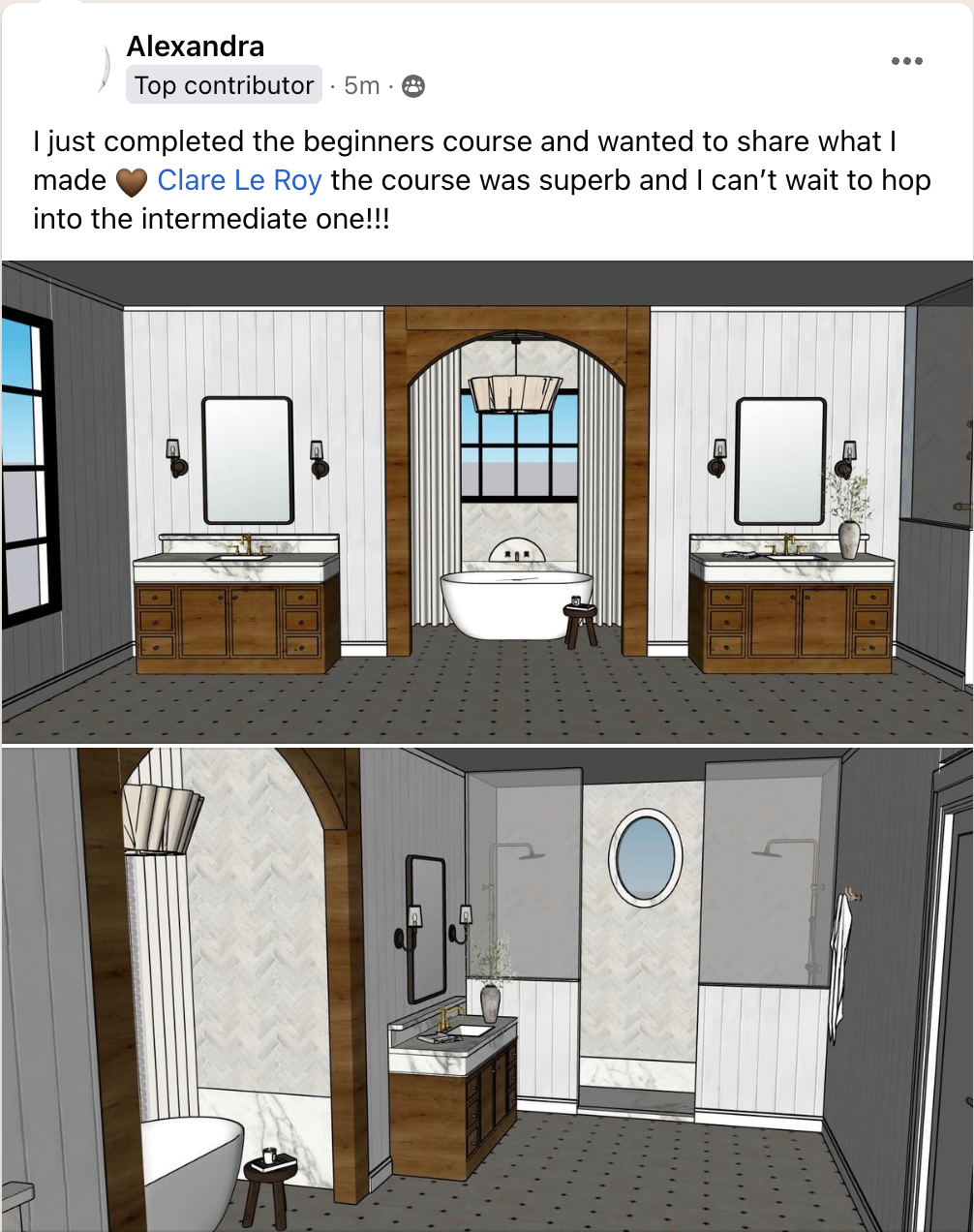
This is what you'll be able to do by the end of the beginners course
Good to know
A few things you might be wondering...
- One time purchase, no subscription, no ongoing fees
- Includes a certificate of completion suitable for self-reported professional development (CPD)
- Tax deductible as a business expense (check with your accountant)
- Lifetime access
- Taught by a PhD qualified educator who has been working in the A&D industry for 12+ years
- Works across desktop, tablet and mobile on both MAC and PC/Windows
- Completely up to date for the latest version of SketchUp (2026)
- Works in all countries
- Backed by our support team if you get stuck
- Delivered instantly
Frequently Asked Questions
How long do the courses typically take to complete?
This really depends on how quickly you work through it and how much time you've got to put towards it. Some students get through the courses in a few days if they can put full time effort into it, but most students tend to take around a month or so around work/life/family commitments.
I'm not tech-savvy. Will this really work for me?
Yes!! The Beginners course assumes you've never opened SketchUp before. I screen record every step and give you the exact files to work along with. Many of my students describe themselves as 'not techy' before they start.
Do I need a Mac or PC?
Either works and SketchUp runs on both. Students are probably 50% on Mac and 50% on PC so work with whatever you're used to. There's also a bonus iPad module included if that's of interest.
Is this the free or paid version of SketchUp?
You will need SketchUp Pro (which comes with Layout included for free). This is the professional version studios use to produce scaled documentation. Most of my students start with the 7 day free trial of SketchUp Pro and upgrade from there. This is what I would recommend so you can start the course without paying for the software first.
How long do I have access?
You have lifetime access. Access to every future update to the courses is also included at no extra cost.
Won't AI make this obsolete soon?
No. AI is OK for concept stuff, but it can't produce the scaled, dimensioned, buildable drawings your trades and clients need. SketchUp is exactly the layer AI can't replace and it's what clients still hire for.
Is it CPD accredited?
You'll get a certificate of completion suitable for self-reported professional development (CPD) points once you finish the course.
Can I pay in instalments?
No we don't offer payment plans sorry.
Can I buy the courses separately?
Yes. The Beginners and Intermediate (Layout) courses are available separately on my main site. But most designers get better value from the bundle because it teaches the complete workflow, from building the 3D model through to producing scaled drawings and documentation. If you only need one part of the process, you can view the individual course options HERE.
Learn SketchUp and produce drawings you're proud to send.
Take a client's brief and hand over a complete, professional drawing set. That's what you'll learn in my courses.